








Asuni · Authorized Reseller
BIM inside
Rhino.
BIM inside Rhino: smart architectural objects, floor plans and sections that update themselves, and IFC for collaborating with any team.
from 55,00 € + VAT · Invoice with Greek VAT
 Image: Asuni / VisualARQ
Parametric objects
Walls, windows,
stairs. Smart.
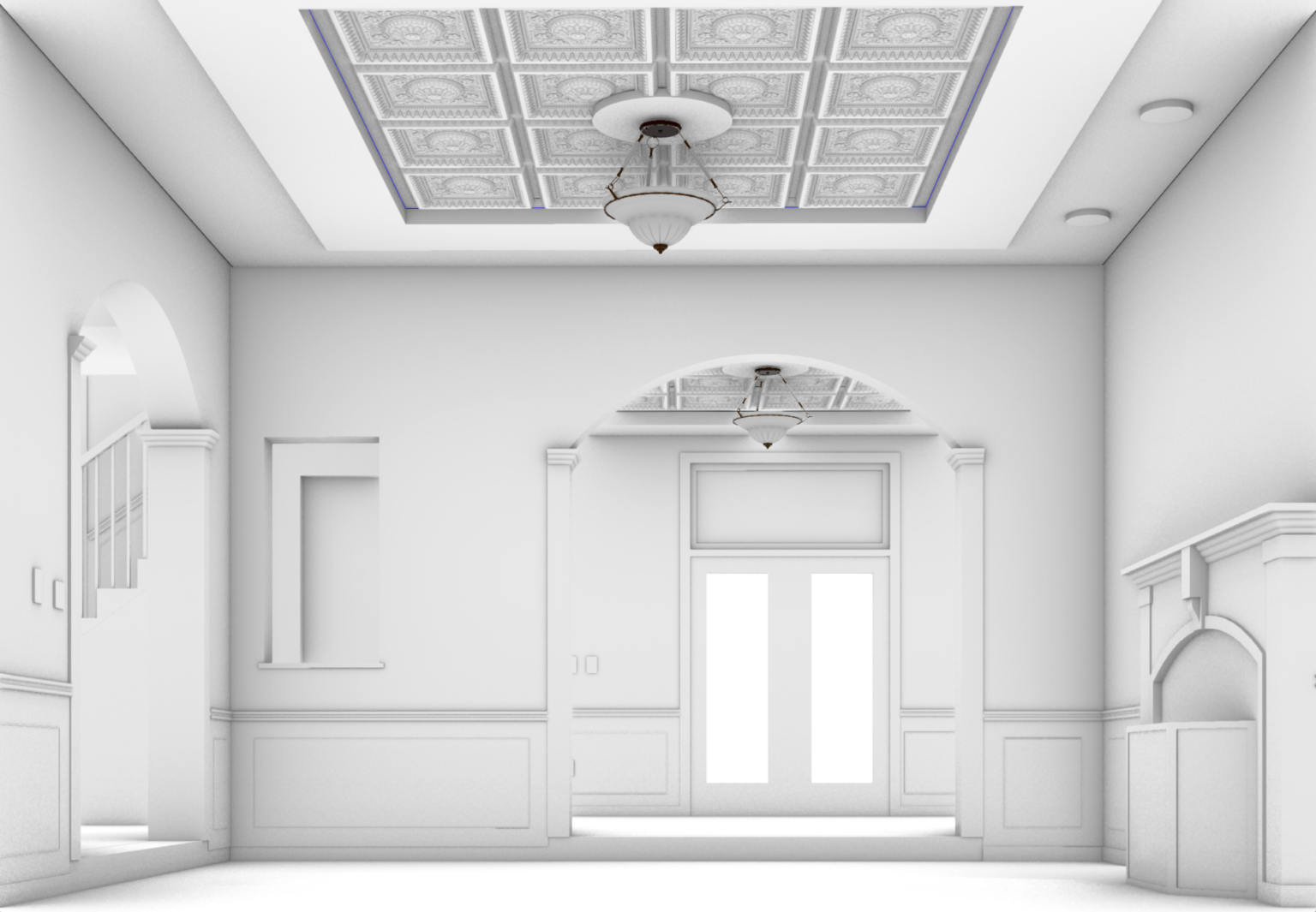
Multi-layer walls, curtain walls, doors, windows, beams, columns, stairs and slabs, with styles you can edit.
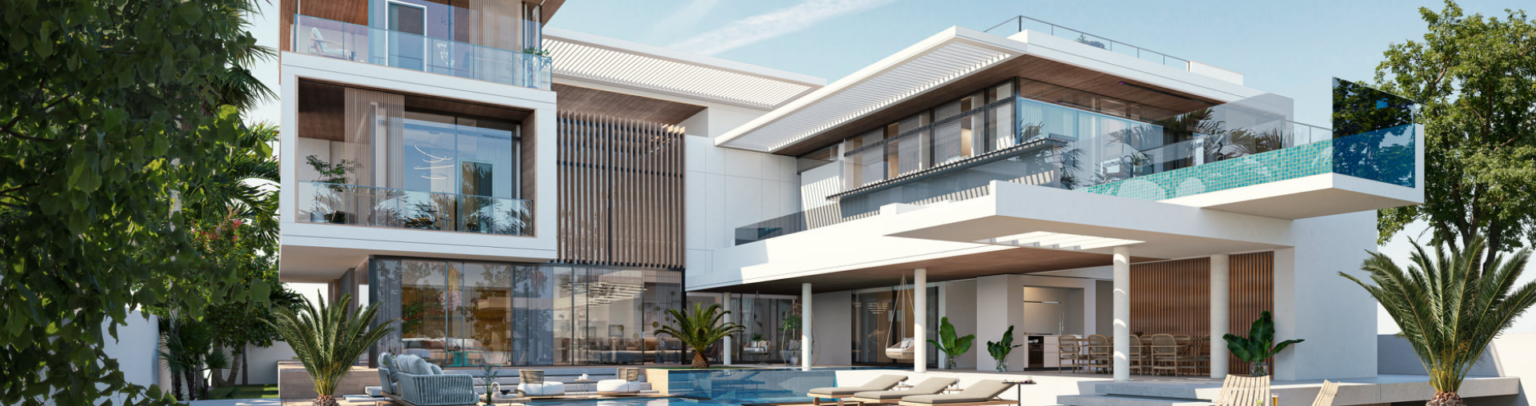 Image: Asuni / VisualARQ
Dynamic documentation
Change the model,
the drawings update.
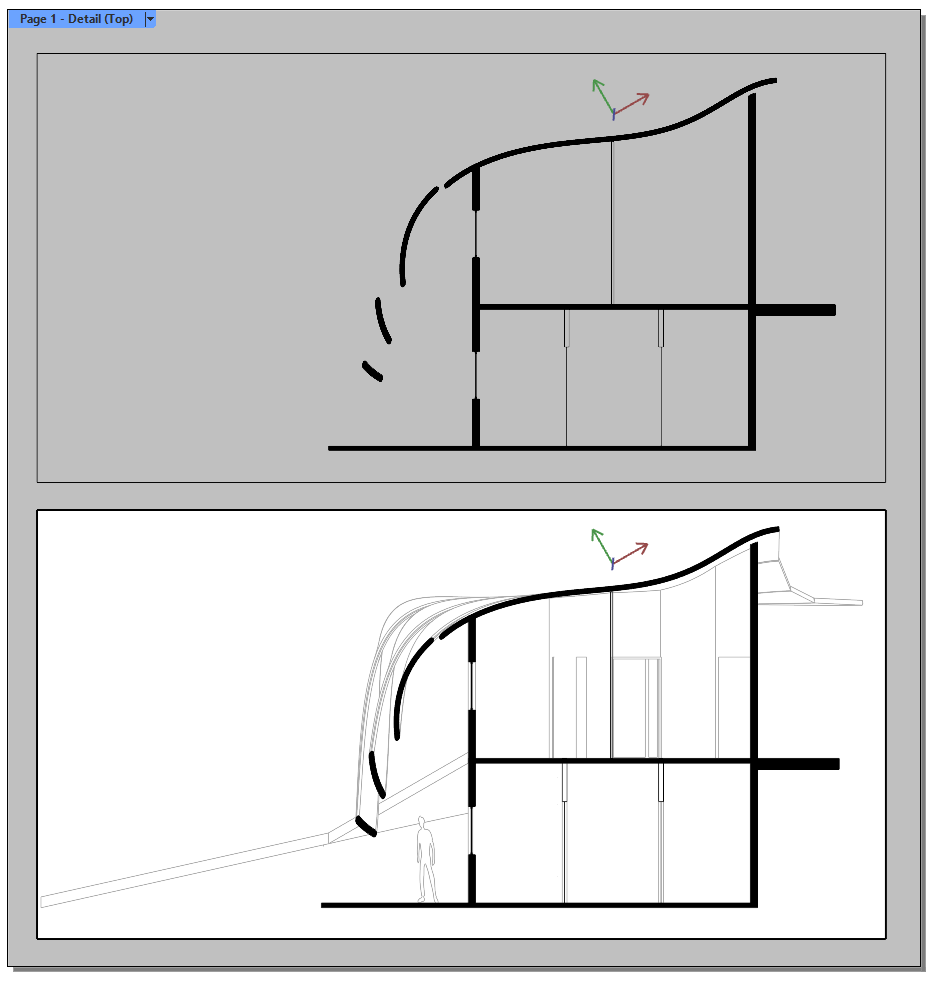
Floor plans, sections, quantity takeoffs, labels and dimensions linked to the 3D model.
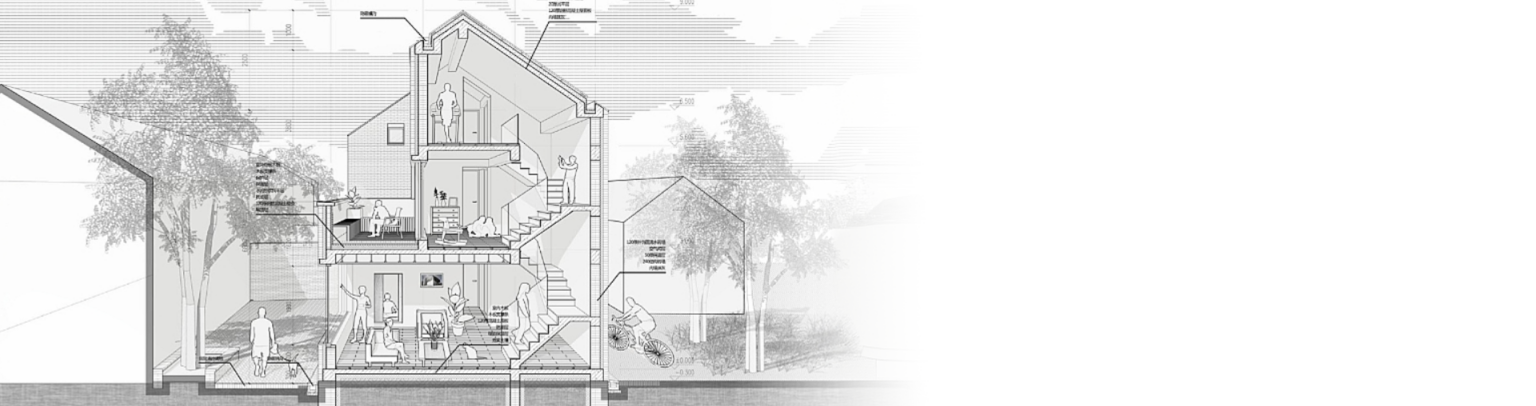 Image: Asuni / VisualARQ
Grasshopper
The freedom of Rhino
with the logic of BIM.
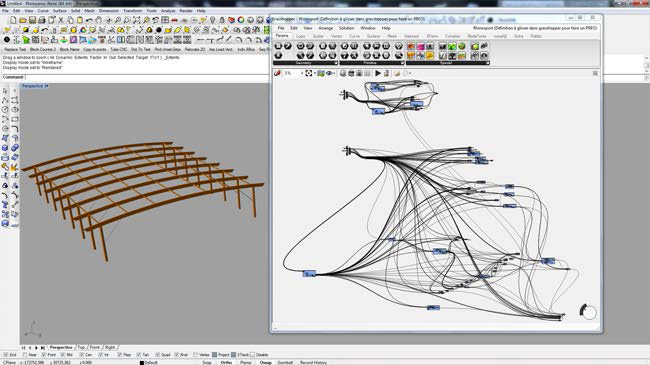
Grasshopper styles for walls, curtain walls, slabs and roofs, and curtain walls from surfaces.
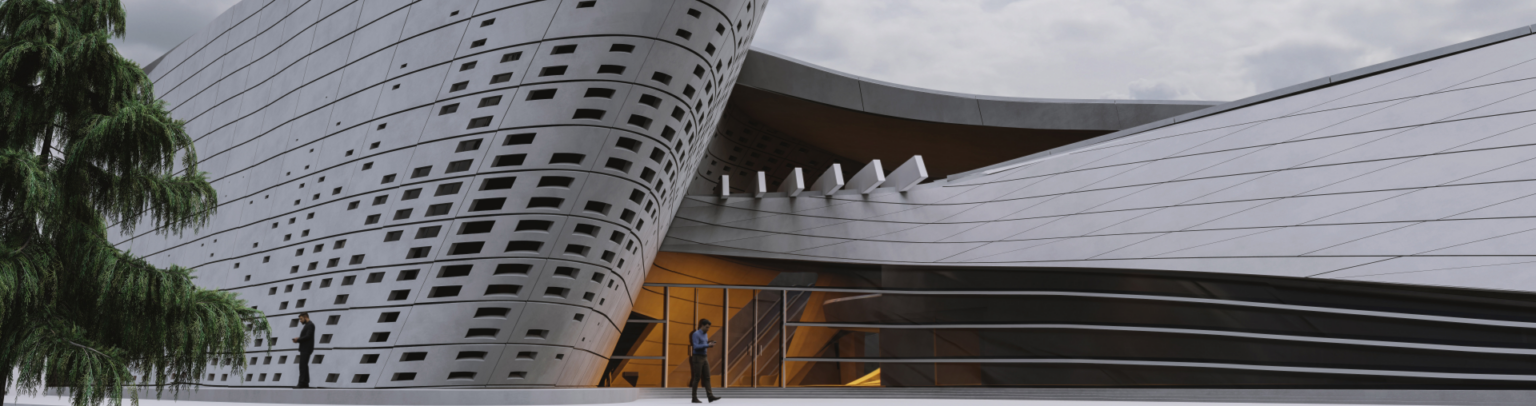 Image: Asuni / VisualARQ
New in VisualARQ 3
Clash detection
and levels.
Detects clashes between groups of objects and organizes the project into levels and buildings.
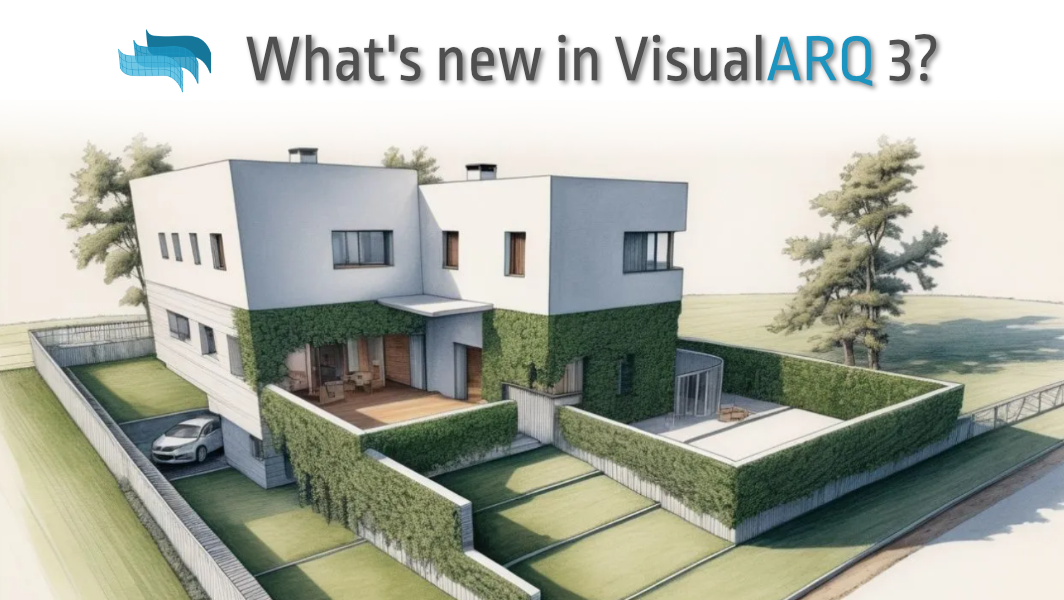 Image: Asuni / VisualARQ
What is VisualARQ
The freedom of Rhino.
The organization of BIM.
VisualARQ is a BIM plugin for Rhino by Asuni. It adds smart architectural objects, IFC compatibility, dynamic documentation, clash detection and teamwork, without giving up Rhino’s free-form modeling and Grasshopper. It’s built for architects who want to complete the entire project inside Rhino.
Who it's for
VisualARQ
BIM without
limits on form.
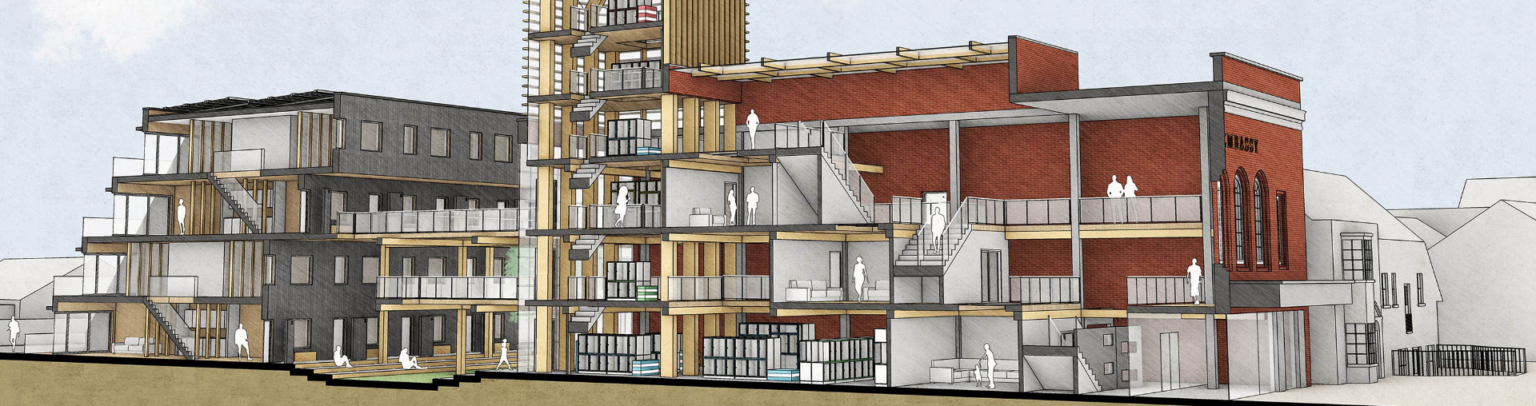
Free forms, organized documentation.
Smart architectural objects inside Rhino, with IFC for collaborating with any team.
How you work with VisualARQ
From the model
to BIM.
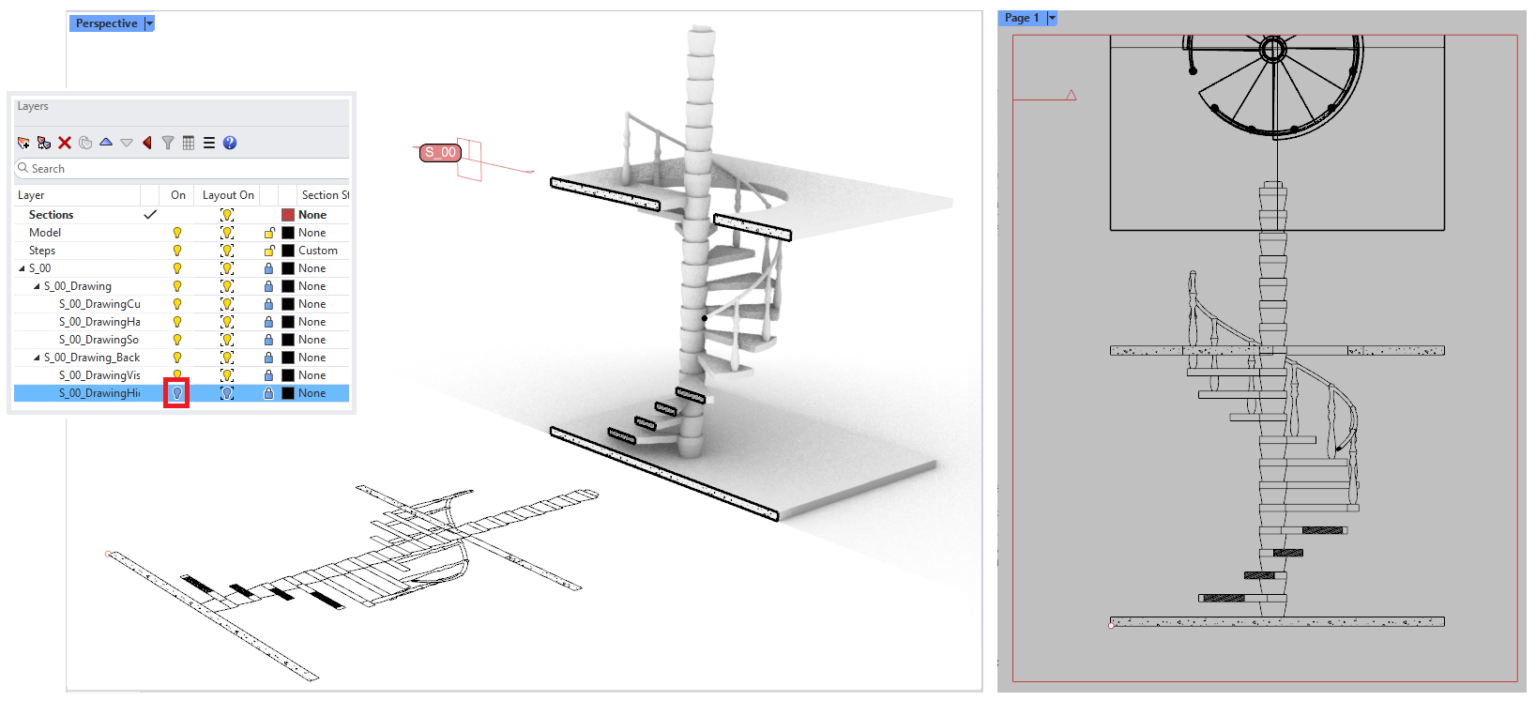 01
01Build with objects.
Walls, windows, stairs and slabs that «know» what they are.
 02
02Organize your project.
Levels, sections, profiles and templates from the start.
 03
03Produce drawings that update.
Floor plans, sections and quantity takeoffs linked to the model.
 04
04Parametric with Grasshopper.
Your own parametric objects with Grasshopper Player.
05Collaborate with IFC.
IFC 2×3, IFC 4 and 4.3 import and export, with NURBS geometry.
Features
From the model
to drawings, automatically.
 01
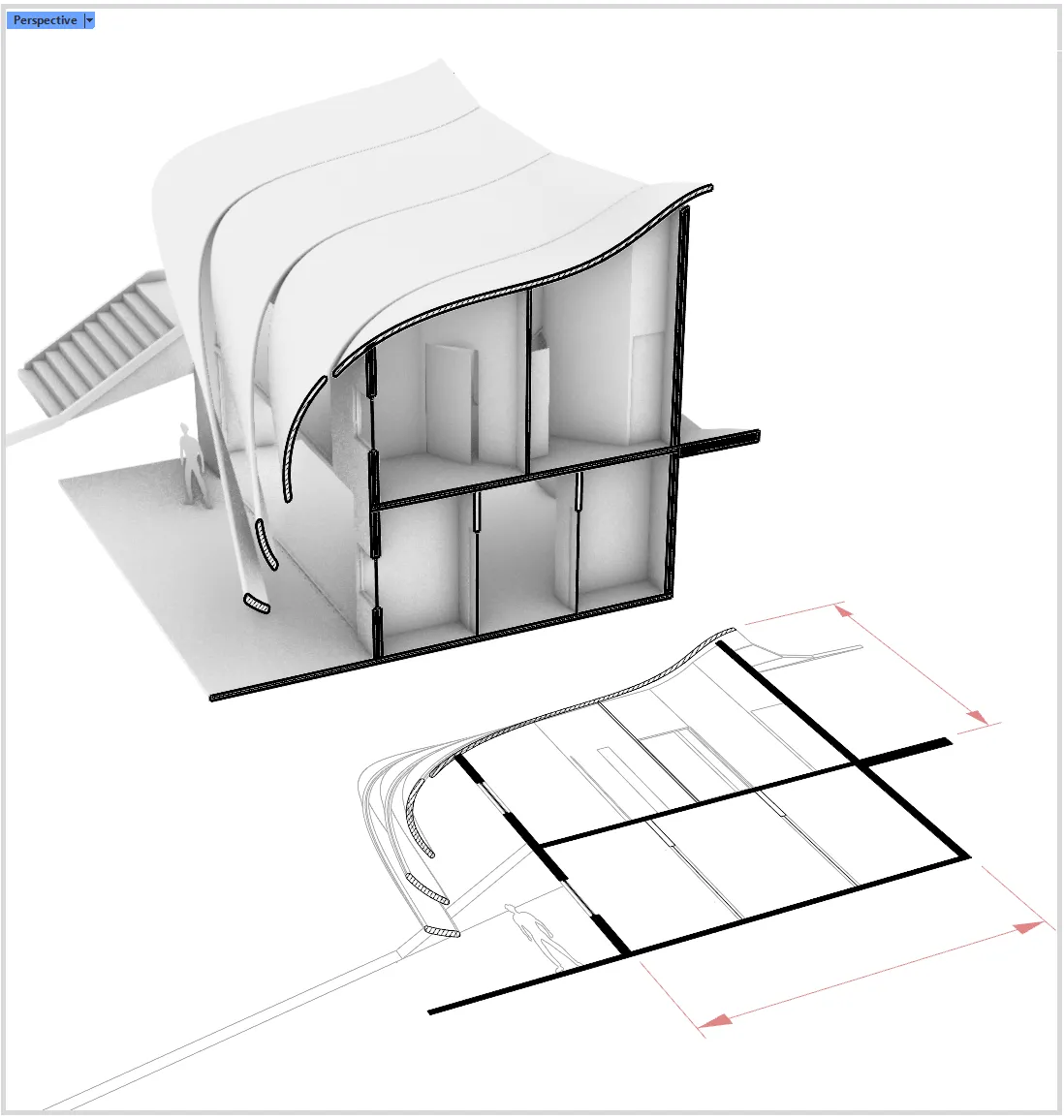
01Parametric objects
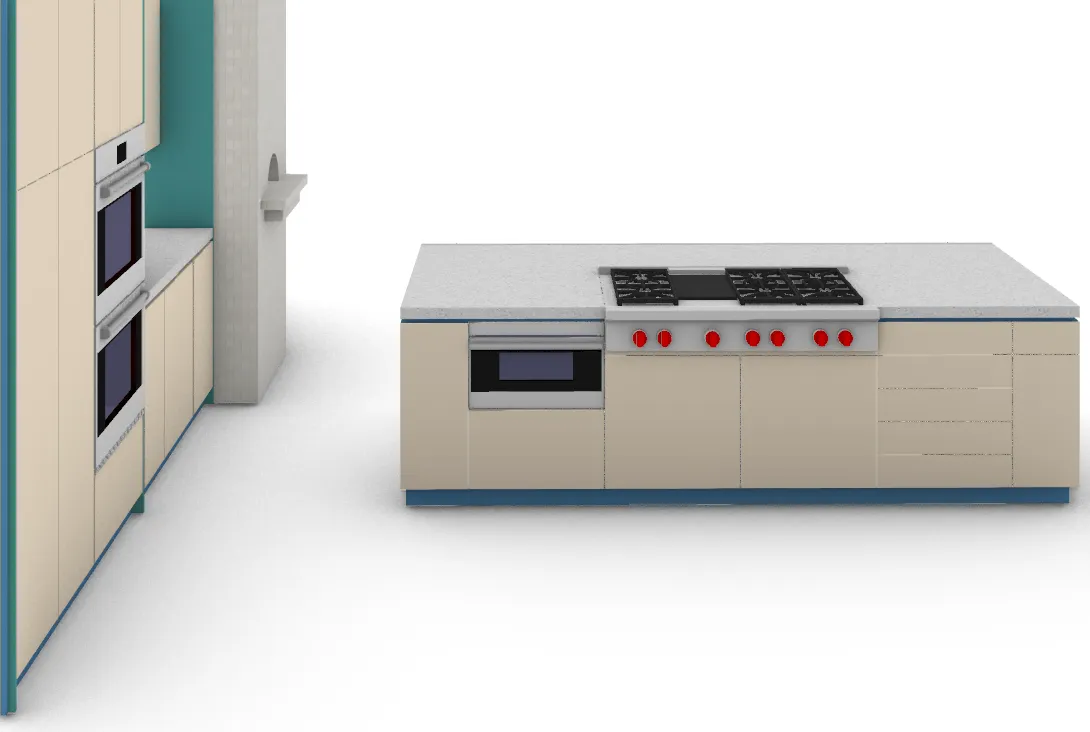
Multi-layer walls, curtain walls, doors, windows, beams, columns, stairs, railings and slabs, with styles you can edit.
 02
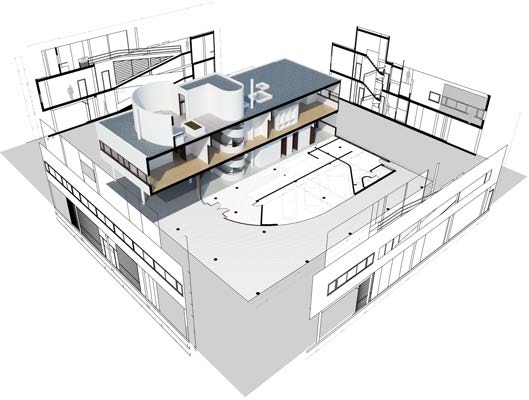
02Dynamic documentation
Floor plans, sections, quantity takeoffs, labels and dimensions linked to the 3D model. Change the model, and the drawings update.
 03
03IFC
IFC 2×3 and IFC 4 import and export for exchange with other BIM software.
04Grasshopper
VisualARQ components, Grasshopper styles, and Grasshopper Player for your own parametric objects.
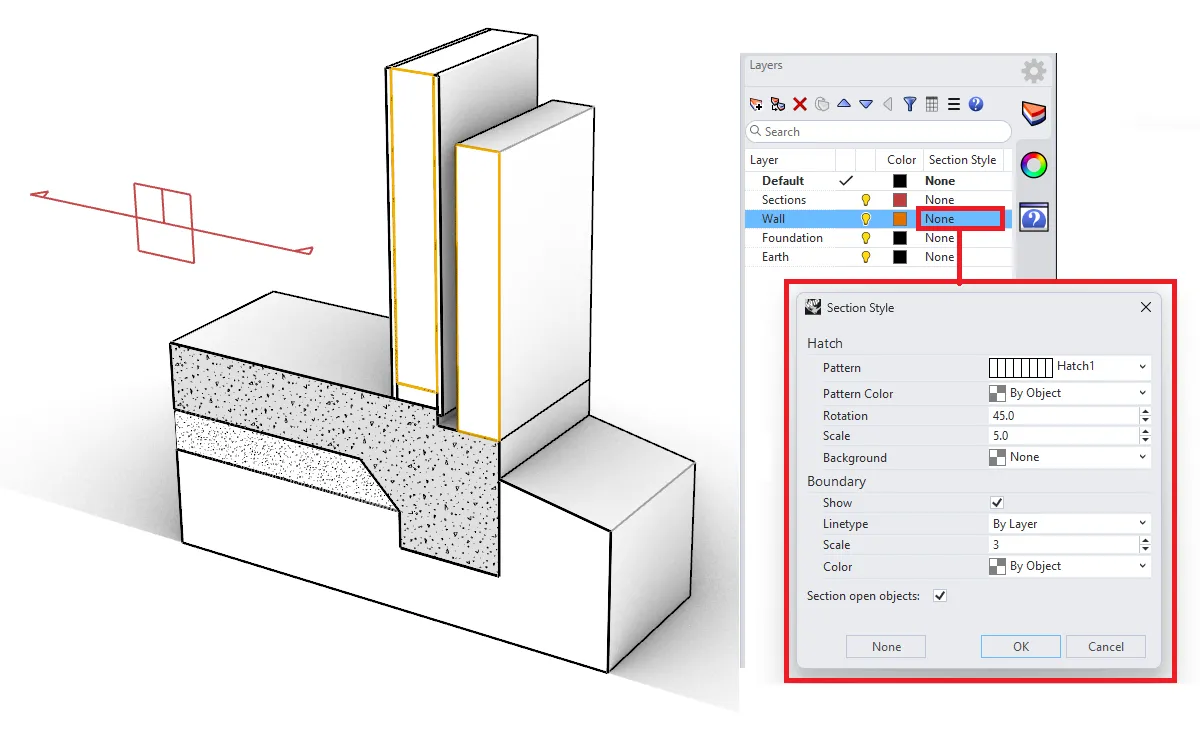
05Project management
Levels, sections, profiles and templates for well-organized projects from the start.
 06
06Teamwork
External references and shared styles, so more people can work on the same project.
What’s new · VisualARQ 3
More BIM.
Less manual work.
A new panel that detects clashes and clearances between two groups of objects.
Objects are linked to levels and sublevels, with buildings that have boundaries.
Import and export, including NURBS geometry.
Dynamic quantity takeoff tables you can edit in both directions.
Walls, curtain walls, slabs and roofs defined in Grasshopper. Curtain walls from surfaces, too.
Reflected ceiling plans and sheet layout export to DWG.
Version 3 was released in September 2024, with more than 1,000 improvements since version 2.13.
Compatibility
On Rhino,
open to everyone.
Works with
VisualARQ works only in Rhino for Windows. There is no Mac version.
System requirements
Windows
- Same requirements as Rhino 7 or Rhino 8 for Windows
- Windows 11 or 10, 64-bit
- 8 GB RAM or more
- OpenGL 4.5 graphics card, 4 GB of memory recommended
Licenses
Choose the license
that suits you.
Official licenses with Greek invoicing. Prices excl. VAT.
Includes updates within the version, with no maintenance fees.
For students and educators, plus a license for up to 30 computers for schools.
For owners of an earlier version of VisualARQ.
Training
Learn Rhino 3D
with certification.
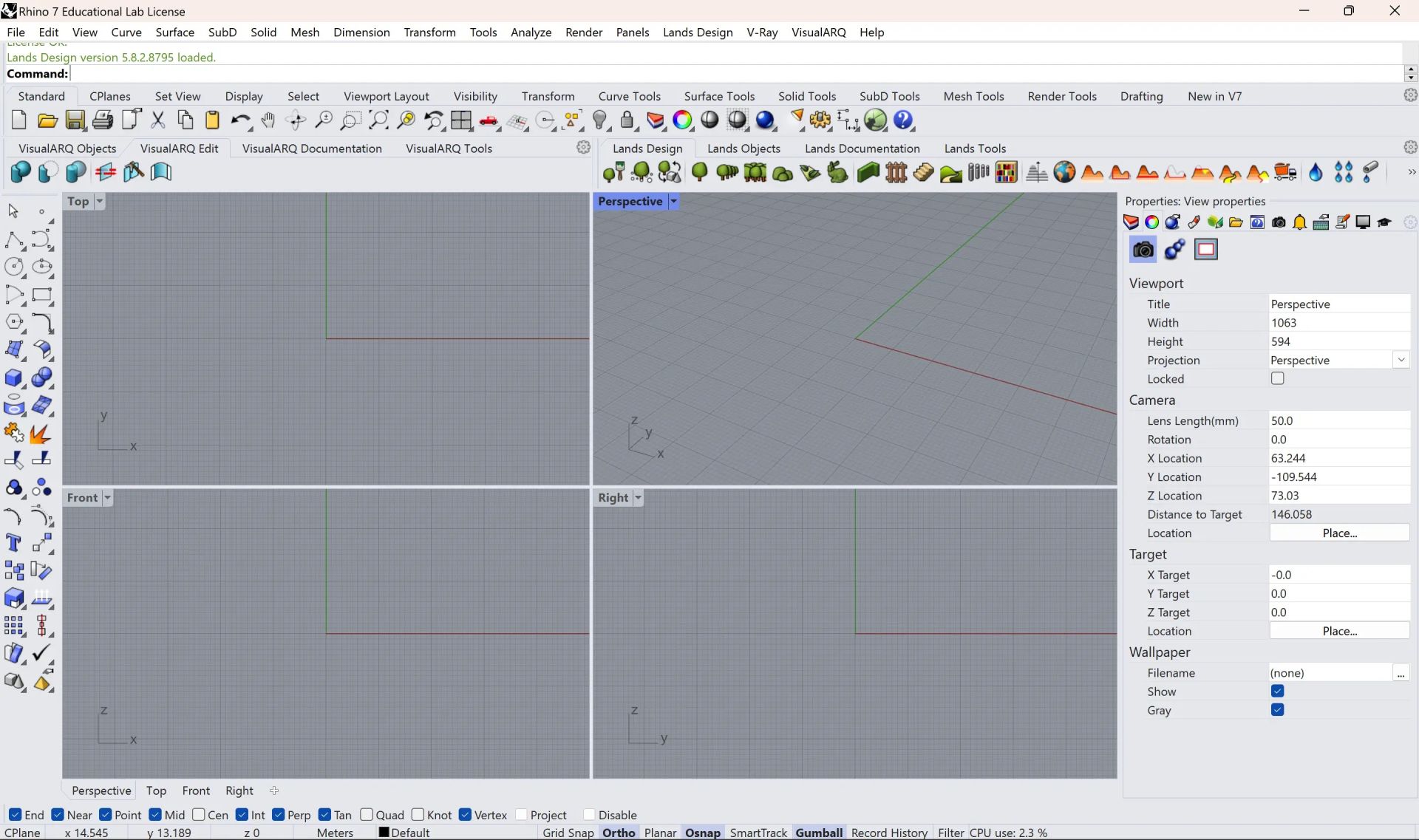
2D and 3D modeling for architecture and design, from the basics to a professional level. Available as E-Learning and Teams Class, from 245,00 €.
Workstation
We recommend
CAD Essential.
The category CAD Essential are the computers we’ve selected for 2D/3D design and modeling with VisualARQ 3: 16 to 32 GB of memory and an NVIDIA RTX graphics card, so your model moves smoothly on screen. In the store you’ll find them marked «Suitable for», all with warranty and technical support.
Frequently asked questions
Before you buy.
Does it work on Mac?
No. VisualARQ works only in Rhino for Windows.
Can I exchange files with Revit or Archicad?
Yes, through IFC import and export.
Can I install it on two computers?
Yes, but it runs on one computer at a time.
How do I receive the license?
The license is digital. Once your order is complete, you receive the activation details by email.
Do you issue invoices?
Yes. We issue an invoice or receipt with Greek VAT. Prices on this page exclude VAT.
Who is eligible for an educational license?
Students, educators and educational institutions, with the documentation required by the manufacturer.
Do I get the software with Teams courses?
Yes. In Teams courses, the software is provided for the full duration of the course.
And with E-Learning courses?
The software license is not included in E-Learning. For practice you use the manufacturer's trial version, in line with its policy. You get your license at the official price from the our store.
Do I need help with installation?
We help you with activation and installation. Contact us for technical support.
Tell us what you design.
We'll suggest the combination that gets the job done.