







Installation guide · Twinmotion
Free download
and installation.
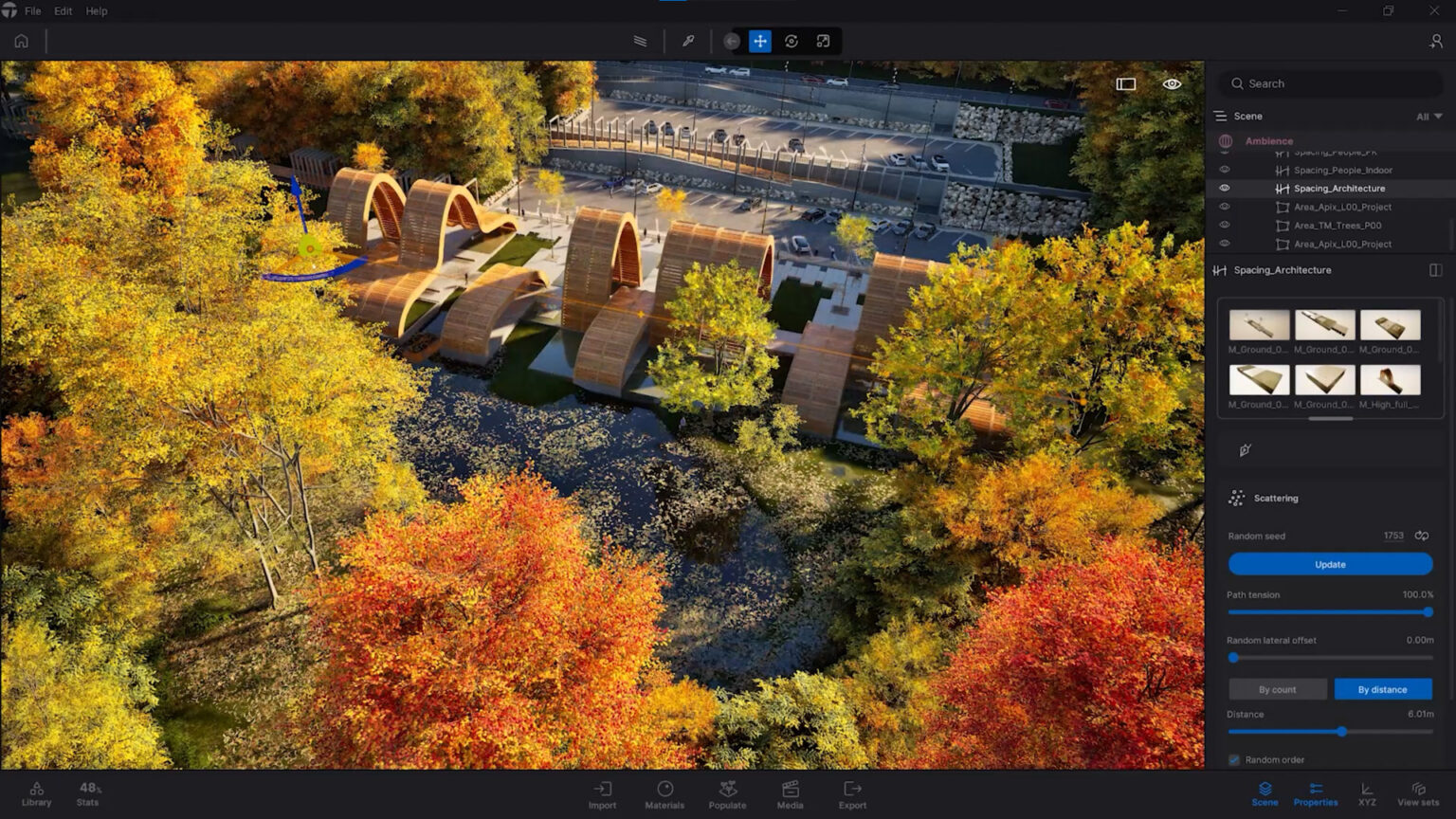
Download Twinmotion in three simple steps, through the Epic Games Launcher.
Free for students, educators and companies with revenue under $1 million
 © Epic Games
Before you start
What you need.
* With a 10 Mbps connection. With a faster connection, the download finishes sooner. Full requirements at Epic Games ›
Step by step
Three steps
and you're ready.
 © Epic Games
Open the Epic Games Launcher.
Twinmotion is installed through the Epic Games Launcher. If you don't have it, download and install it. If you already have it, just open it.
 © Epic Games
Install Twinmotion.
Sign in or create a free Epic Games account. Go to the Twinmotion tab and click “Install” for the latest version.
 © Epic Games
Connect your design software.
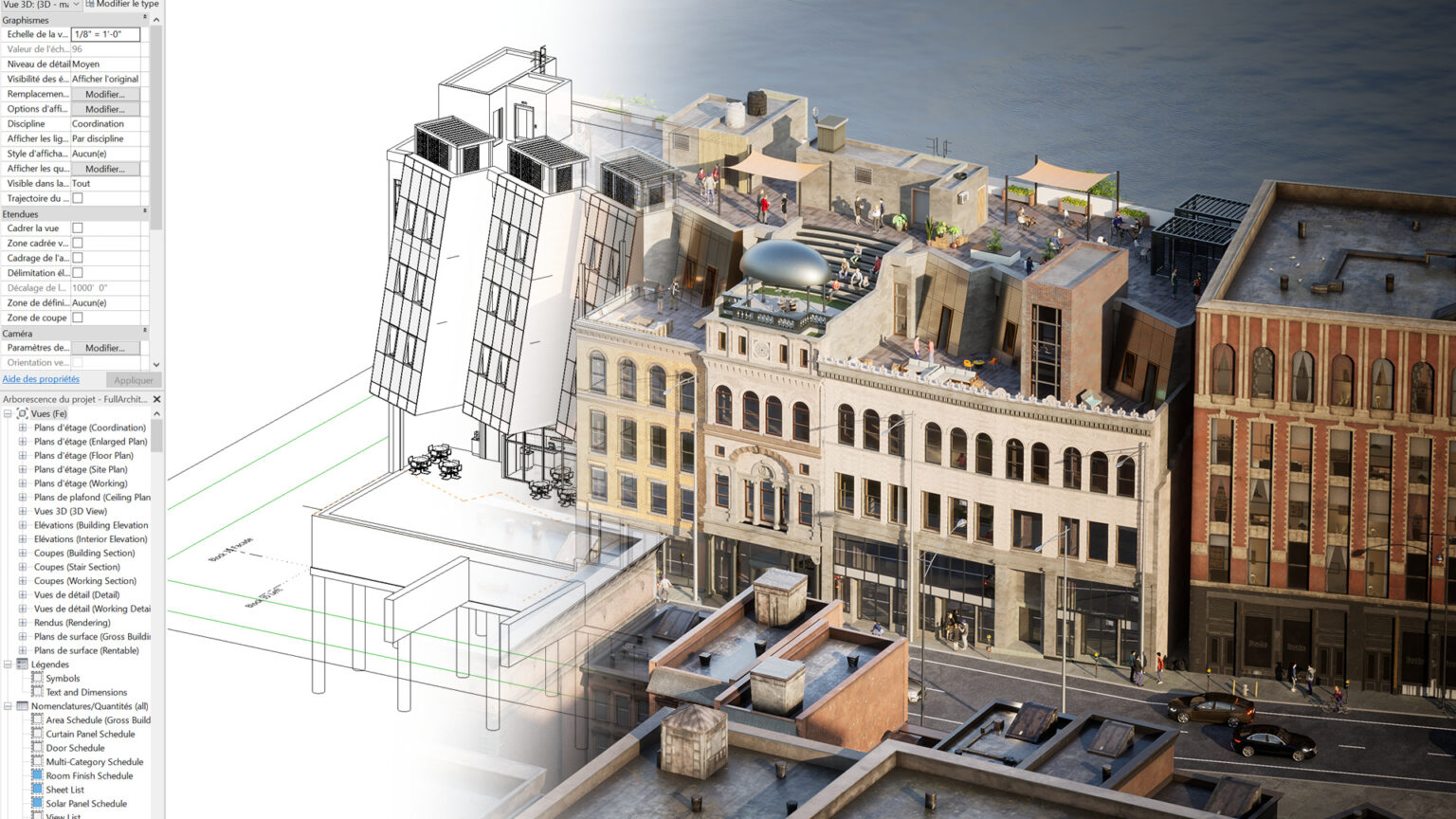
Install the Direct Link plugin for Rhino, SketchUp Pro, Revit or Archicad and send your model to Twinmotion with one click. In BricsCAD and Vectorworks, sync is already built in.
Frequently asked questions
Before you download.
Which operating systems does it run on?
Windows 10 or 11 (64-bit) and macOS Sonoma 14.6.1 or later, with Xcode installed. Path Tracer and VR are not supported on Mac.
What are the system requirements?
At least 16 GB RAM and a graphics card with 6 GB of memory on Windows (32 GB RAM on Mac). For heavy scenes, we recommend 64 GB RAM and a card with 12 GB of memory. See the full requirements and the Path Tracer requirements.
Which software does it connect to?
With Direct Link, it syncs with Archicad, BricsCAD, Revit, SketchUp Pro, Rhino (with Grasshopper), RIKCAD and Vectorworks. It also imports entire scenes from 3ds Max, Navisworks and SOLIDWORKS (Datasmith), as well as FBX, OBJ and glTF. The plugins are on the page Twinmotion Plug-ins.
Do I need Unreal Engine?
No. Twinmotion works standalone. If you want, you can export your project to Unreal Engine.
Do I need help with installation?
We help you with installation and with connecting to your design software. Contact us.
License
Free for
most people.
Twinmotion is free for students, educators, and individuals or companies with revenue under 1 million dollars over the last 12 months. Above that threshold, you need an annual commercial license per seat, with a free 30-day trial.
 © Epic Games