








Robert McNeel & Associates · Authorized Reseller
NURBS modeling
without limits.
From the first sketch to precise geometry for fabrication. NURBS, SubD and Grasshopper in one program, with a perpetual license and no subscription.
from 95,00 € + VAT · Invoice with Greek VAT
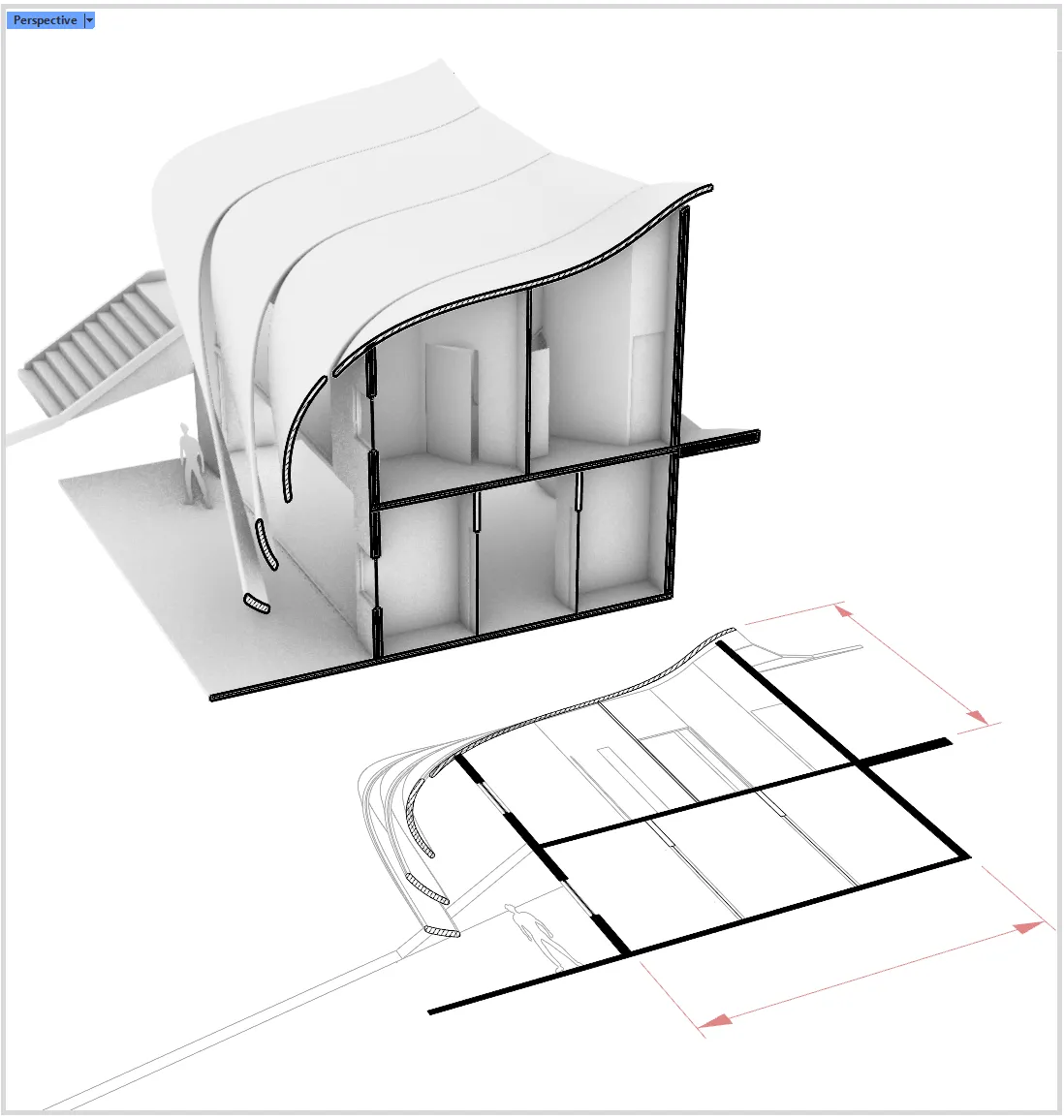 Image: Robert McNeel & Associates
Rendering with Cycles
Photorealism
inside Rhino.
Built-in rendering with Cycles, PBR materials and denoisers, with no extra plugin needed.
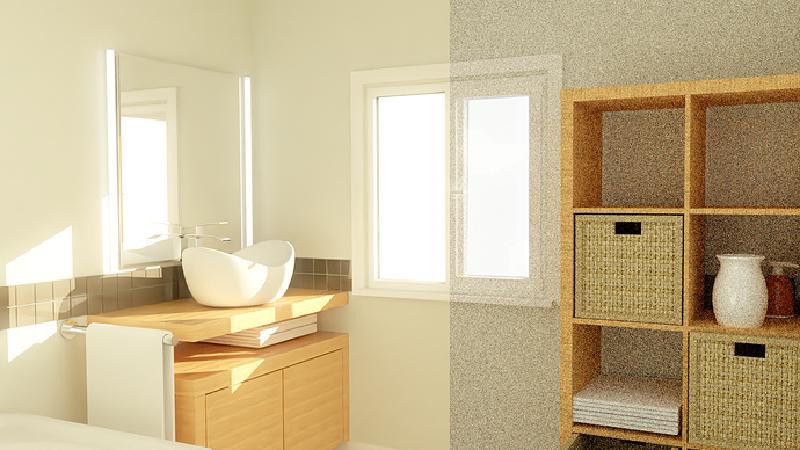 Image: Robert McNeel & Associates
Blocks
Doors, kitchens,
furniture. Just once.
Organize repeating elements into blocks. Change the definition and every copy in the model updates.
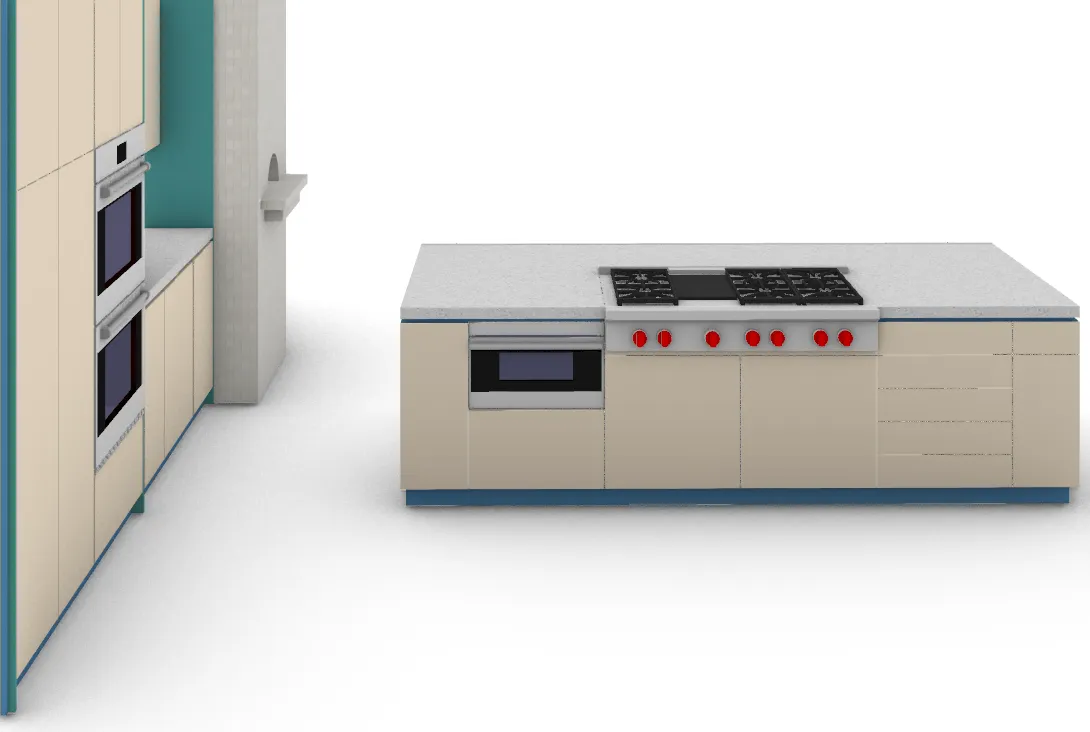 Image: Robert McNeel & Associates
New in Rhino 8 · Section styles
Sections you can read
at a glance.
Hatches, colors and lineweights in sections, with selective clipping per object.
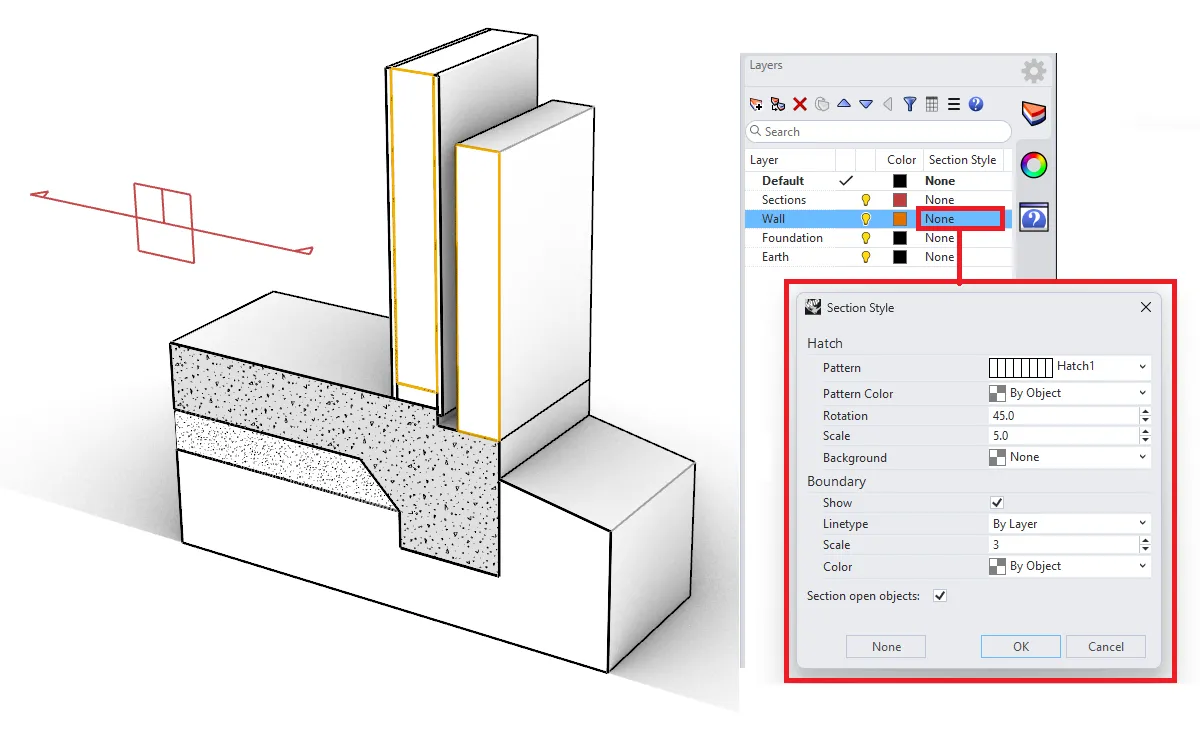 Image: Robert McNeel & Associates
Documentation
From the model
to the drawing.
Dynamic 2D drawings, floor plans and elevations straight from the 3D model, updating along with it.
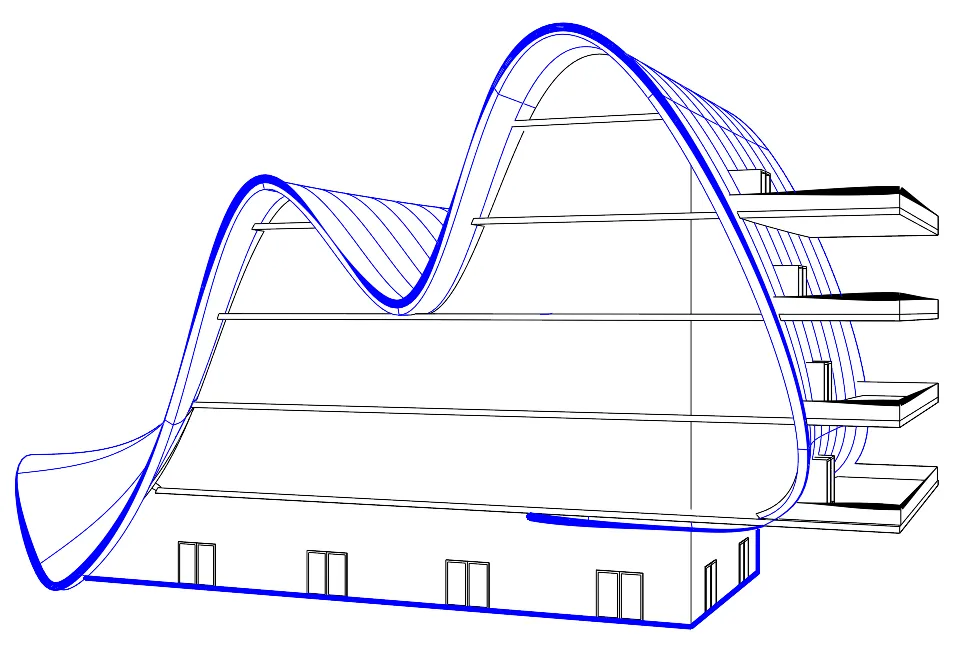 Image: Robert McNeel & Associates
What is Rhino 8
One tool
for every form.
Rhino is a 3D modeling program by Robert McNeel & Associates for Windows and macOS. It works with NURBS curves, surfaces and solids, with SubD, meshes and point clouds, with no limit on complexity. It includes Grasshopper for parametric design and is used in architecture, design, engineering and digital fabrication.
Who it's for
Rhino 8
One program.
The whole process.

The boldest forms start here.
Free-form curves, precise geometry and documentation in the same model.
How you work with Rhino
From sketch
to construction.
 01
01Design freely.
NURBS for precision, SubD for organic forms, meshes and point clouds. All in the same model, with no conversions.
 02
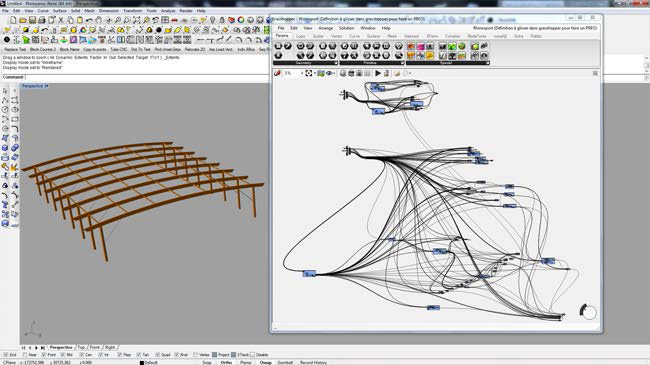
02Parametric design.
With Grasshopper you create rules instead of shapes. Change one value and the whole model updates.
 03
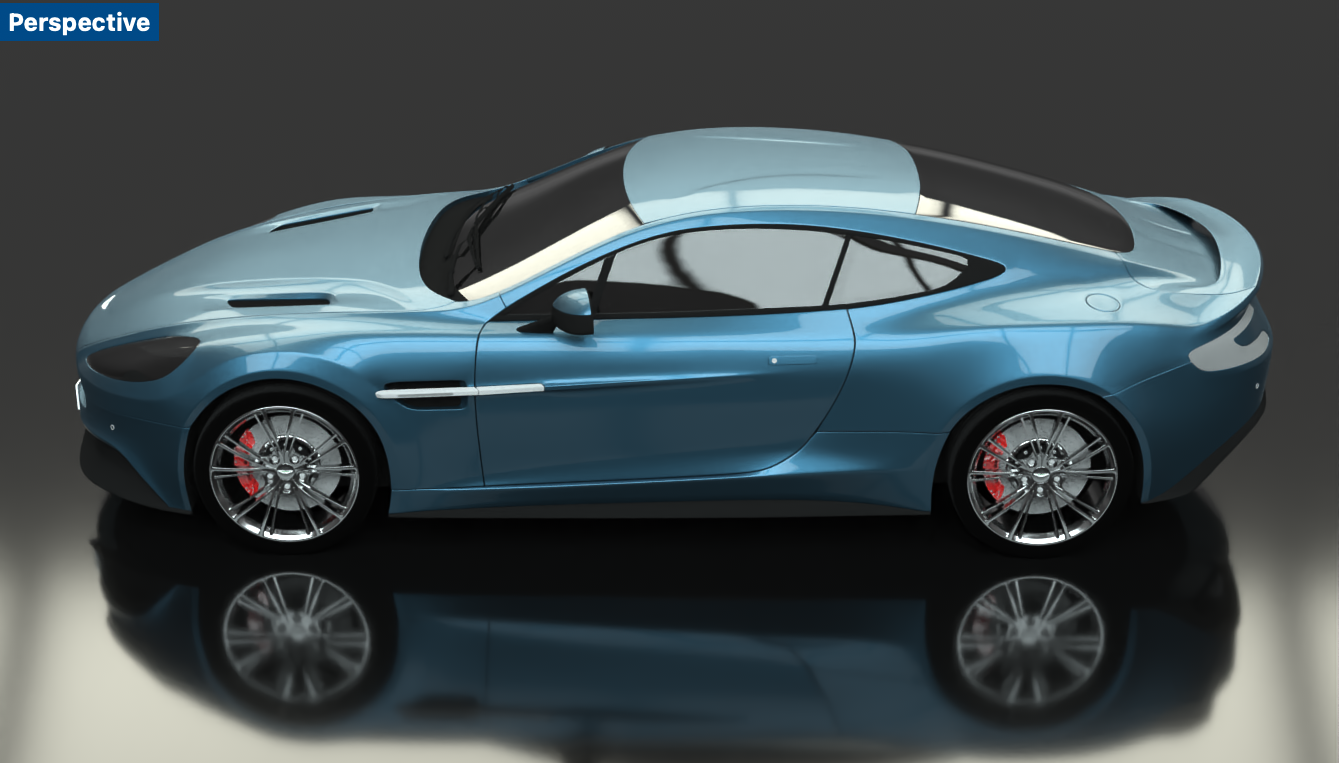
03See it before it’s built.
Rendering with Cycles, PBR materials and denoisers, right inside Rhino.
 04
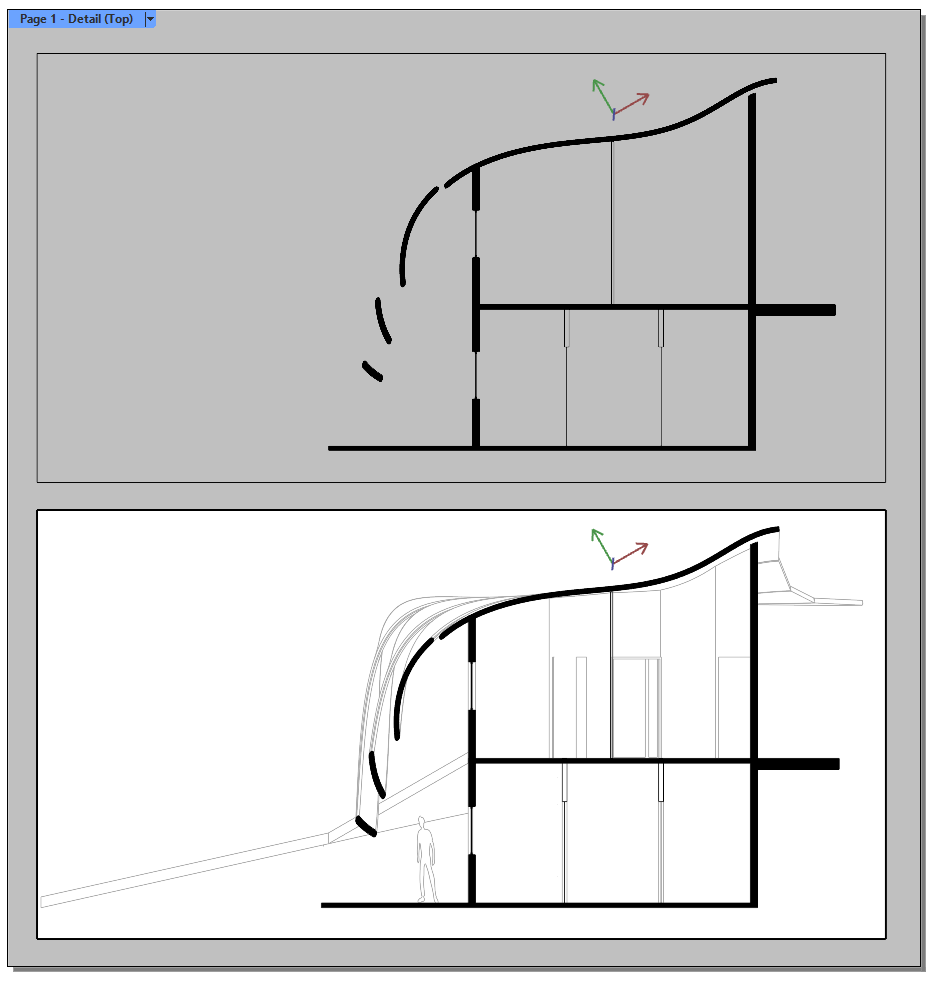
04From model to drawing.
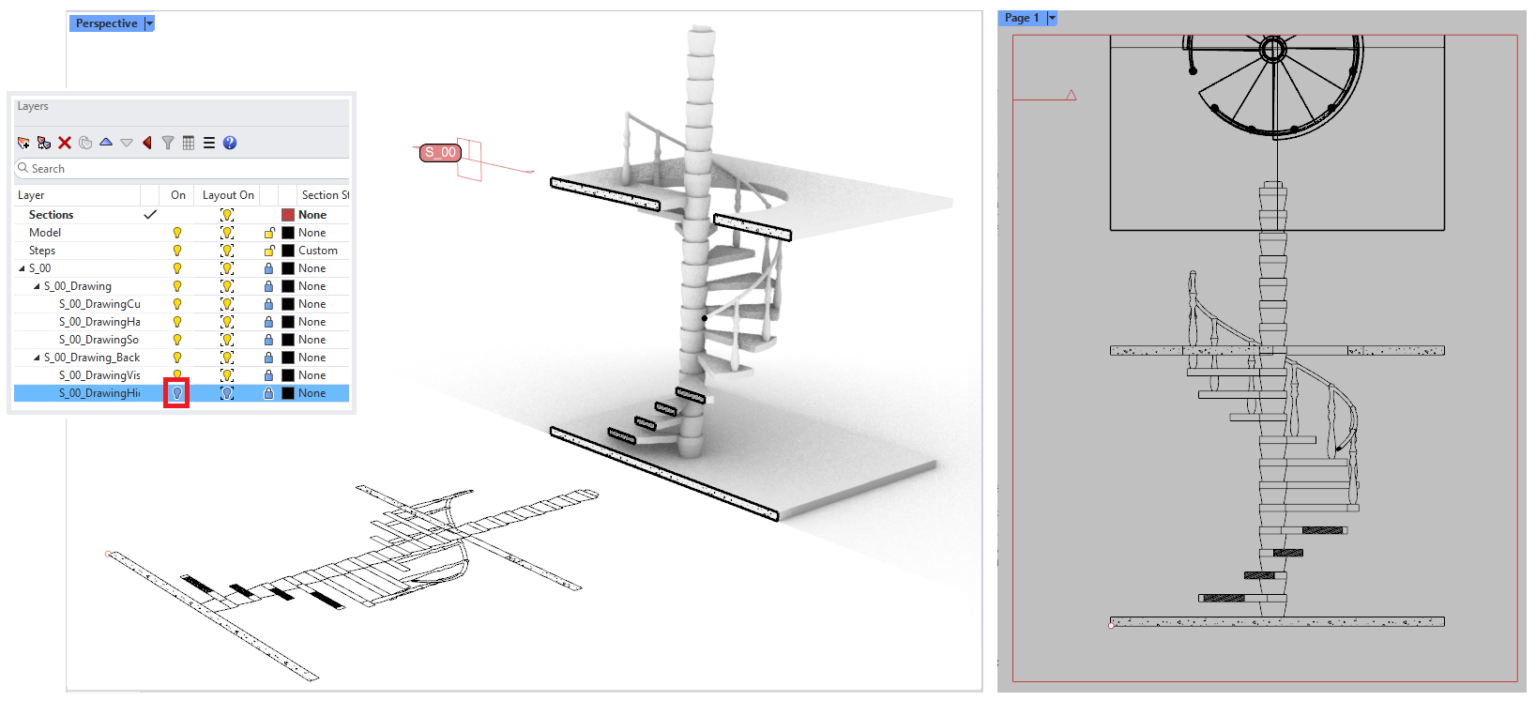
Sections, floor plans and elevations that update along with the 3D.
 05
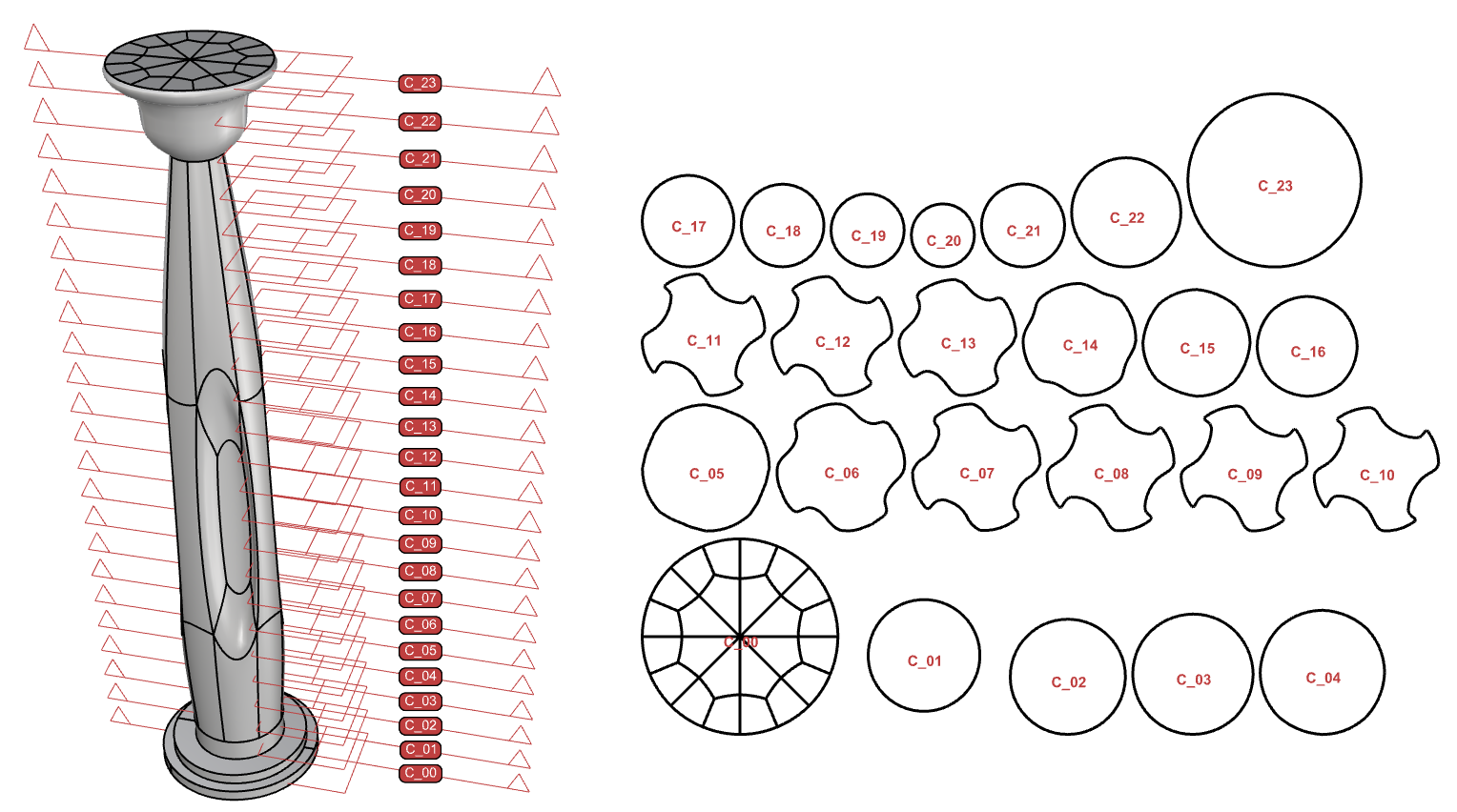
05Ready for fabrication.
Precise geometry for CNC, laser cutting and 3D printing, with sections and cutting curves straight from the model.
Features
Everything you need
to design freely.
 01
01Free-form modeling
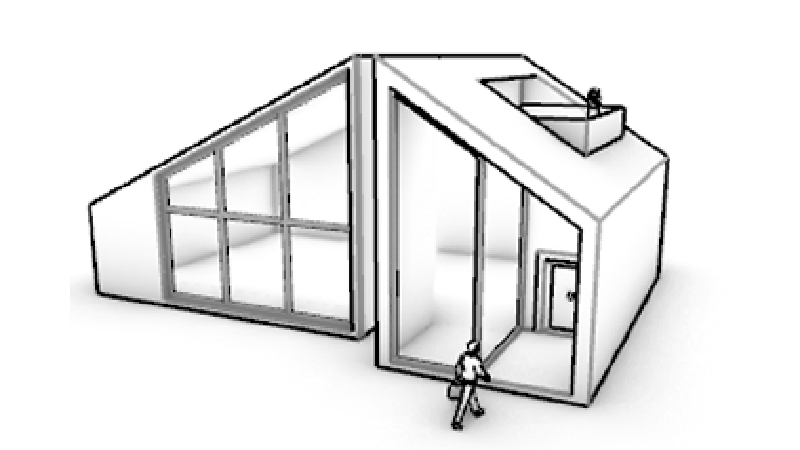
NURBS curves, surfaces and solids, SubD, meshes and point clouds in the same environment, with the precision fabrication demands.
02Grasshopper
A visual algorithm editor for parametric design, with no coding required. Change a value and the model updates.
 03
03Works with other software
Exchanges files with hundreds of CAD, CAM, rendering and animation programs, including via USD, glTF, IGES and its own .3dm.
04Rendering with Cycles
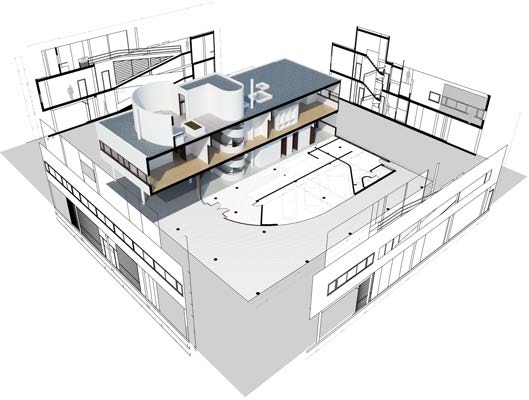
Built-in raytraced rendering with GPU acceleration, materials and lighting, for quick presentations without extra software.
 05
05food4Rhino
A free marketplace of plugins for Rhino and Grasshopper: rendering, BIM, analysis, fabrication and much more.
 06
06Your own tools
RhinoCommon, Python and RhinoScript for automation and tools tailored to the way you work.
What’s new · Rhino 8
Faster.
Smarter.
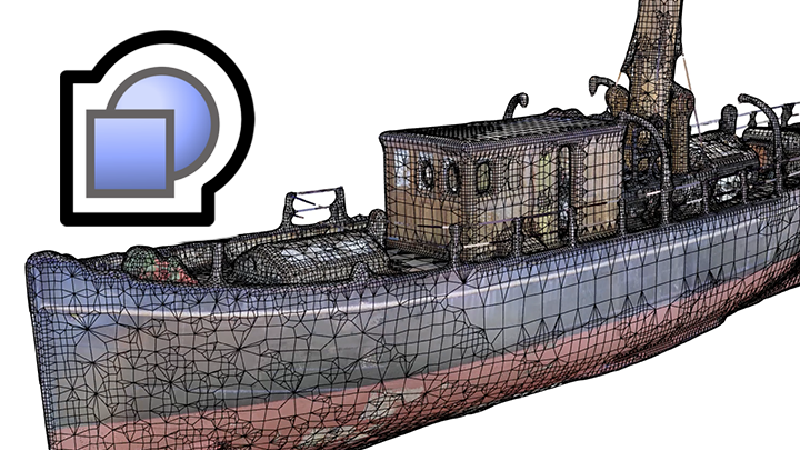 ShrinkWrap
Creates a closed, watertight mesh around meshes, NURBS, SubD and point clouds. Ideal for 3D printing.
 Native on Mac
Runs natively on Apple Silicon and Intel with Apple Metal, for much faster display.
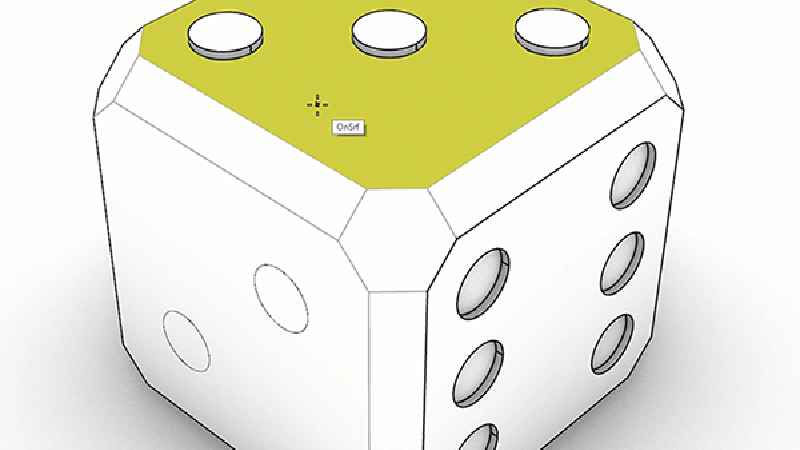 PushPull and a new Gumball
Push and pull surfaces directly, while construction planes automatically align with your selection.
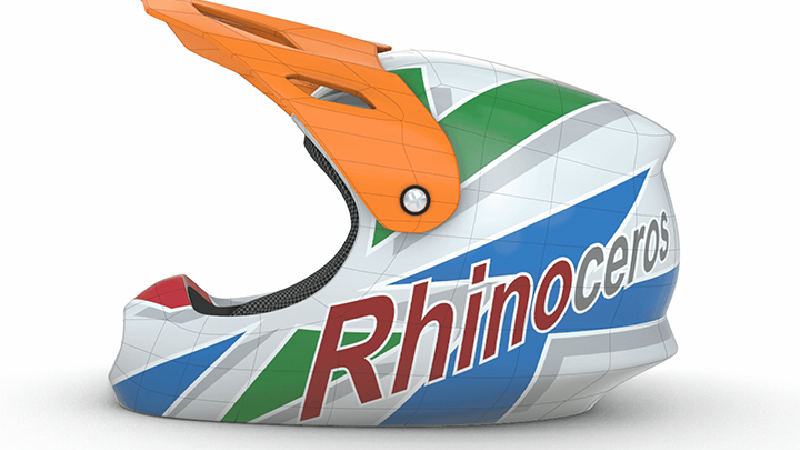 SubD creases
Edges between soft and sharp, without adding control points.
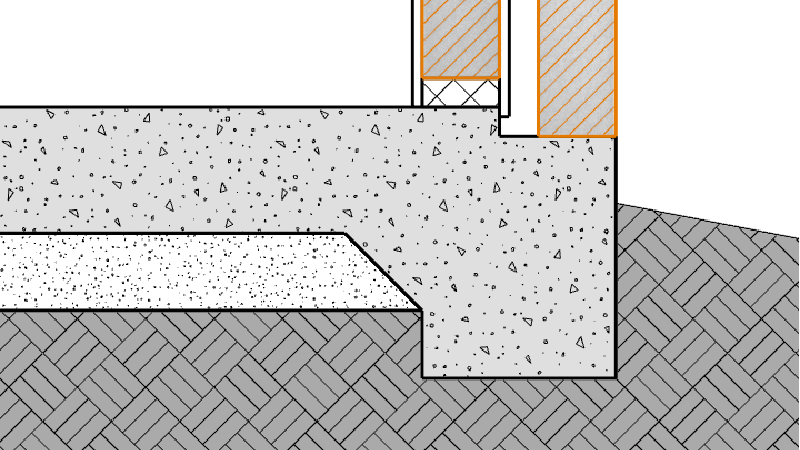 Sections and clipping
Section styles, selective clipping and dynamic 2D drawings from the 3D model.
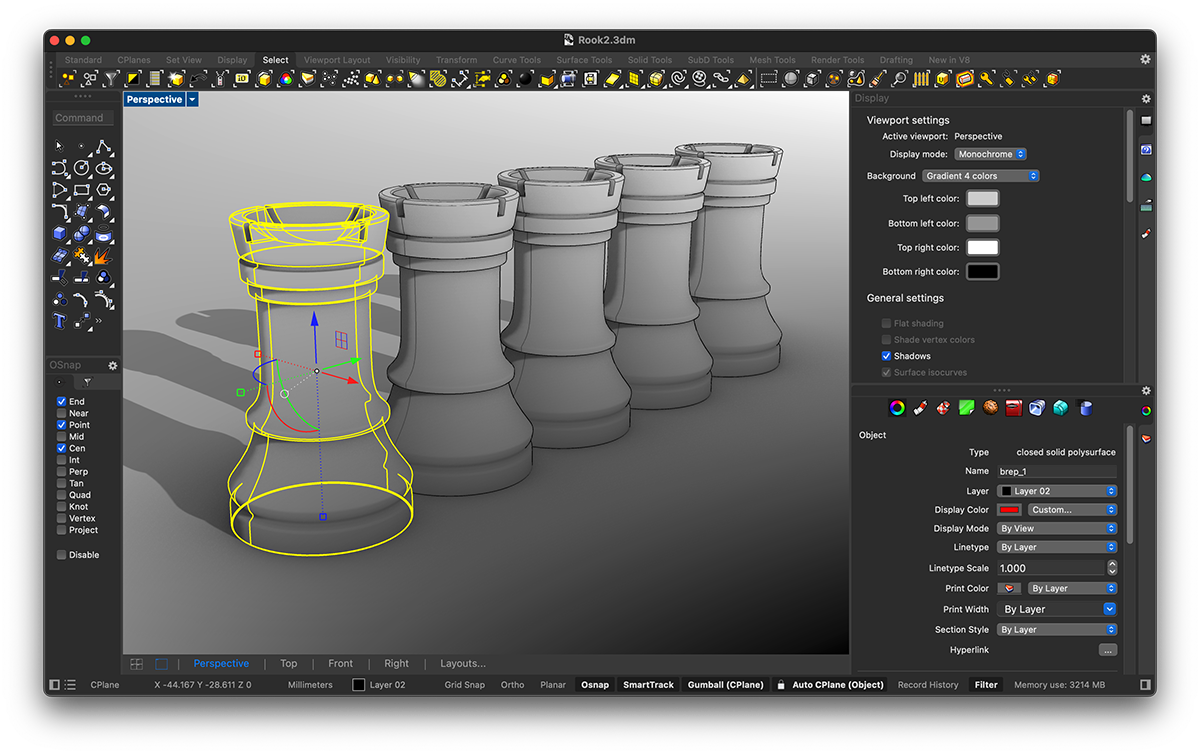 New Script Editor
Python 3 and C# inside Rhino and Grasshopper, plus a dark theme and customizable window layouts.
Compatibility
Works with everything
you already use.
Works with
System requirements
Windows
- Windows 11 or 10, 64-bit (Intel or AMD, not ARM)
- 8 GB RAM or more
- 5 GB free disk space
- OpenGL 4.5 graphics card, 4 GB of memory recommended
macOS
- macOS 12.4 or later
- Apple Silicon or Intel
- 8 GB RAM or more
- 10 GB free disk space
An internet connection is required for download and activation. Full requirements at McNeel ›
Licenses
Choose the license
that suits you.
Official licenses with Greek invoicing. Prices excl. VAT.
Buy once and the license never expires. No annual subscription.
For owners of an earlier version of Rhino.
For students and educators, plus a 30-seat license for schools.
Training
Learn Rhino 3D
with certification.
2D and 3D modeling for architecture and design, from the basics to a professional level. Available as E-Learning and Teams Class, from 245,00 €.
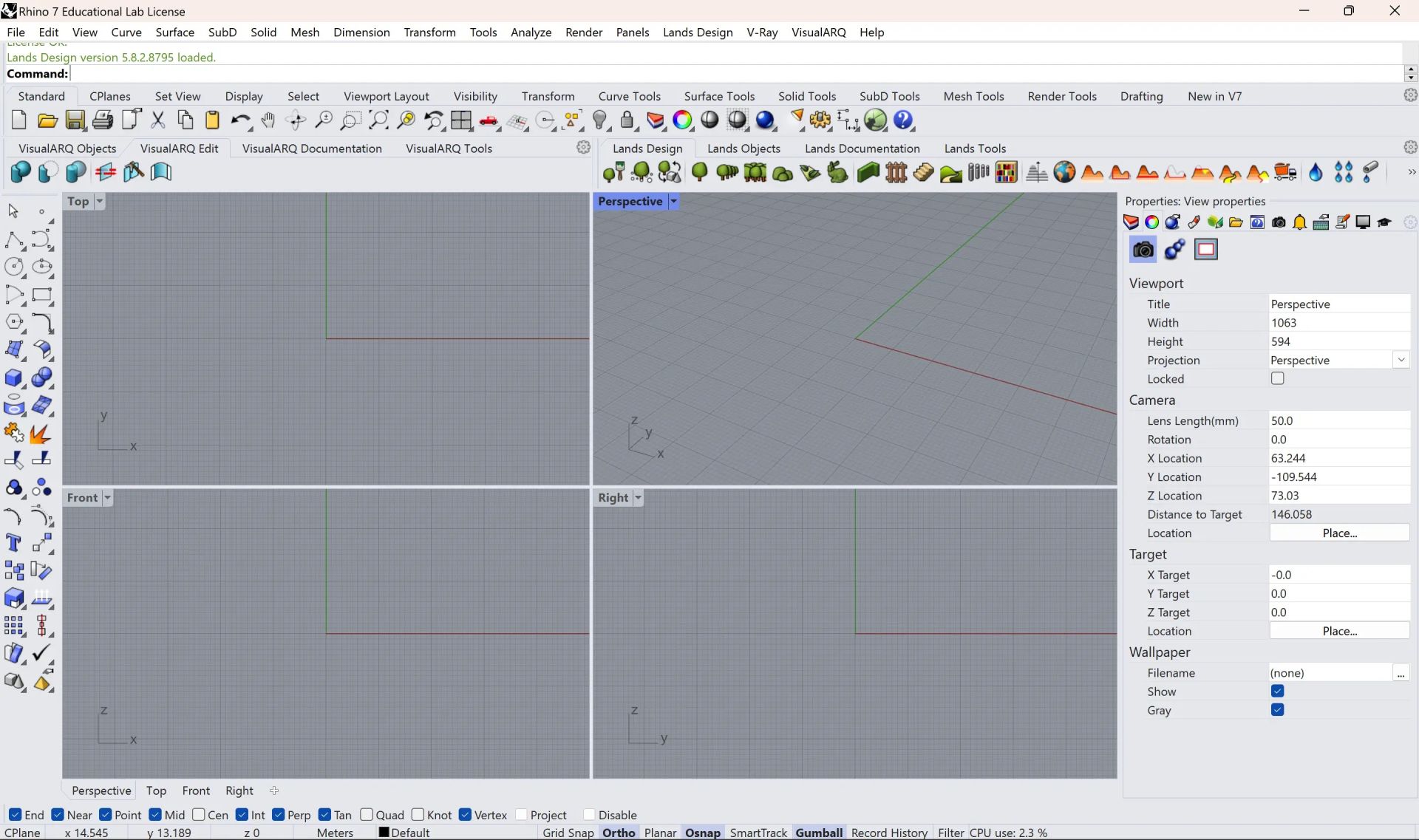
Workstation
We recommend
CAD Essential.
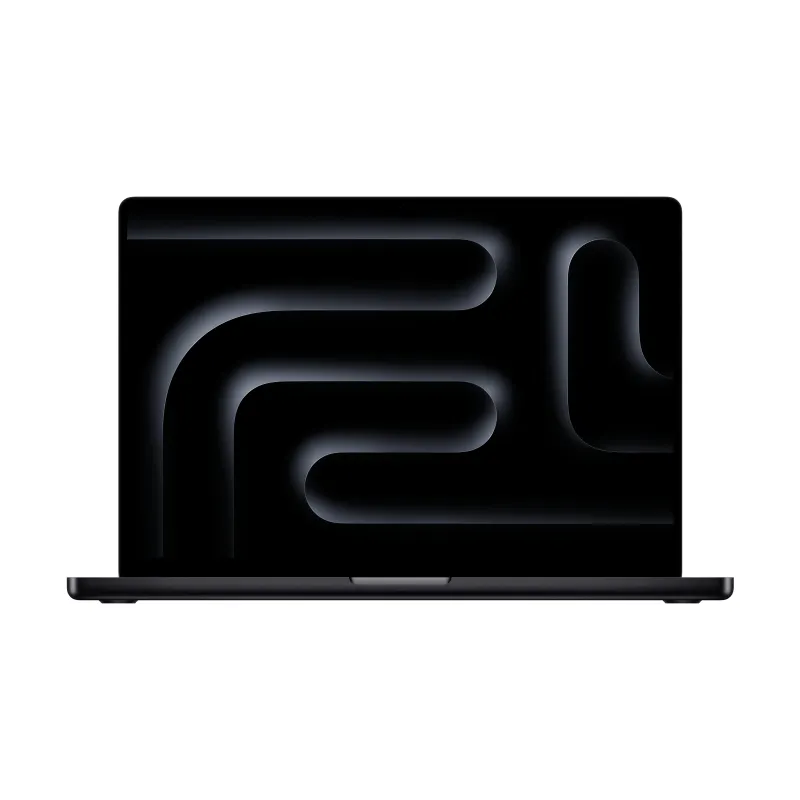
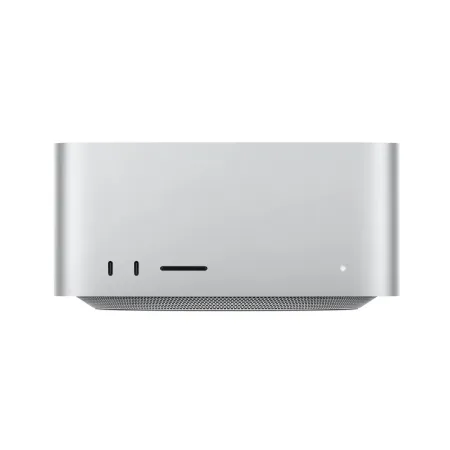
The category CAD Essential are the computers we’ve selected for 2D/3D design and modeling with Rhino 8: 16 to 32 GB of memory and an NVIDIA RTX graphics card, so your model moves smoothly on screen. In the store you’ll find them marked «Suitable for», all with warranty and technical support.
Frequently asked questions
Before you buy.
Is it a subscription?
No. Rhino licenses are perpetual and never expire. You only pay again if you want to upgrade to a new version.
Can I try it before I buy?
Yes. The full version works free for 90 days. After the trial period, saving and plugins stop working.
Does it run on Apple Silicon?
Yes. Rhino 8 for Mac runs natively on Apple Silicon and Intel. Boot Camp on Apple Silicon is not supported.
How do I receive the license?
The license is digital. Once your order is complete, you receive the activation details by email.
Do you issue invoices?
Yes. We issue an invoice or receipt with Greek VAT. Prices on this page exclude VAT.
Who is eligible for an educational license?
Students, educators and educational institutions, with the documentation required by the manufacturer.
Do I get the software with Teams courses?
Yes. In Teams courses, the software is provided for the full duration of the course.
And with E-Learning courses?
E-Learning courses don’t include a software license. For practice you use the manufacturer’s Rhino 8 trial: 90 days, after which it keeps working for learning without the ability to save. You can get your license at the official price from our store.
Do I need help with installation?
We help you with activation and installation. Contact us for technical support.
Tell us what you design.
We'll suggest the combination that gets the job done.