







Trimble · Authorized Reseller
The fastest 3D
for architects.
The fastest 3D for architects and designers. Modeling, drawings with LayOut, and access from desktop, web and iPad.
from 29,00 € + VAT · Invoice with Greek VAT
 Image: Trimble
LayOut
From the model
to drawings.
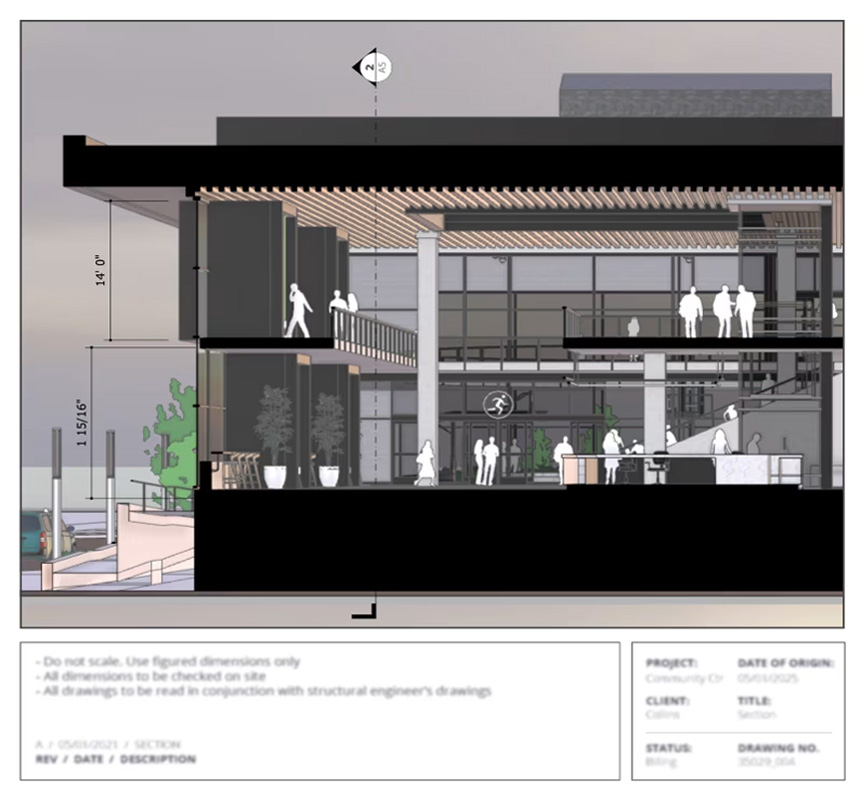
Floor plans, sections, elevations and presentation sheets straight from the 3D model.
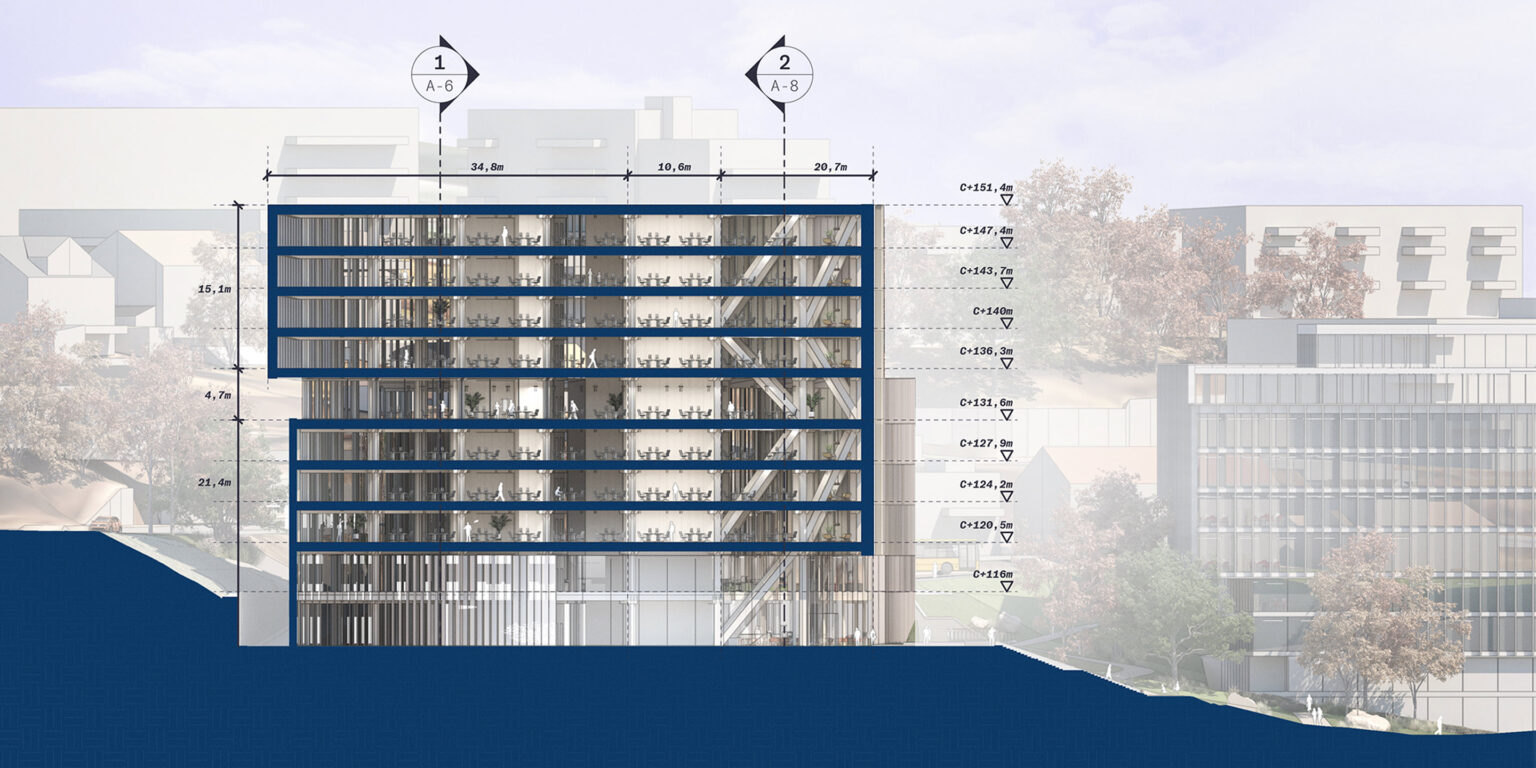 Image: Trimble
3D modeling
Design
as fast as you think.
SketchUp’s familiar, easy interface for fast design, from concept to detail.
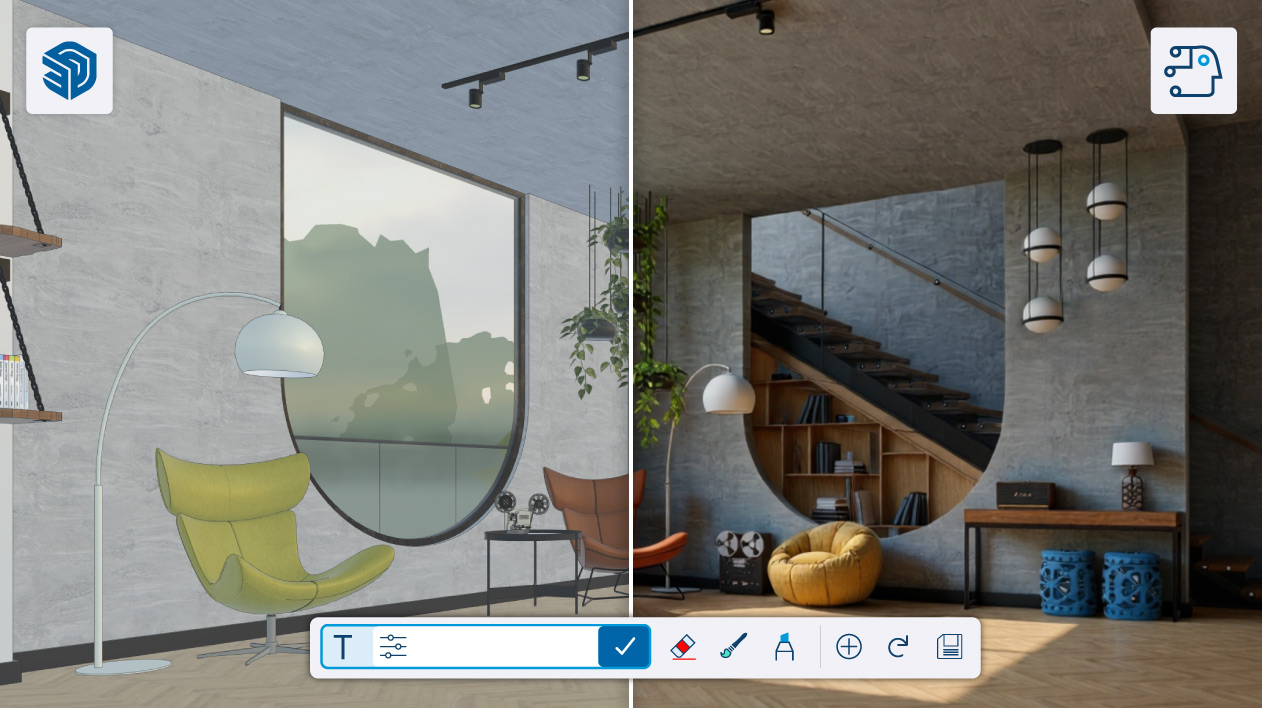 Image: Trimble
New in SketchUp 2026 · DWG
DWG without
loss.
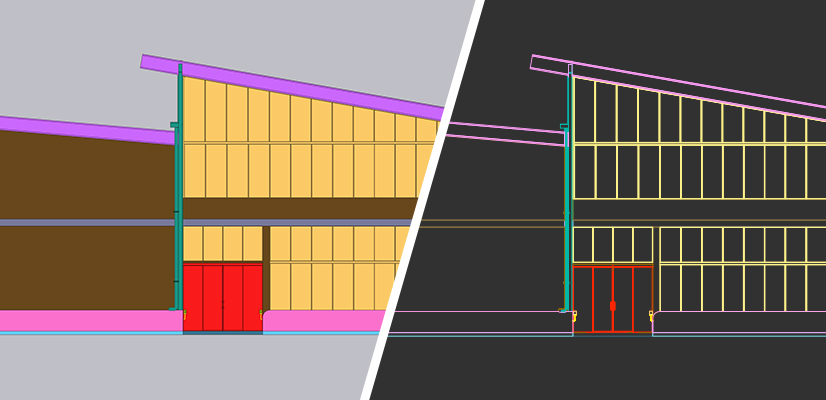
Import and export with hatches, without losing section planes.
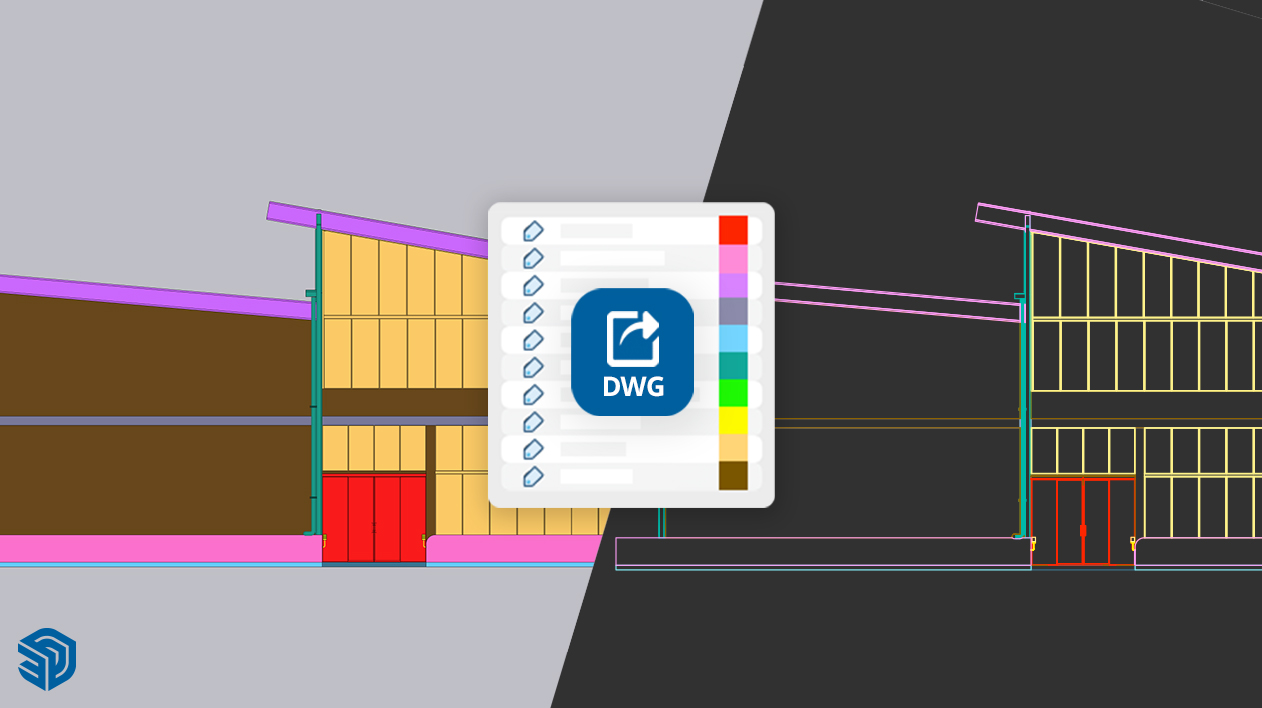 Image: Trimble
New in SketchUp 2026 · Sharing
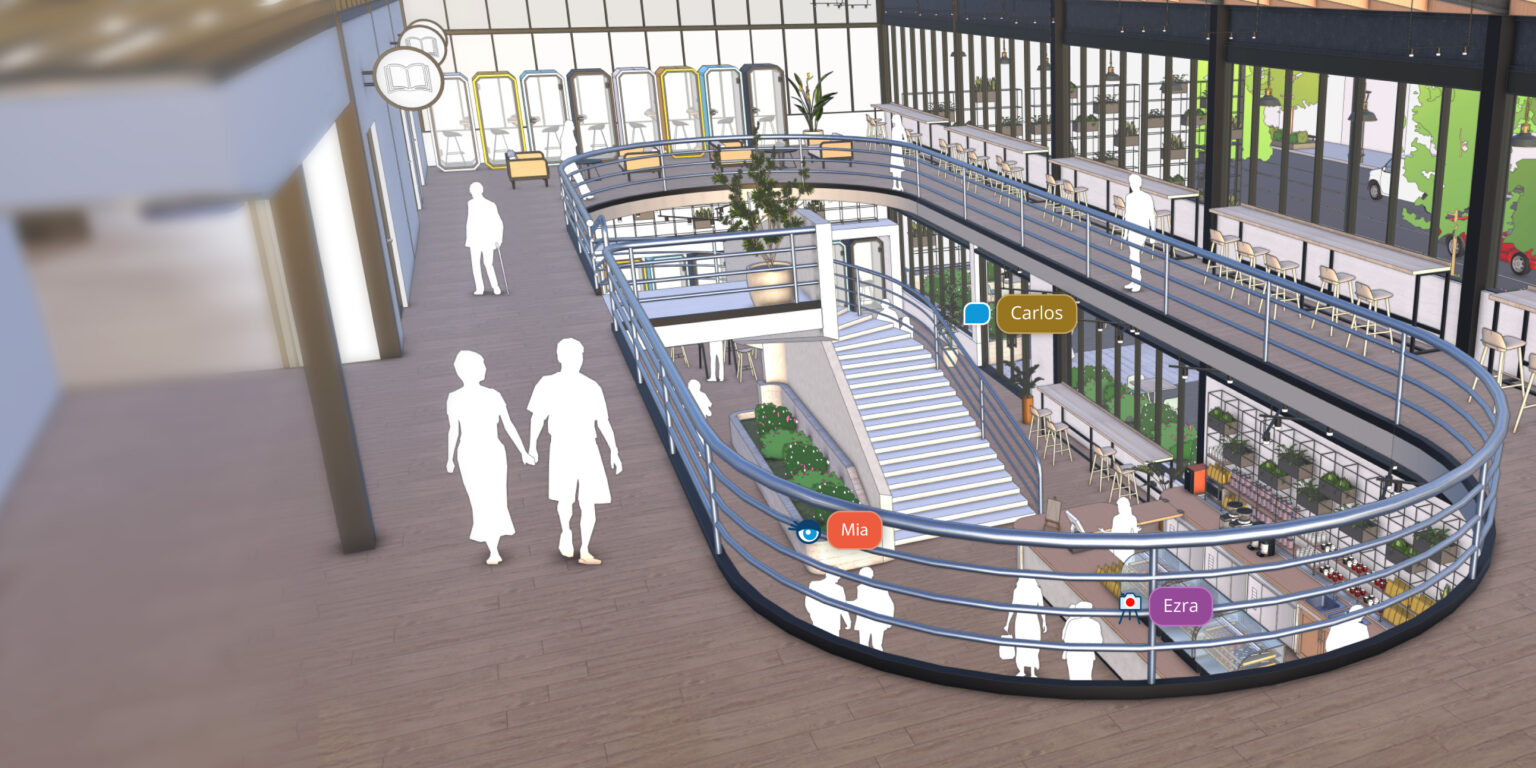
Share your model
with a link.
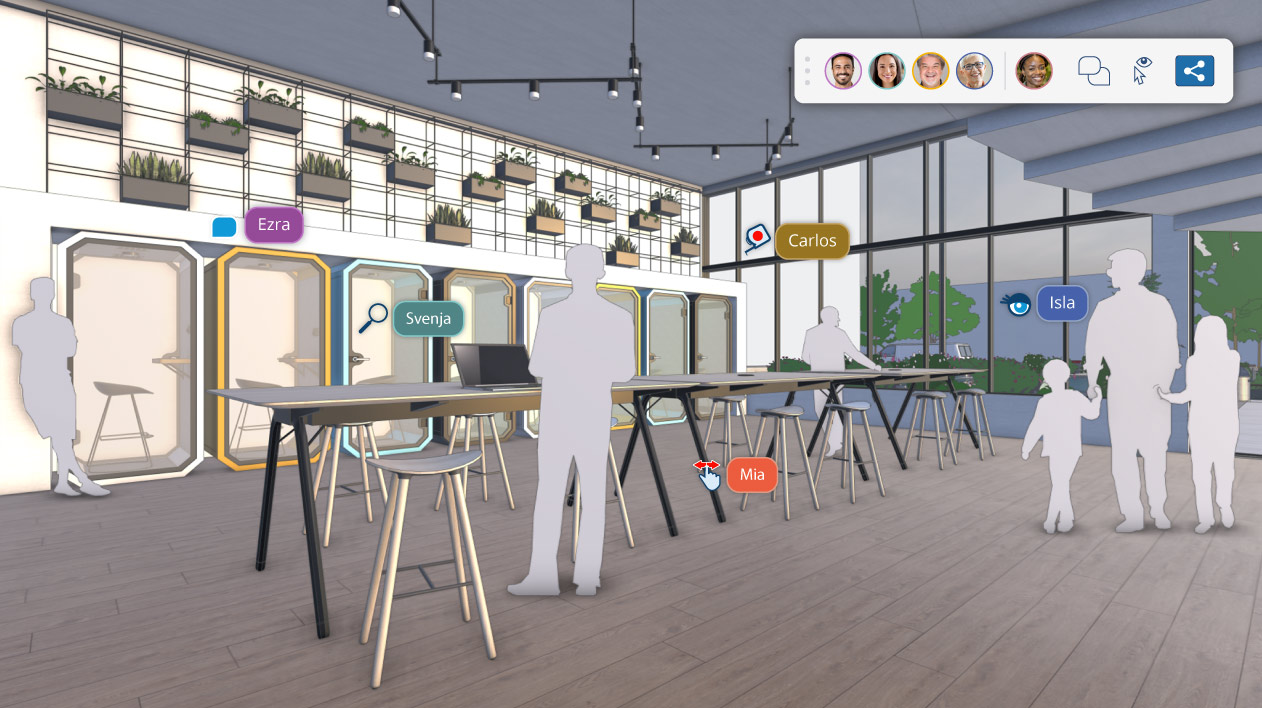
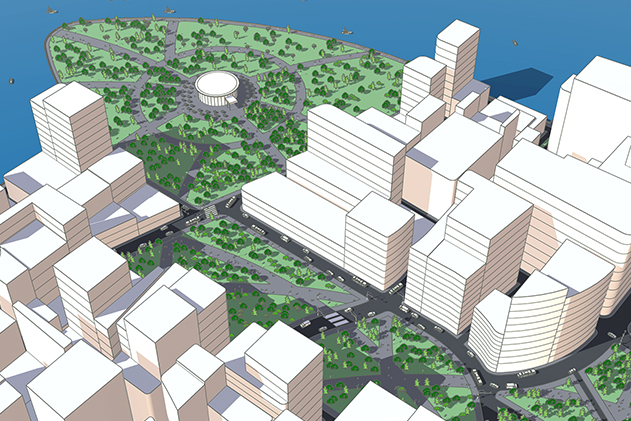
Private invite or public link, with viewing and comments.
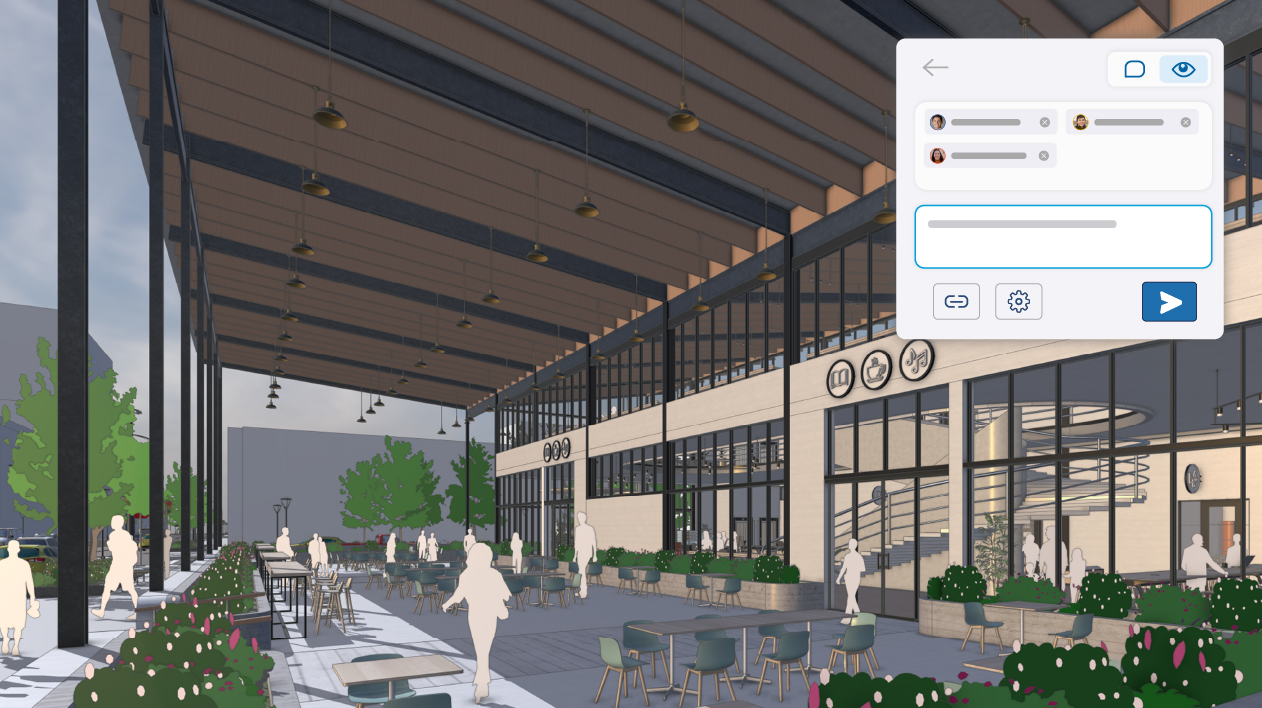 Image: Trimble
What is SketchUp Pro
Design the way you think.
In 3D.
SketchUp is a 3D modeling program by Trimble. A SketchUp Pro subscription gives you full access to SketchUp for desktop and LayOut for 2D drawings, plus SketchUp for web and iPad, Trimble Connect, 3D Warehouse and Extension Warehouse.
Who it's for
SketchUp
From the idea
to the building.
The fastest 3D for architects.
Modeling, drawings with LayOut, and access from desktop, web and iPad.
How you work with SketchUp
From sketch
to construction.
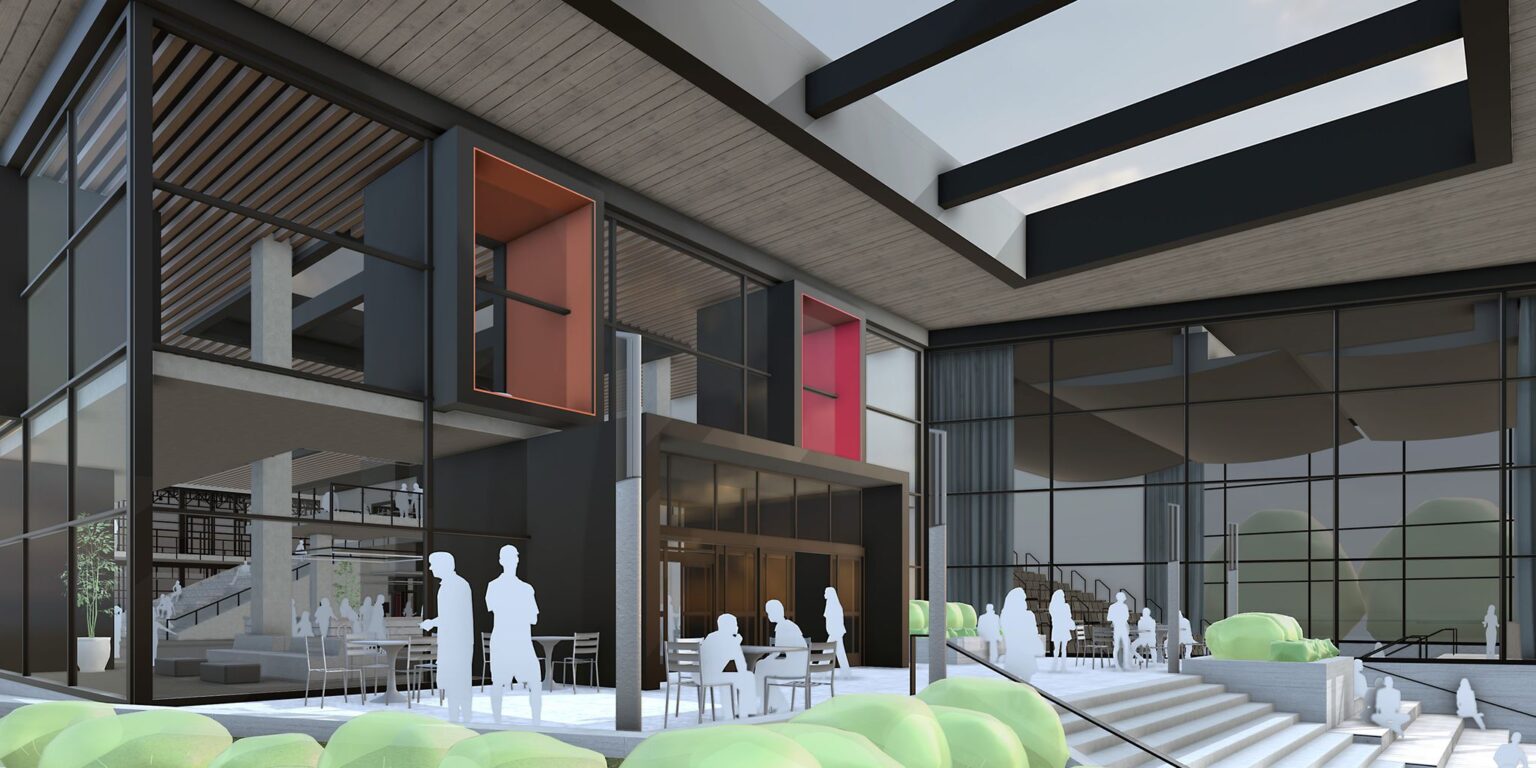 01
01Design in 3D.
Push/Pull, groups and components for fast modeling of buildings and interiors.
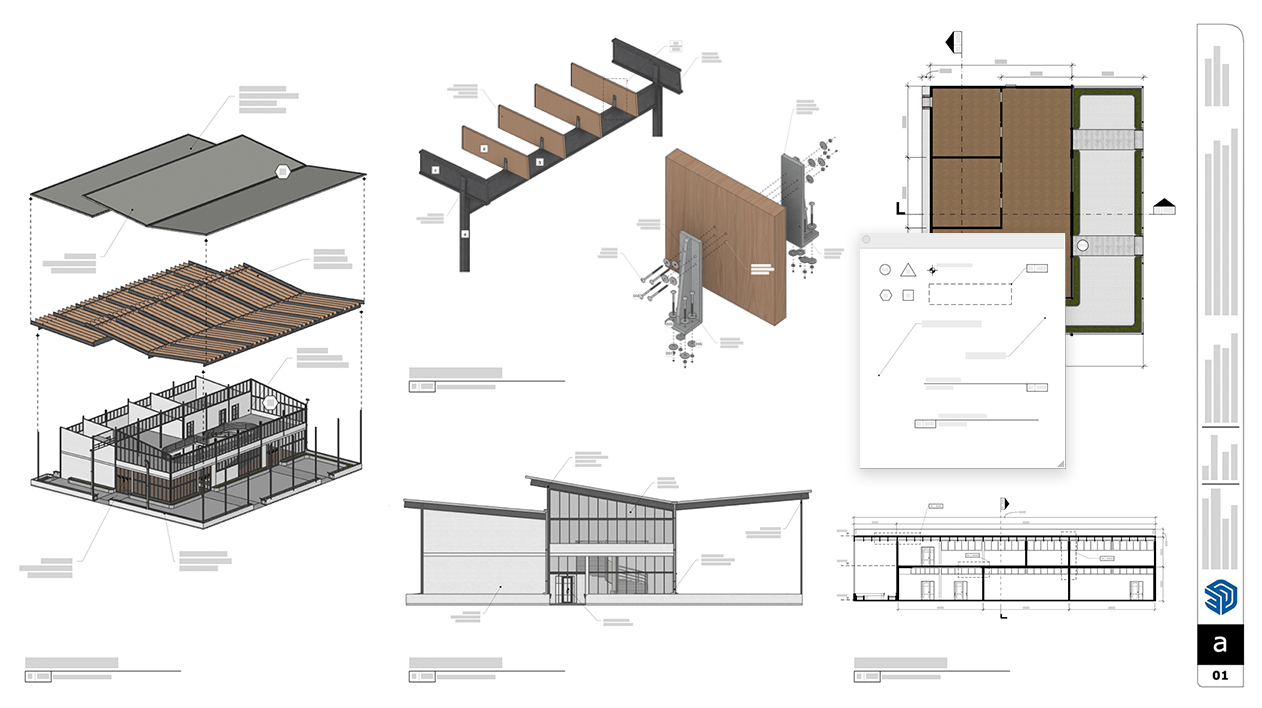 02
02Produce the drawings.
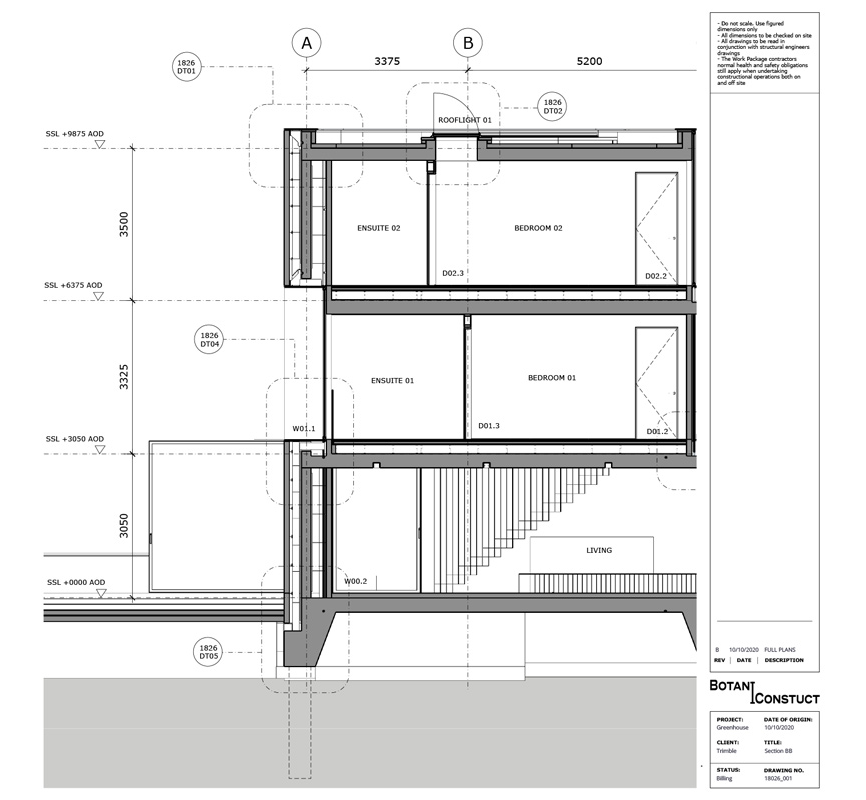
With LayOut, your floor plans, sections and elevations update along with the model.
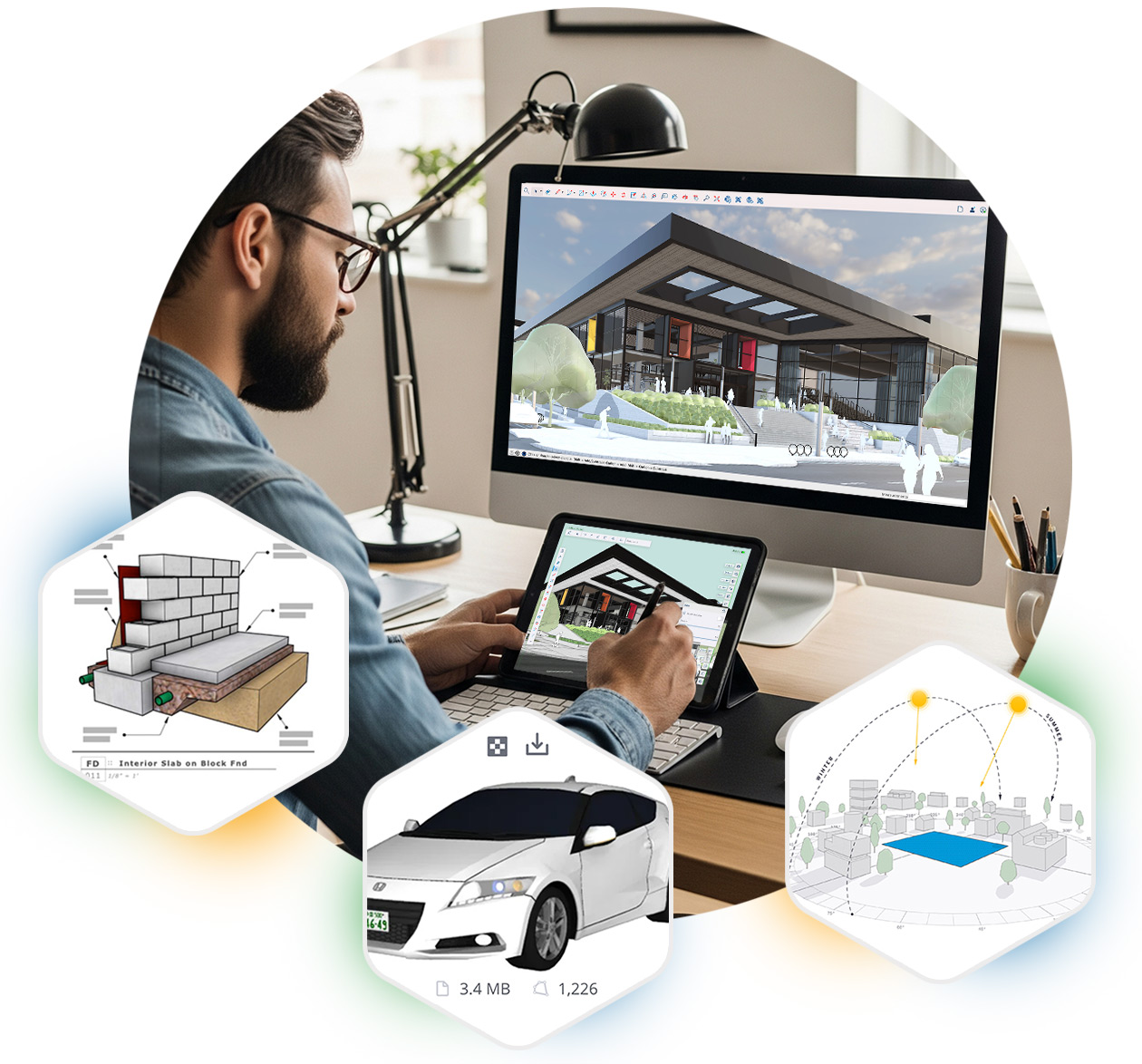 03
03Work anywhere.
The same model on your computer, in the browser and on iPad.
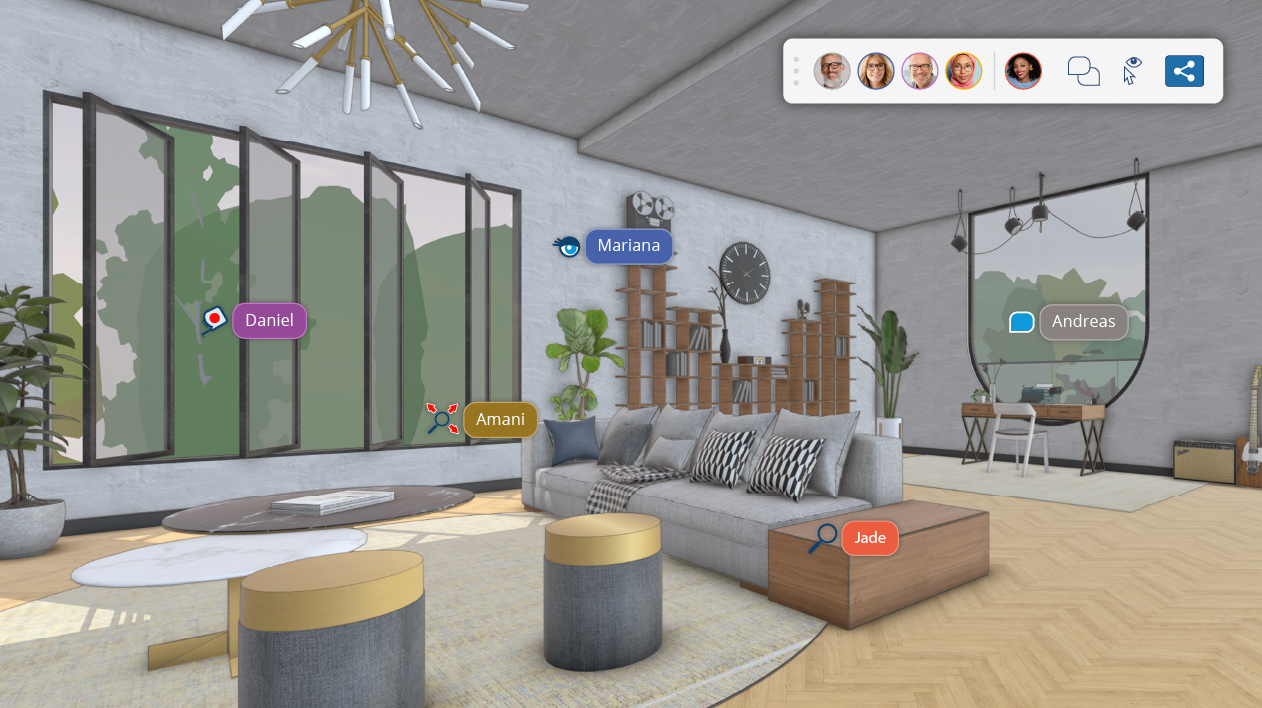 04
04Fill your scene.
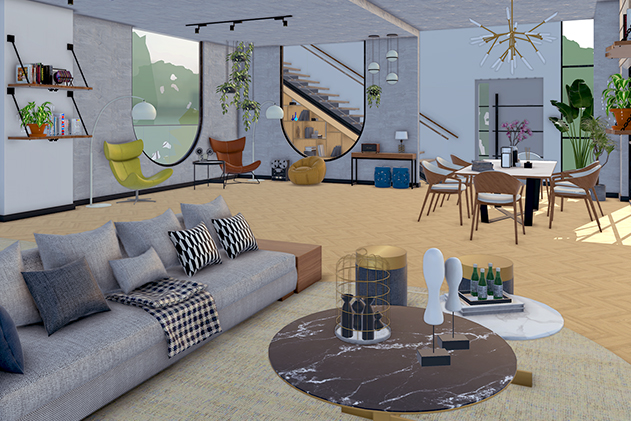
Ready-made models from 3D Warehouse: furniture, lighting and equipment.
 05
05Collaborate with CAD and BIM.
DWG/DXF and IFC import and export.
Features
From the first line
to the final drawing.
 01
013D modeling
SketchUp’s familiar, easy interface for fast design on your computer.
 02
02LayOut
2D documentation from the 3D model: floor plans, sections, elevations and presentation sheets, with drawing tools such as Trim, Extend, Fillet and Chamfer.
 03
03Everywhere
The same model on your computer, in the browser and on iPad, with unlimited storage in Trimble Connect.
 04
04Extension Warehouse
Over 1,000 extensions for every workflow, from rendering to construction.
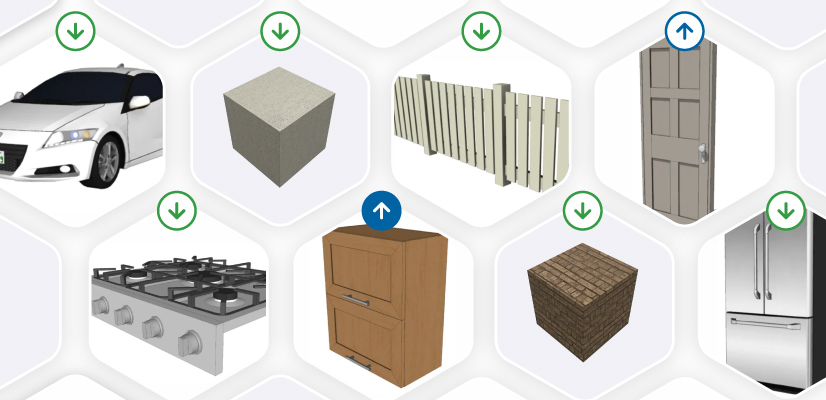 05
053D Warehouse
A library of ready-made models: furniture, lighting, equipment and much more.
 06
06DWG and IFC
DWG/DXF and IFC import and export, for collaboration with CAD and BIM.
What’s new · SketchUp 2026
Faster.
With AI.
 SketchUp AI
AI Render for photorealistic images from your model, and AI Assistant for help right inside the app.
Model sharingShare your model with a private invite or a public link, with viewing and comments.
 Faster navigation
About 86% faster scene transitions and 90% faster Zoom Extents.
Better DWGImport and export with hatches, without losing section planes.
 Analysis Hub
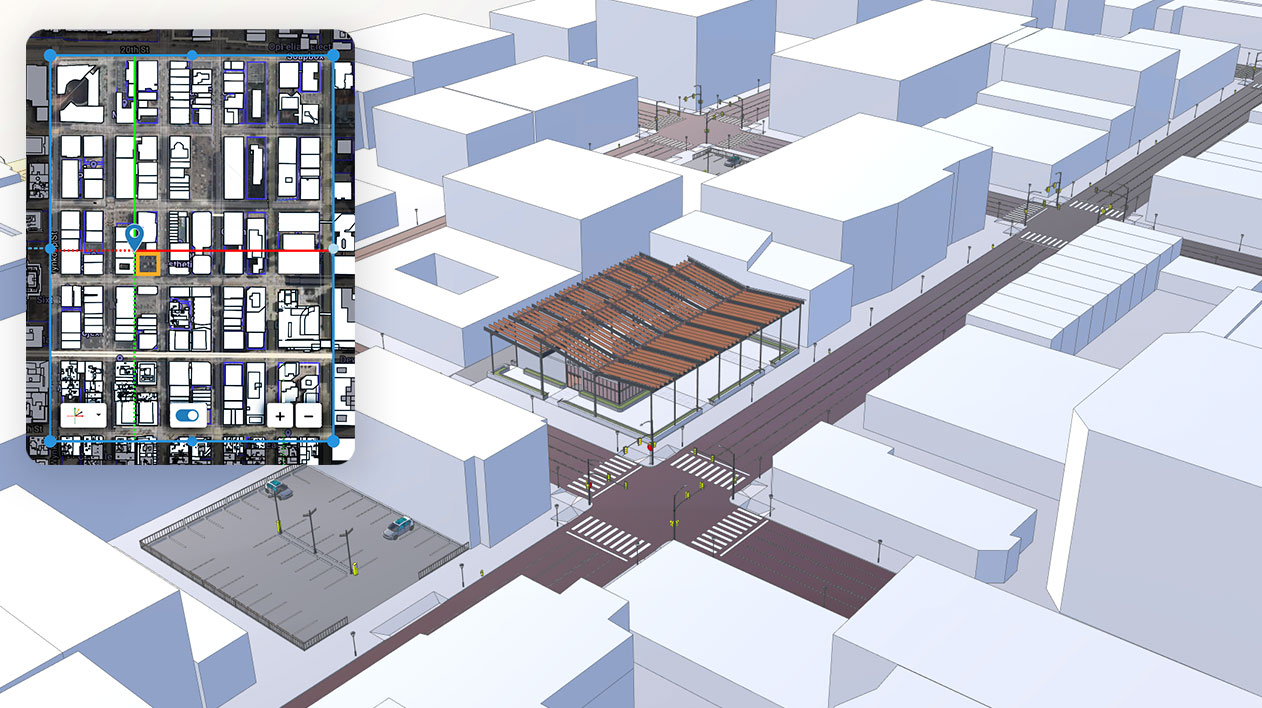
Shadow studies for solstices and equinoxes, with Advanced Shadows.
PDF importDirect PDF import on Windows, and a new graphics engine in LayOut.
New in versions 2026.0, 2026.1 and 2026.2.
Compatibility
Works with everything
you already use.
Works with
System requirements
Windows (recommended)
- Windows 11
- 2 GHz processor or faster
- 8 GB RAM or more
- 6 GB free disk space
- Graphics card with 8 GB of memory or more, OpenGL 3.1+
macOS (recommended)
- macOS 14 Sonoma or later
- 2.1 GHz processor or Apple M1 and later
- 8 GB RAM or more
- 6 GB free disk space
An internet connection is required for installation and activation. Requirements at Trimble ›
Licenses
Choose the license
that suits you.
Official licenses with Greek invoicing. Prices excl. VAT.
Desktop, LayOut, web and iPad, with Extension Warehouse. Windows and Mac.
Everything in Pro, plus V-Ray, Scan Essentials and Revit Importer. Windows only.
Annual license for students and educators, with status verification every year.
Training
Learn SketchUp
with certification.
3D design for architecture and interiors, with LayOut for presentation drawings. Available as E-Learning and Teams Class, from 225,00 €.
Workstation
We recommend
CAD Essential.
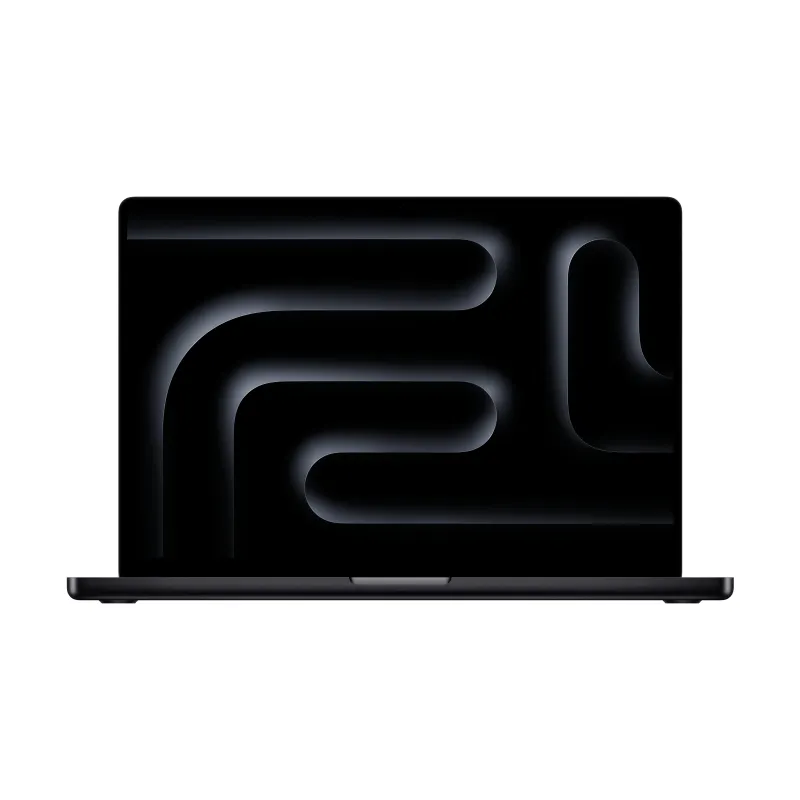
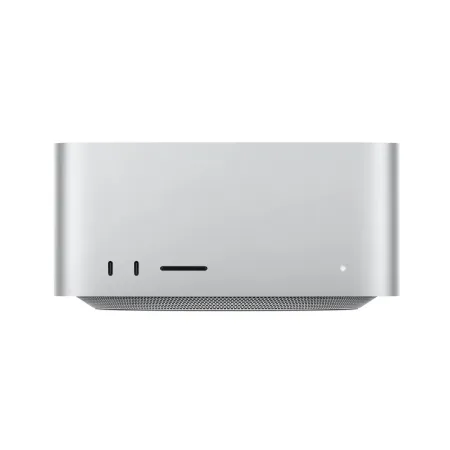
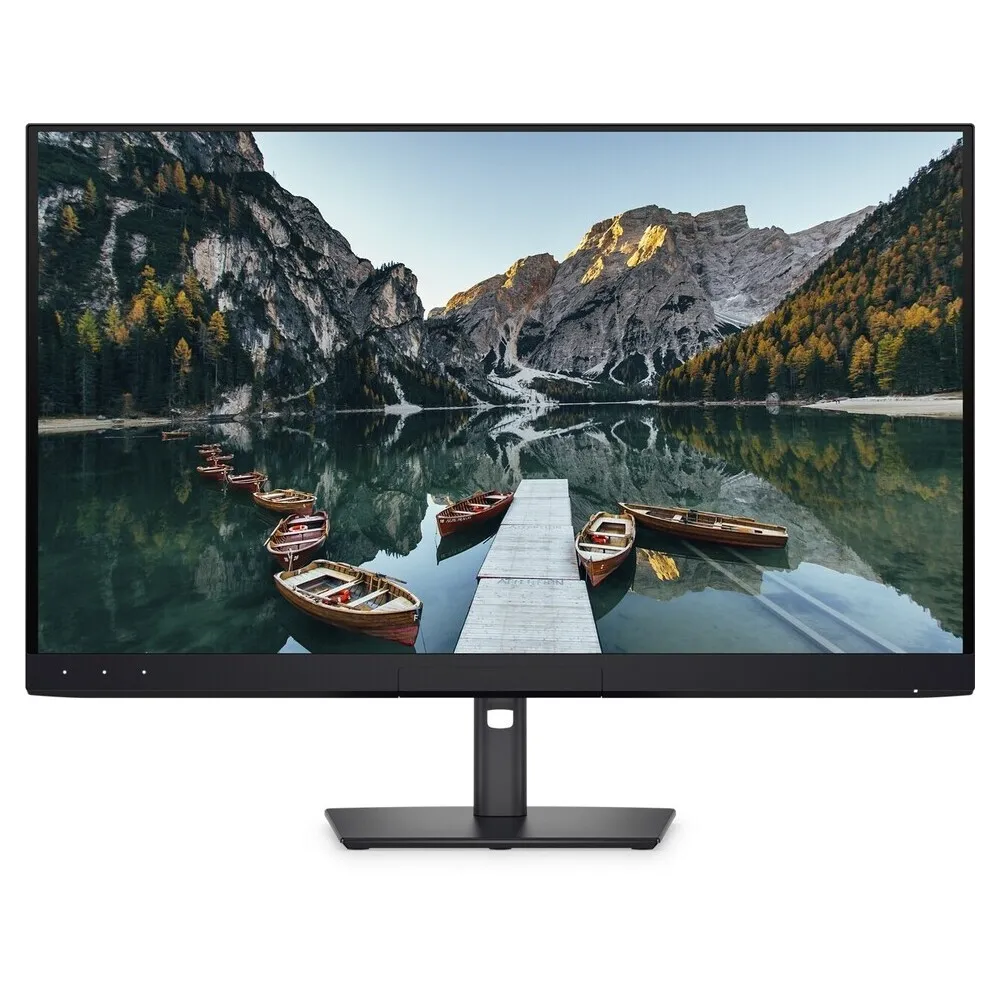
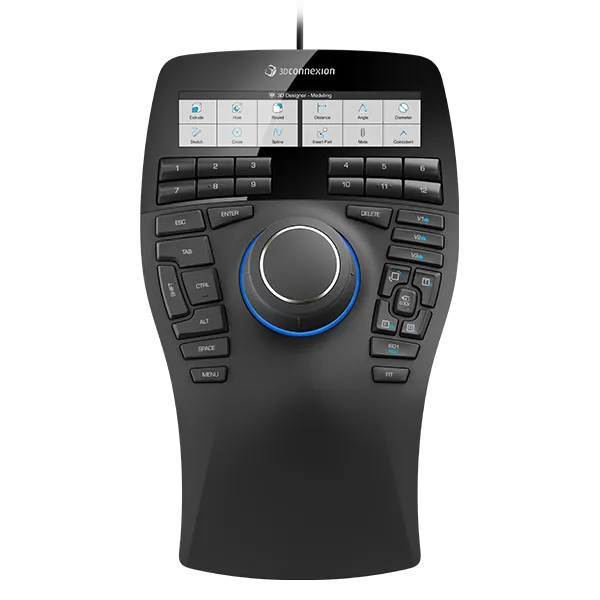
The category CAD Essential are the computers we’ve selected for 2D/3D design and modeling with SketchUp Pro: 16 to 32 GB of memory and an NVIDIA RTX graphics card, so your model moves smoothly on screen. In the store you’ll find them marked «Suitable for», all with warranty and technical support.
Frequently asked questions
Before you buy.
Is there a perpetual license?
No. Trimble now offers SketchUp by subscription only. Perpetual licenses stopped being sold in 2020.
Does it work without internet?
Yes, for up to 28 days. After that, a connection is needed to re-check the license.
Pro or Studio?
Studio adds V-Ray, Scan Essentials and Revit Importer, but runs on Windows only. Pro works on Windows and Mac.
How do I receive the license?
The license is digital. Once your order is complete, you receive the activation details by email.
Do you issue invoices?
Yes. We issue an invoice or receipt with Greek VAT. Prices on this page exclude VAT.
Who is eligible for an educational license?
Students, educators and educational institutions, with the documentation required by the manufacturer.
Do I get the software with Teams courses?
Yes. In Teams courses, the software is provided for the full duration of the course.
And with E-Learning courses?
E-Learning courses don’t include a software license. For practice you use the manufacturer’s SketchUp trial: 7 days. You can get your license at the official price from our store.
Do I need help with installation?
We help you with activation and installation. Contact us for technical support.
Tell us what you design.
We'll suggest the combination that gets the job done.