







 Enscape
Chaos · Authorized Reseller
Real-time inside
your program.
Real-time visualization inside your design program. Every change appears the moment you make it.
from 59,00 € + VAT · Invoice with Greek VAT
 © Chaos
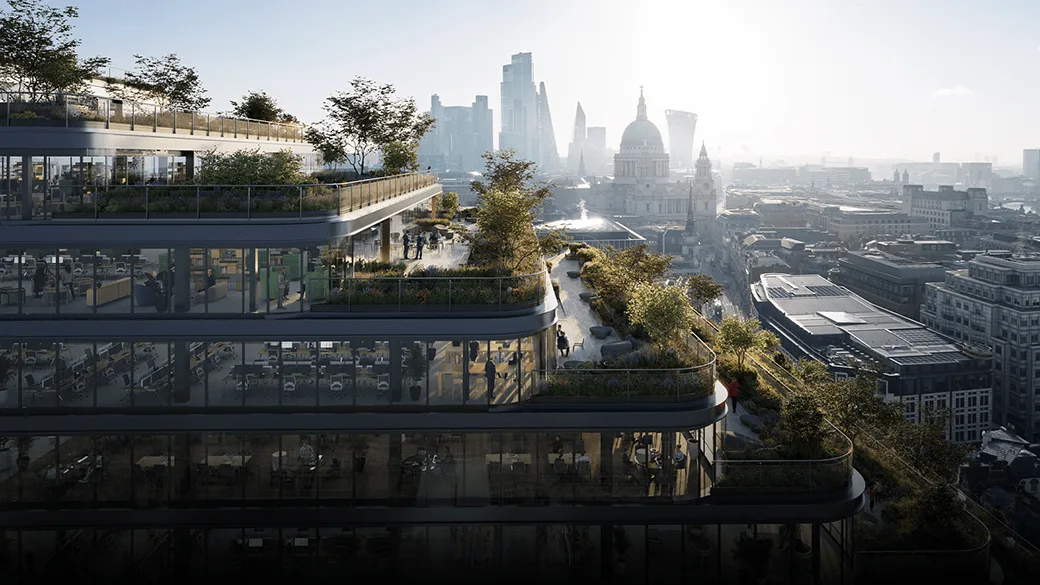
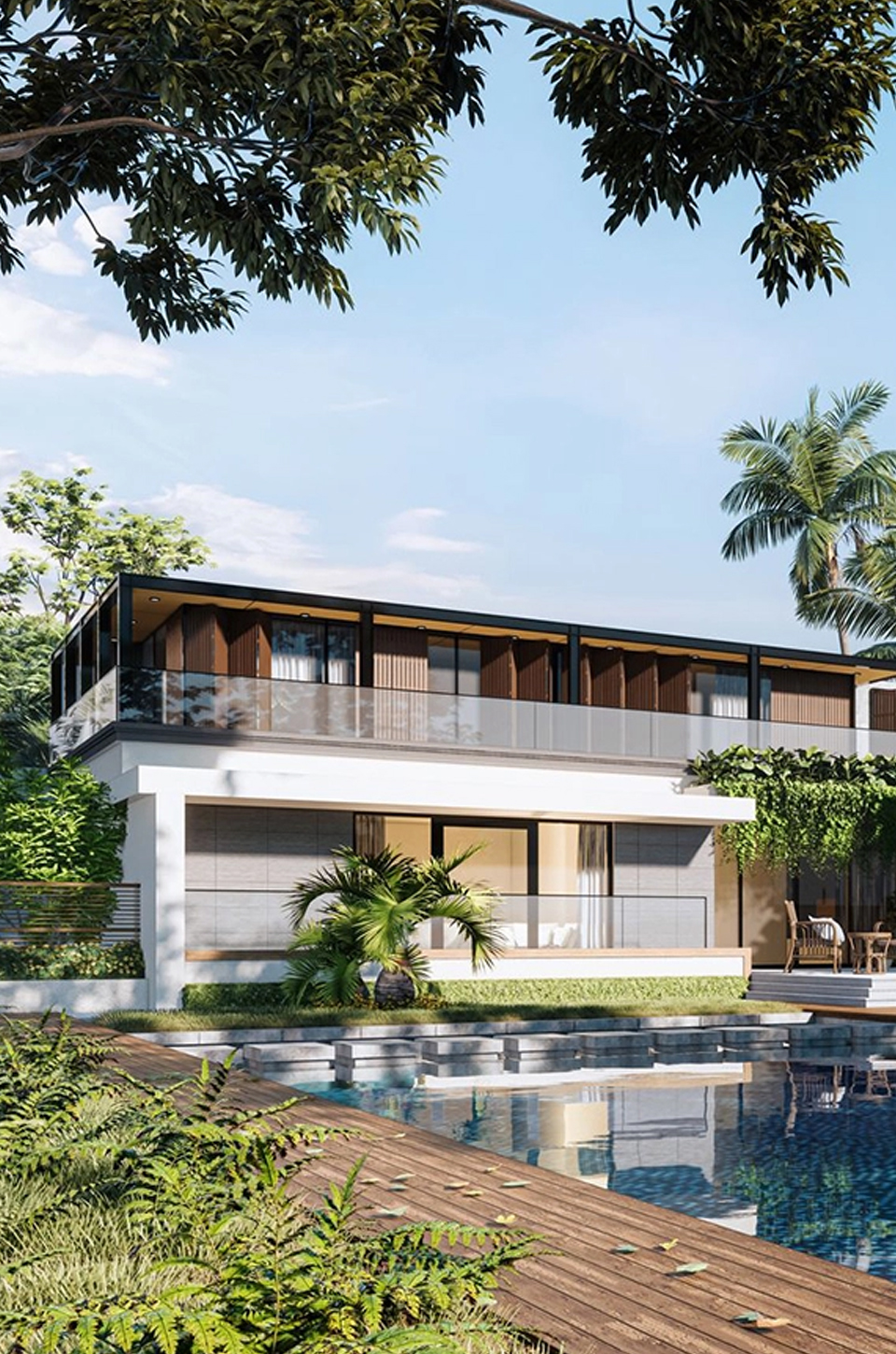
Real-time rendering
Every change,
instantly lit.
Every change to the model shows up instantly, realistically lit.
 © Chaos
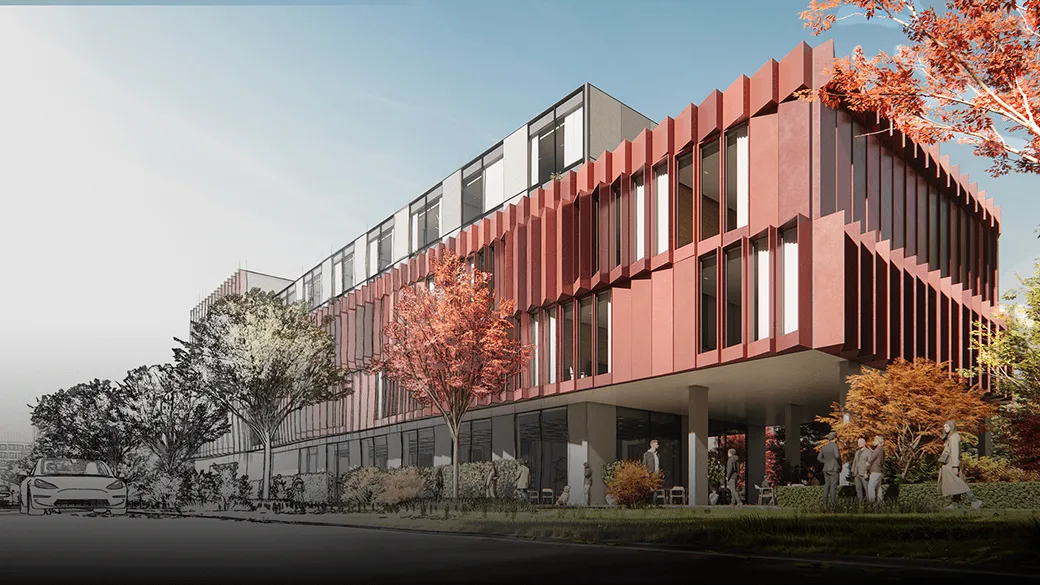
New · No 2 GB limit
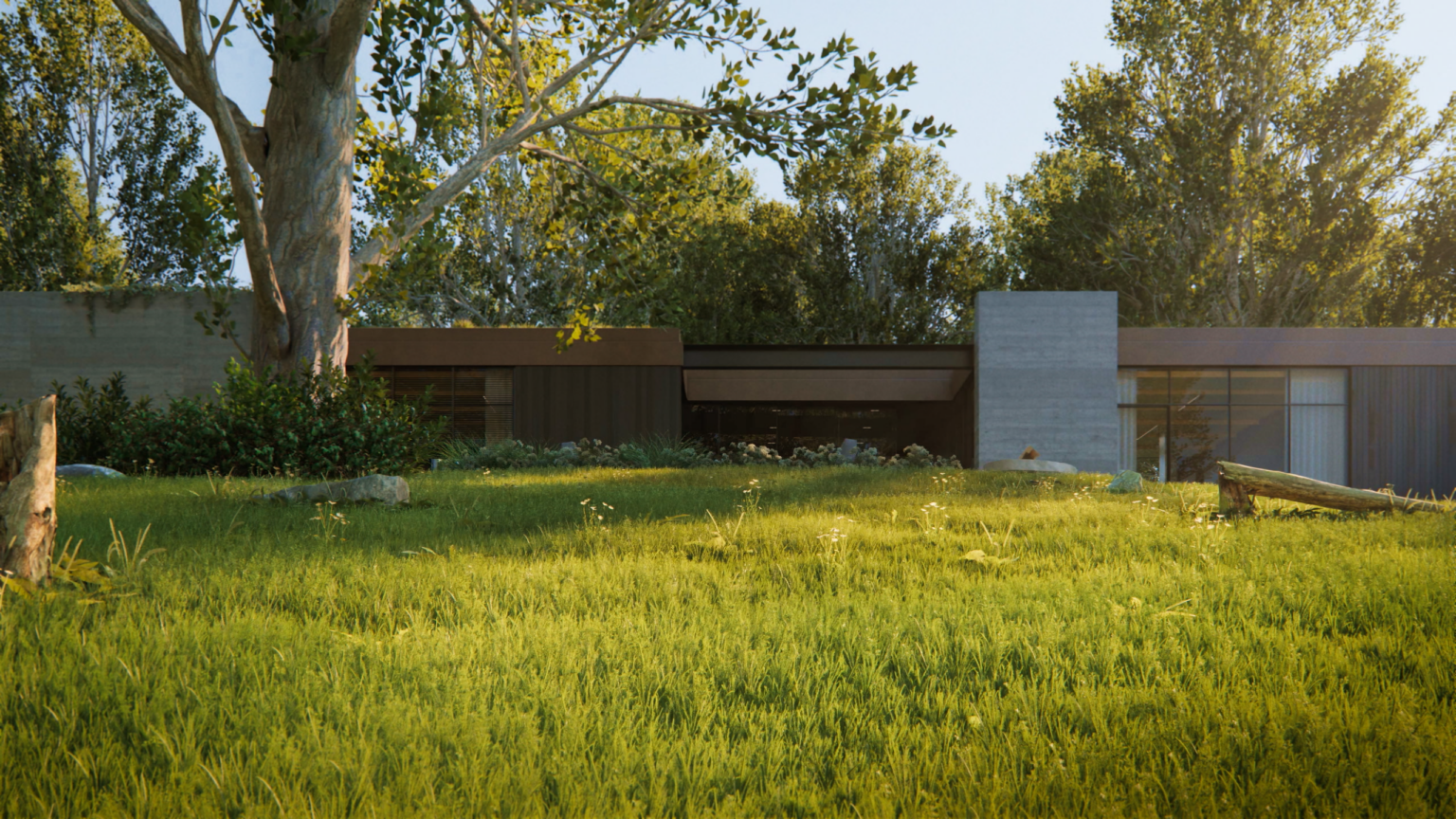
Large projects,
no limits.
The scene size limit has been removed, for entire complexes and urban areas.
 © Chaos
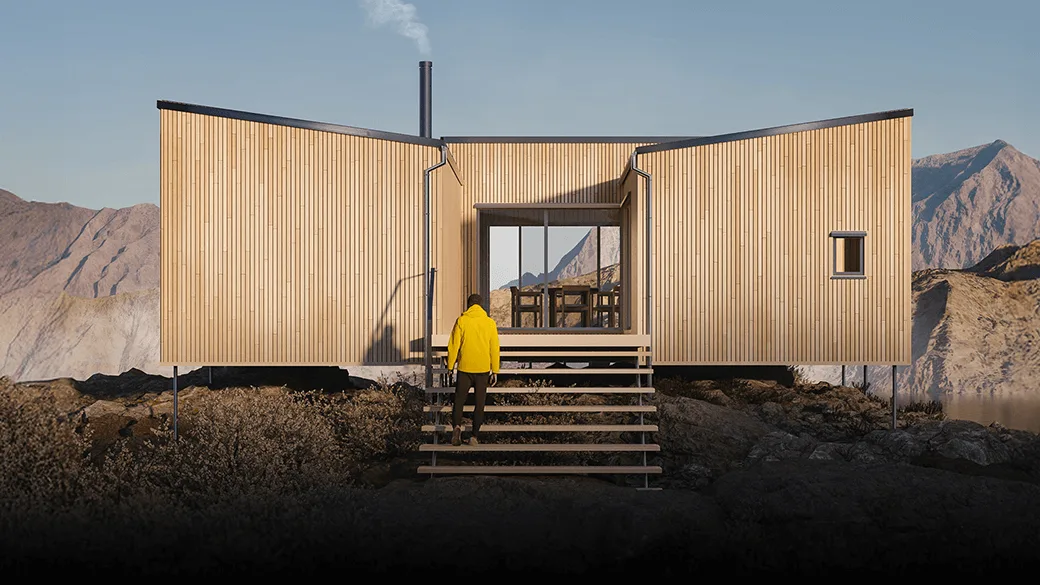
Project surroundings
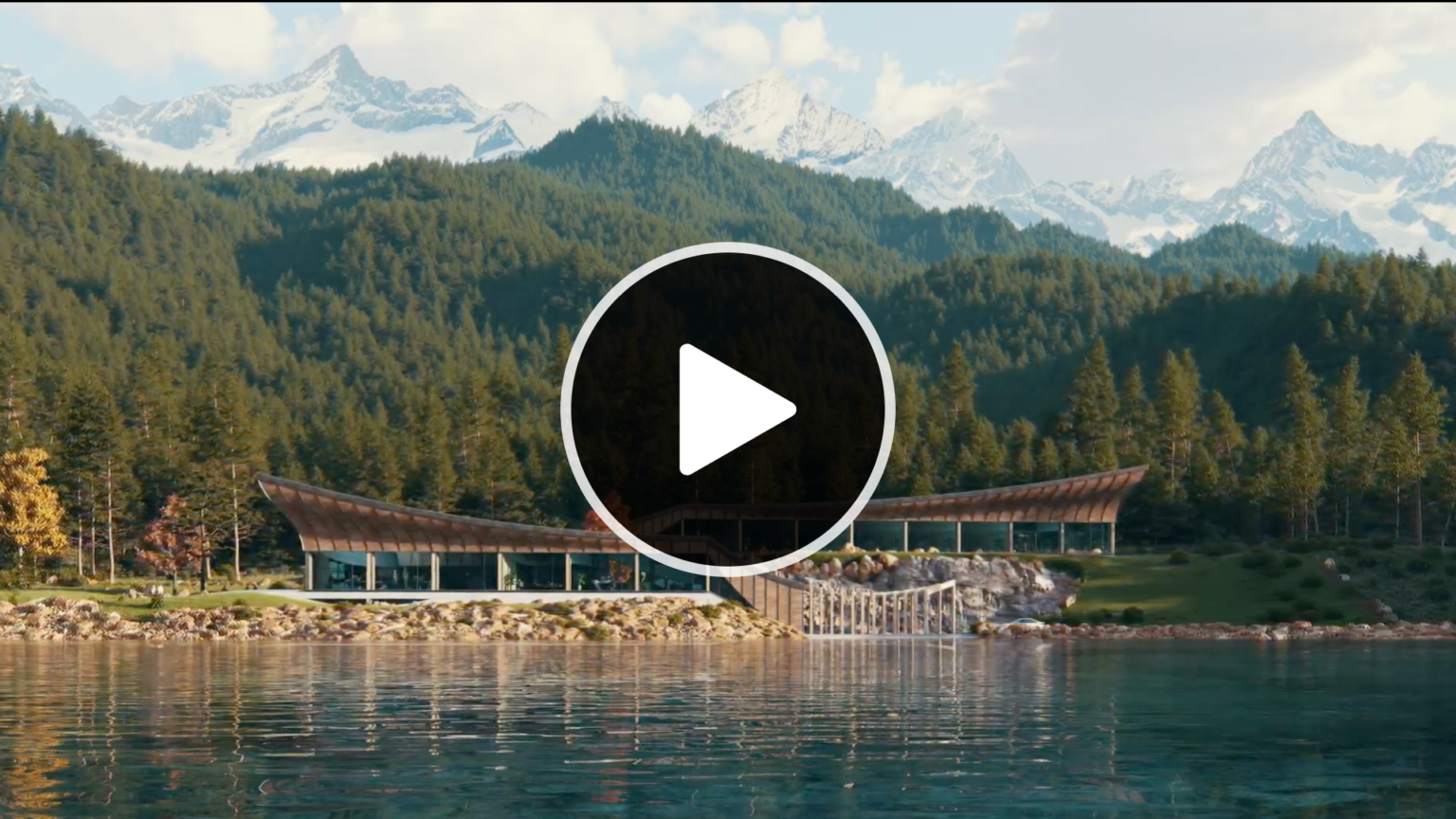
The site
in seconds.
Add the surroundings of the site in seconds.
 © Chaos
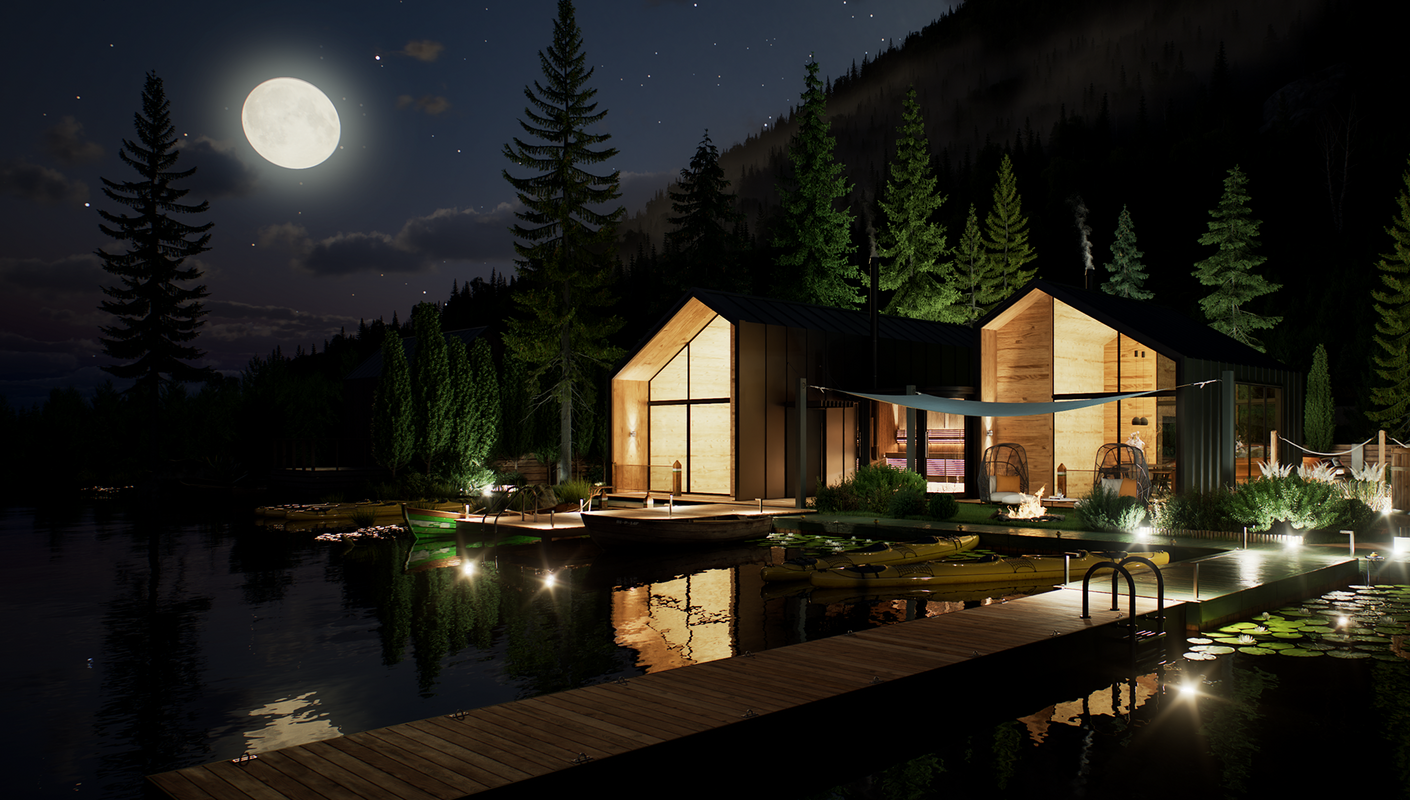
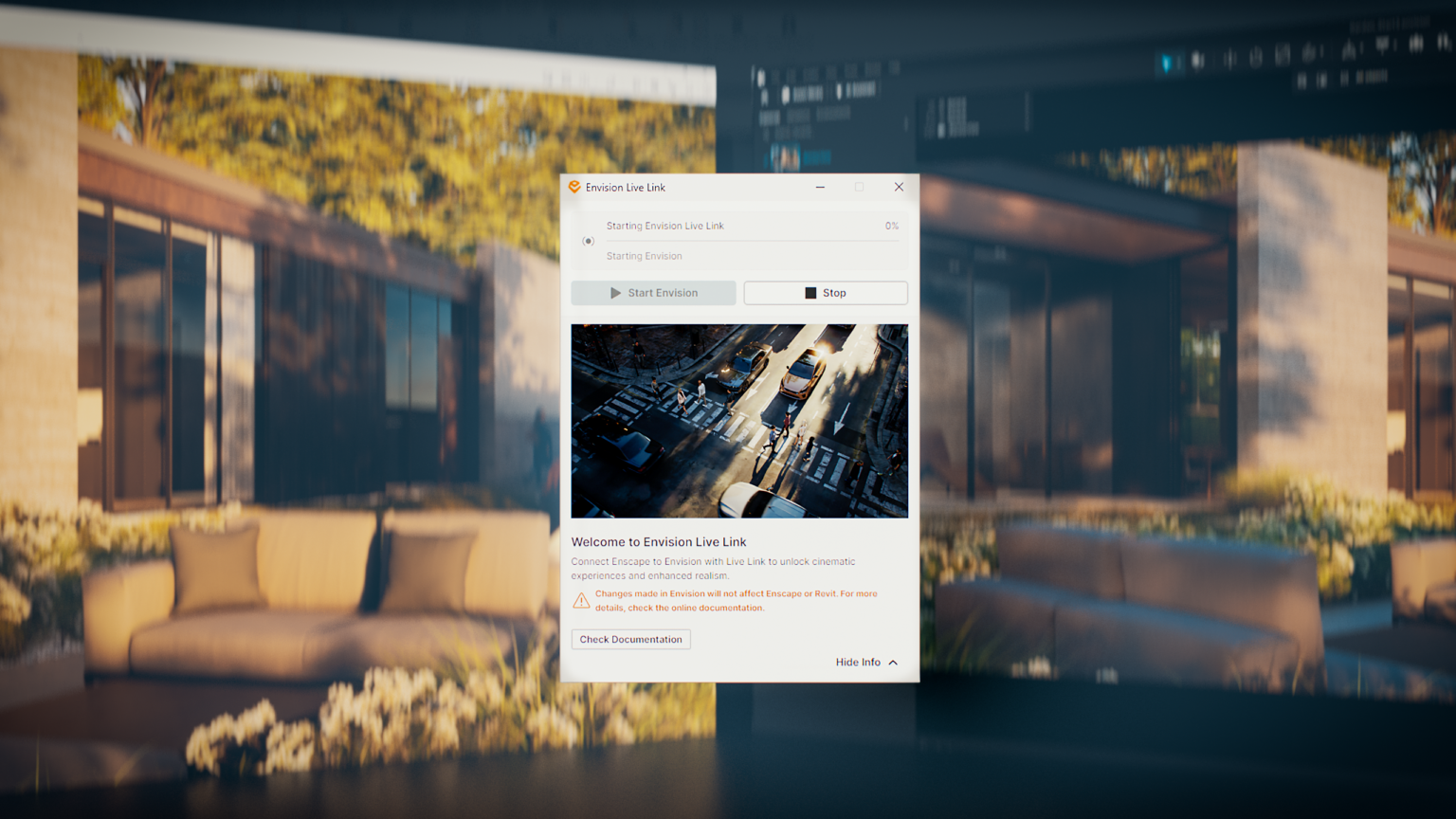
New · Envision Live Link
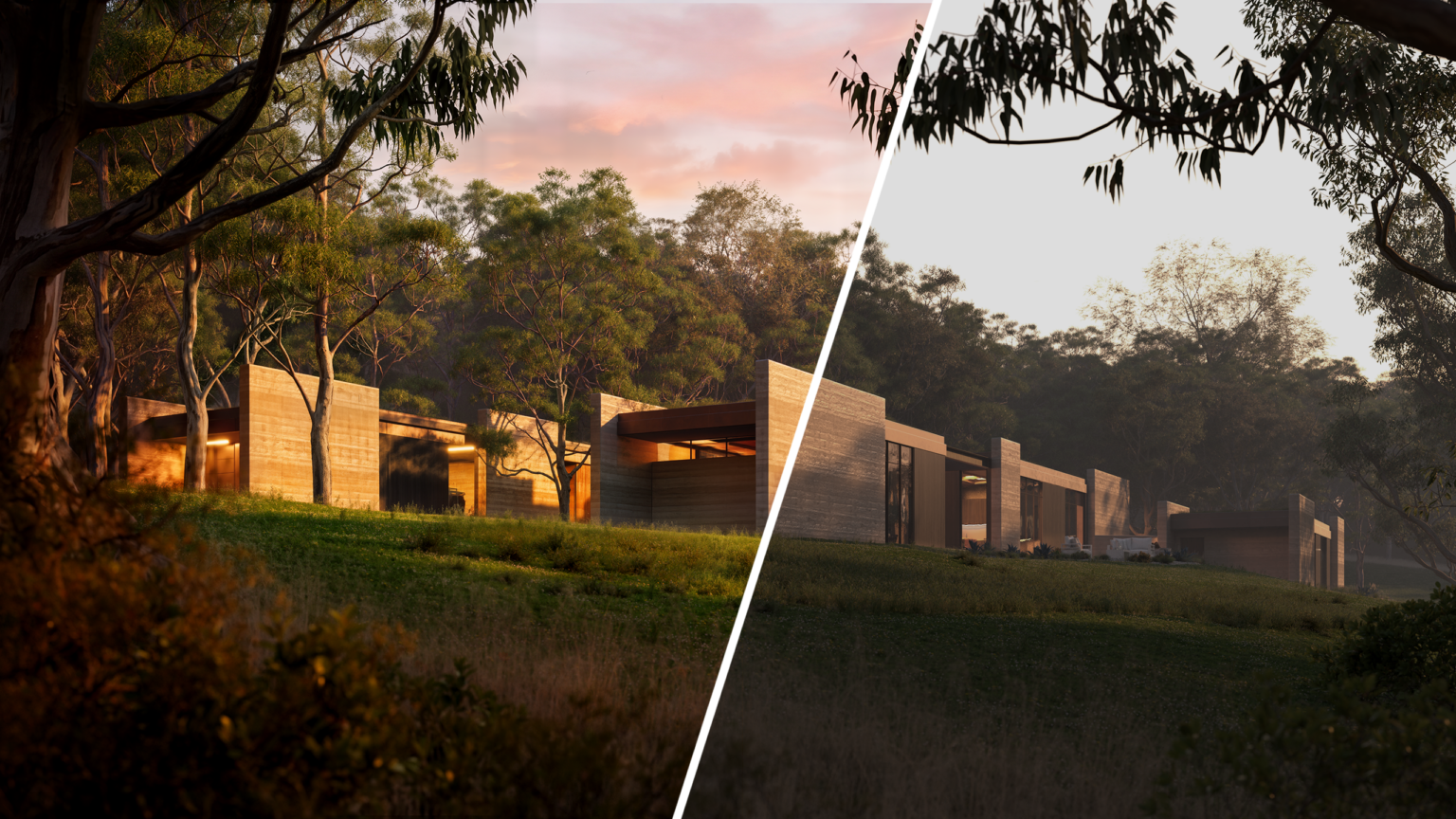
From the model
into animation.
Connects to Enscape Envision for cinematic animations.
 © Chaos
What is Enscape
See your project
as you design it.
Enscape is a real-time visualization plugin by Chaos. It runs inside Revit, SketchUp, Rhino, Archicad and Vectorworks and shows photorealistic images and walkthroughs while you design, with no exports. It's built for architects, interior designers and BIM teams.
Who it's for
Enscape
Design.
See it instantly.
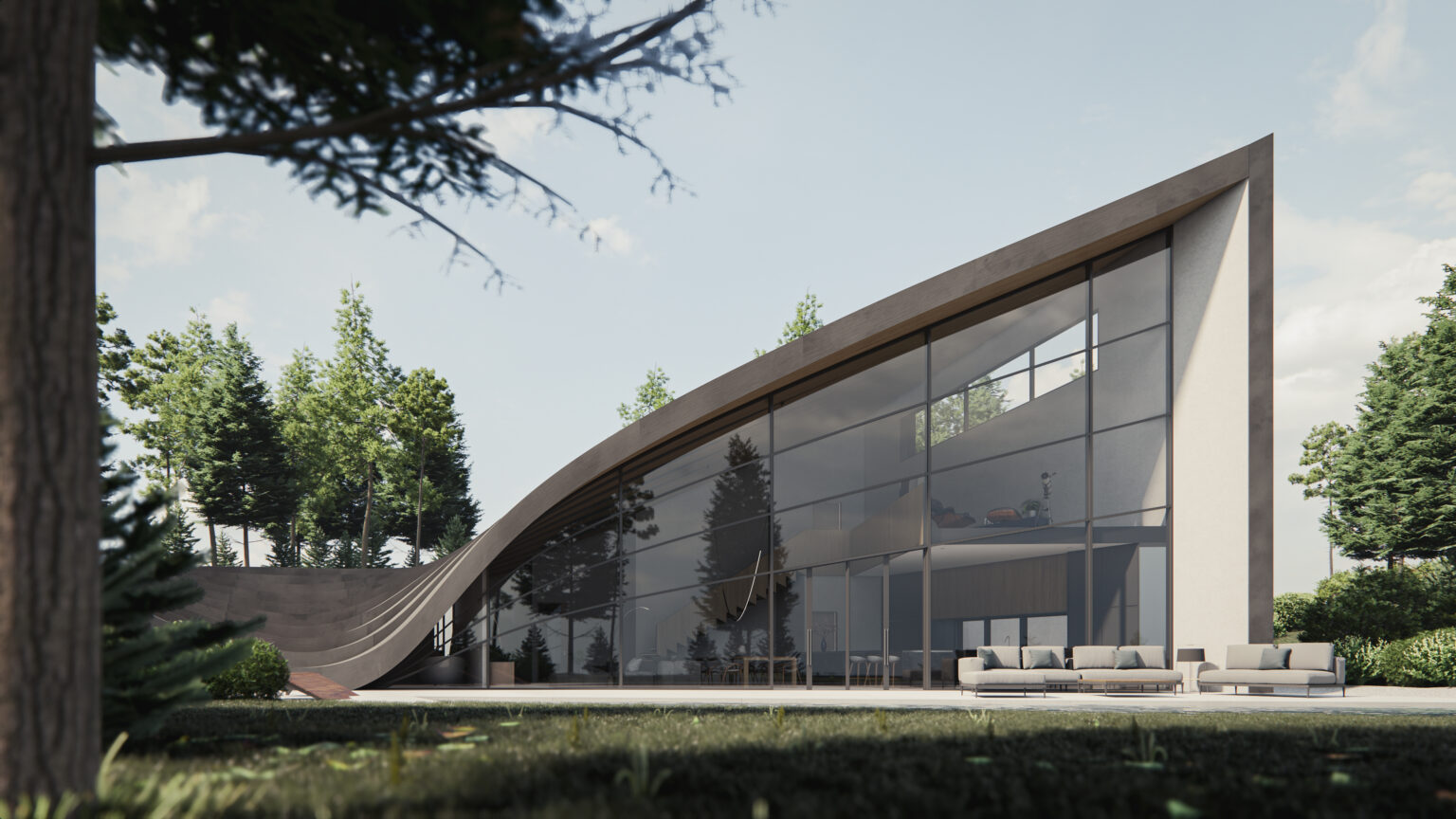
Real-time, inside the program you already use.
Revit, SketchUp, Rhino, Archicad and Vectorworks, with one click.
How you work with Enscape
From design
to presentation.
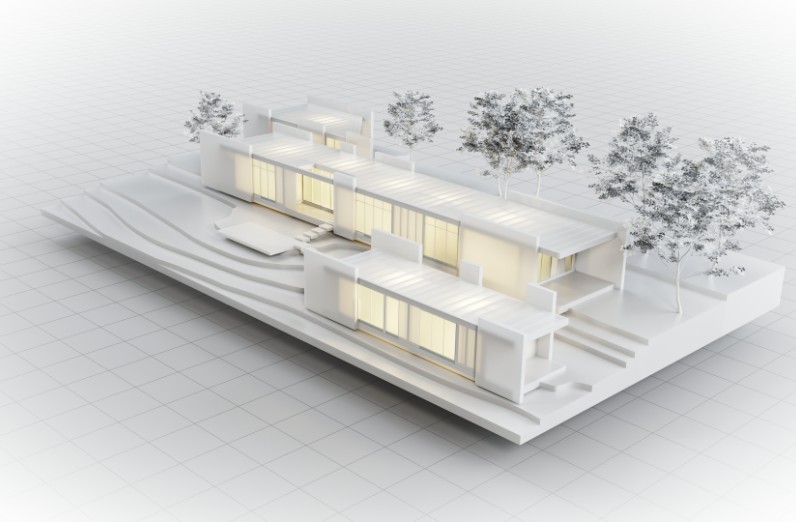 01
01See the model live.
Every change to the model shows up instantly, realistically lit.
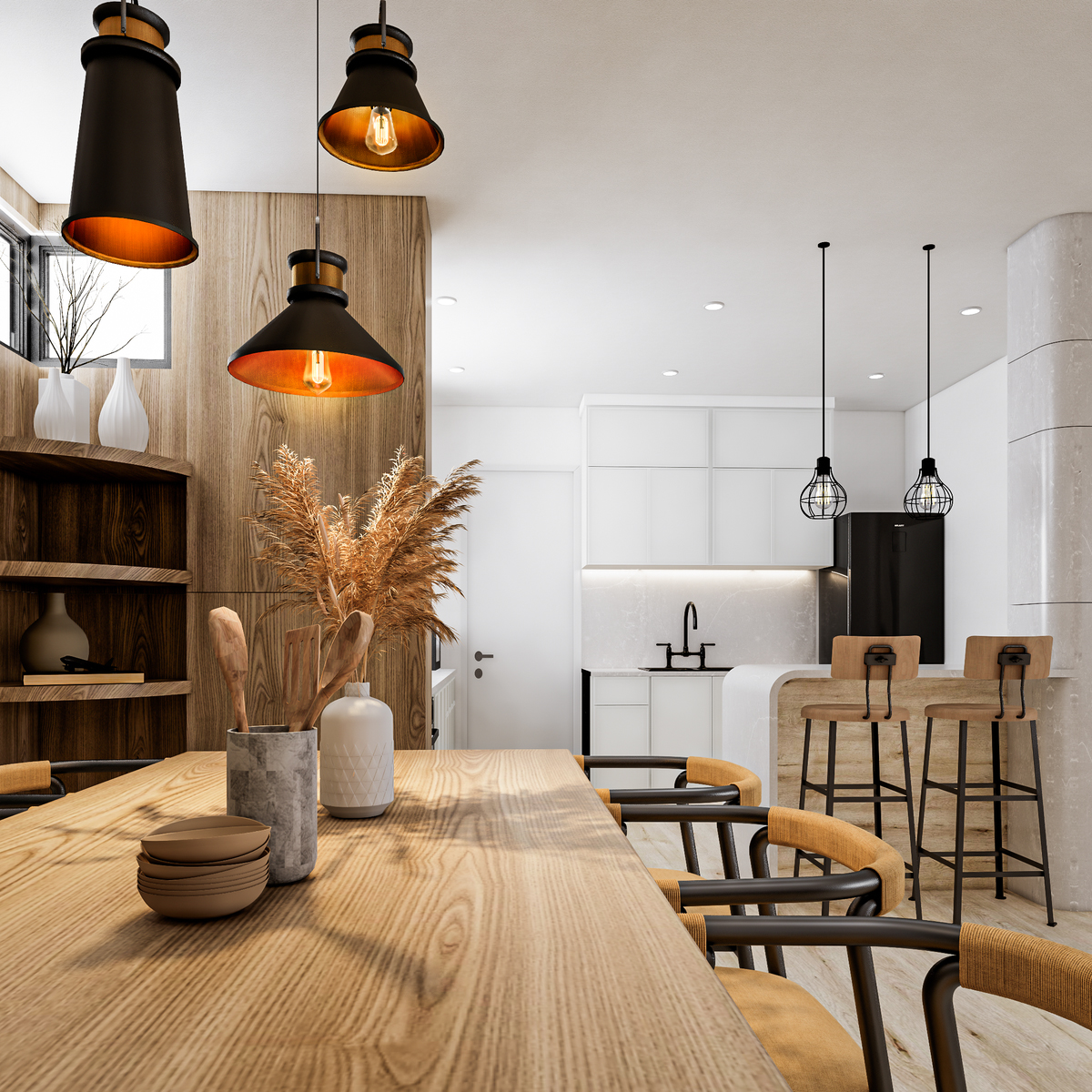 02
02Inside your program.
The same experience in Revit, SketchUp, Rhino, Archicad and Vectorworks.
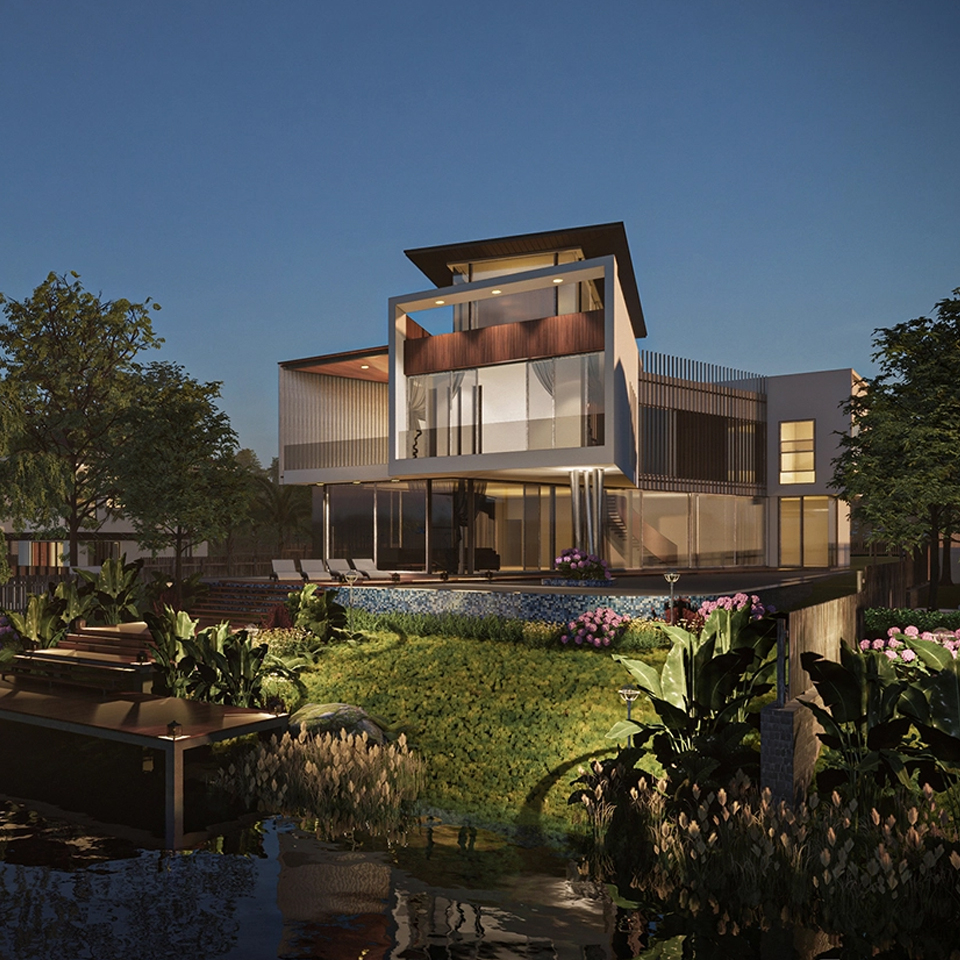 03
03Place the project on its site.
Add the surroundings in seconds.
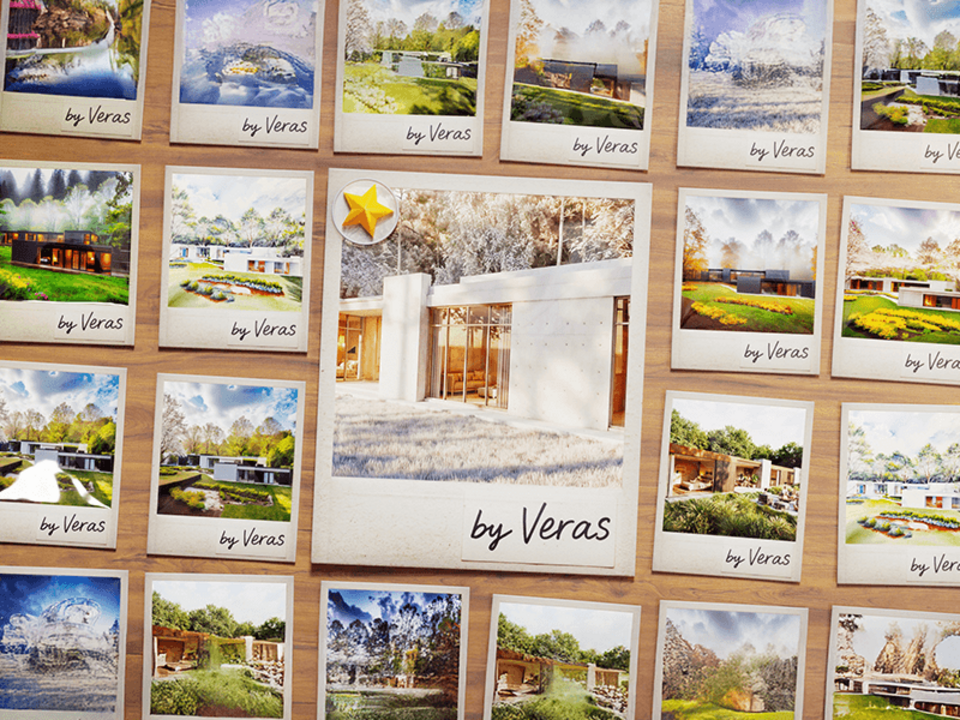 04
04Try ideas with AI.
Veras gives you design and material alternatives, in every plan.
 05
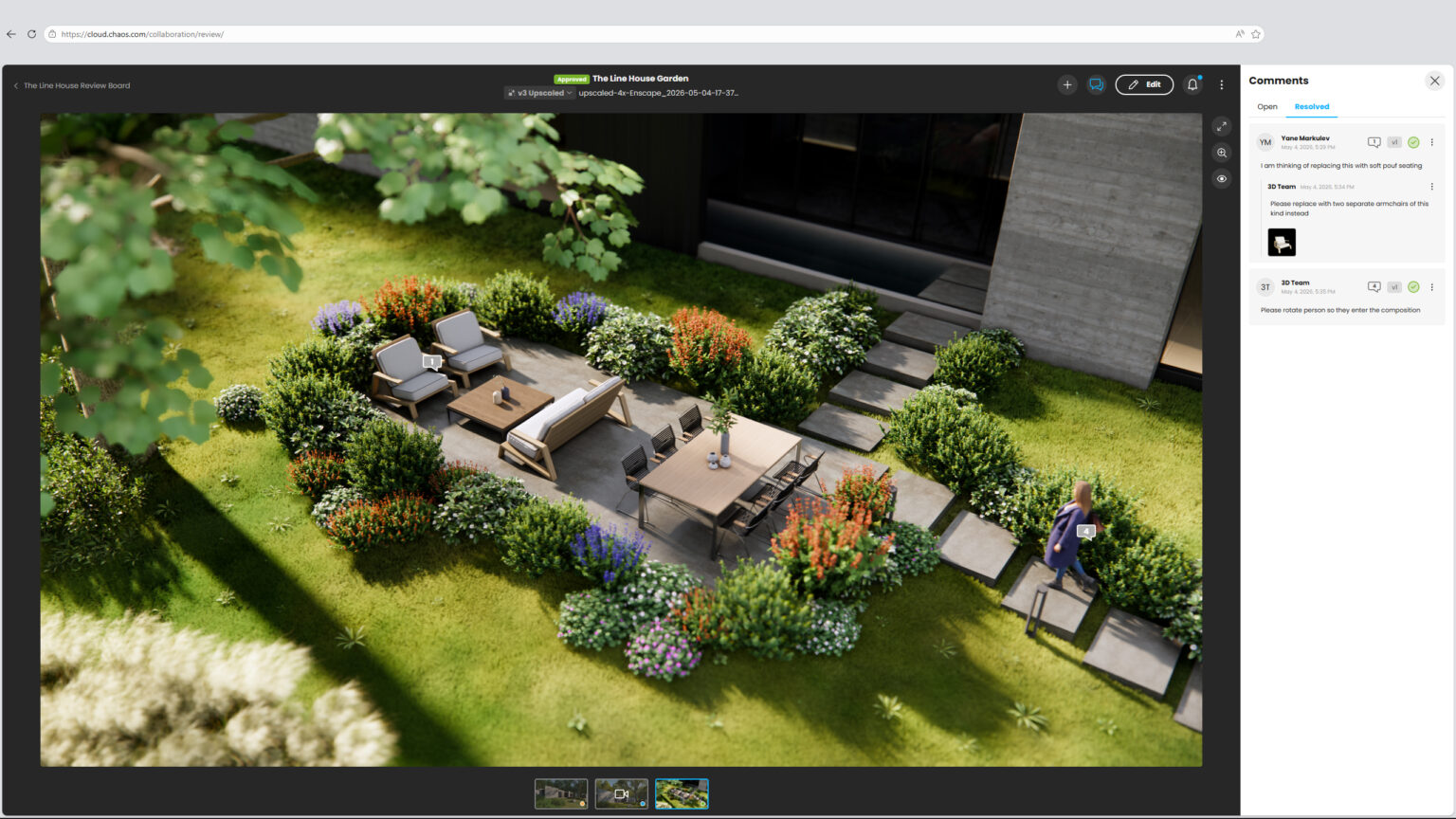
05Share it with the client.
Images, videos and walkthroughs via Chaos Cloud.
Features
From the model
into the presentation, with one click.
 01
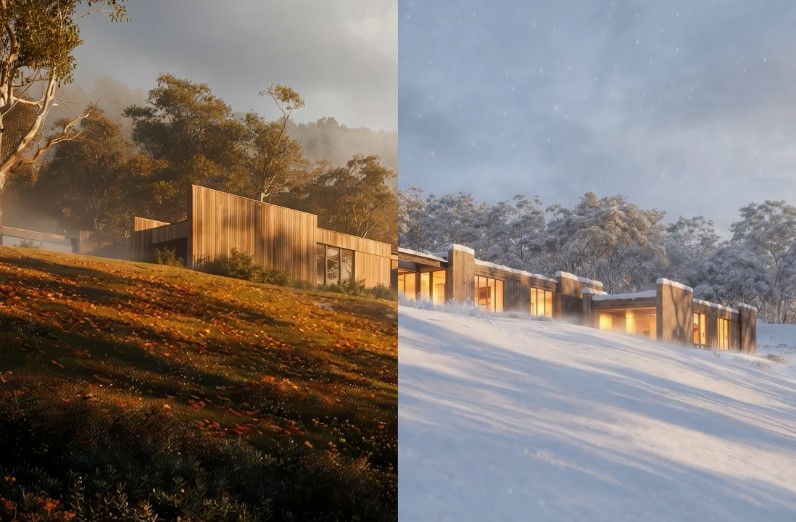
01Real-time rendering
Every change to the model shows up instantly, realistically lit.
 02
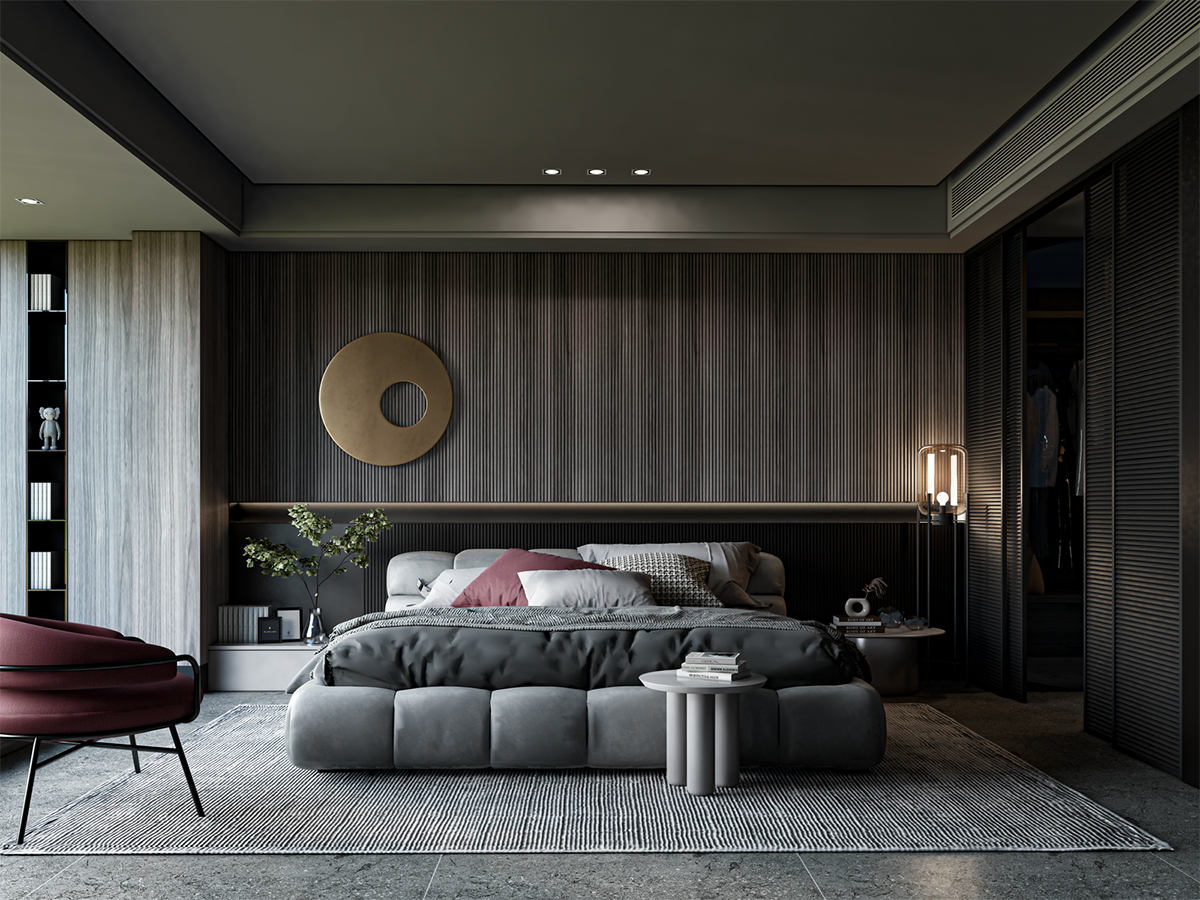
02One tool, five programs
The same experience in Revit, SketchUp, Rhino, Archicad and Vectorworks.
 03
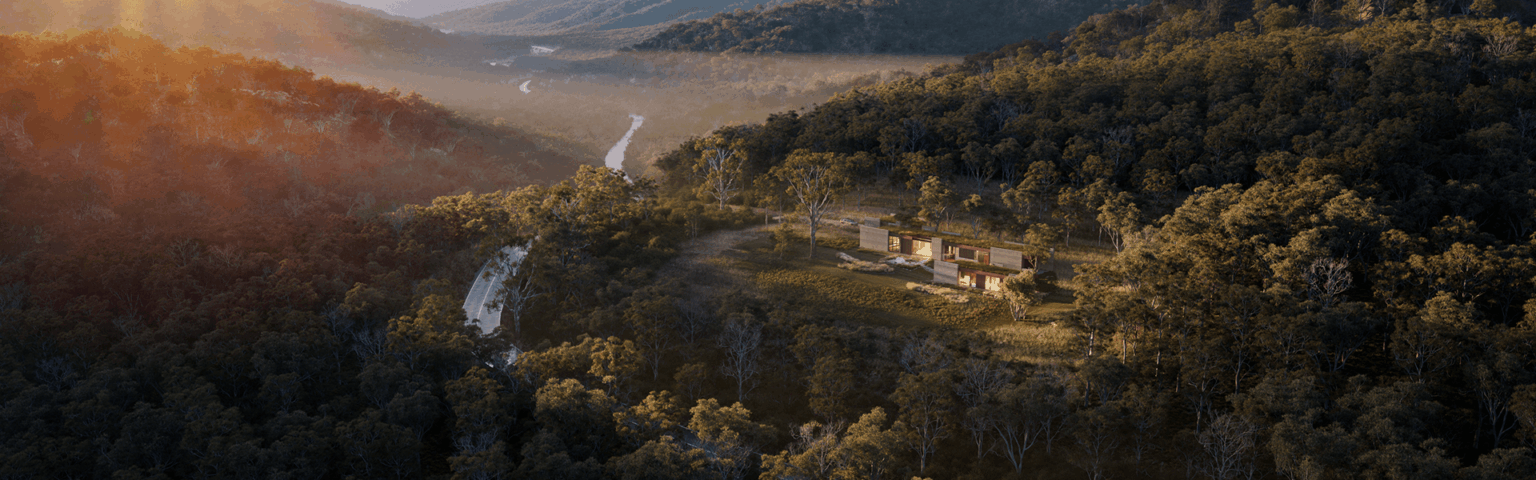
03Project surroundings
Add the surroundings of the site in seconds.
 04
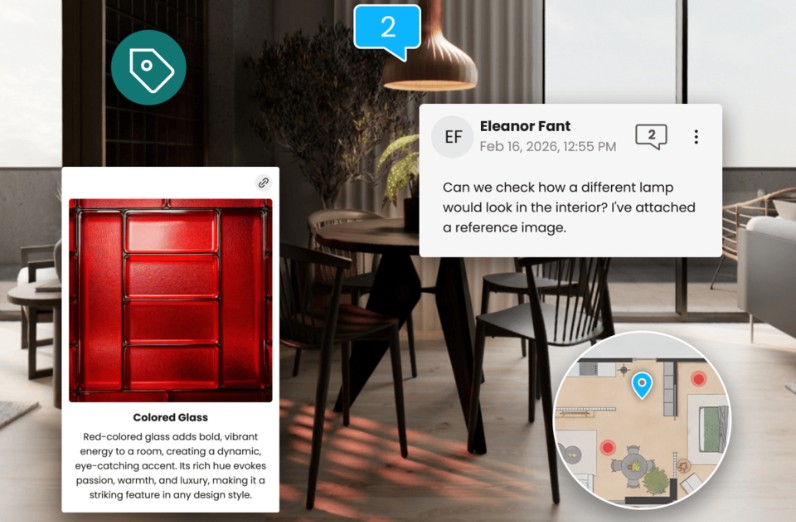
04Veras AI
AI-powered design and material alternatives, in every plan.
 05
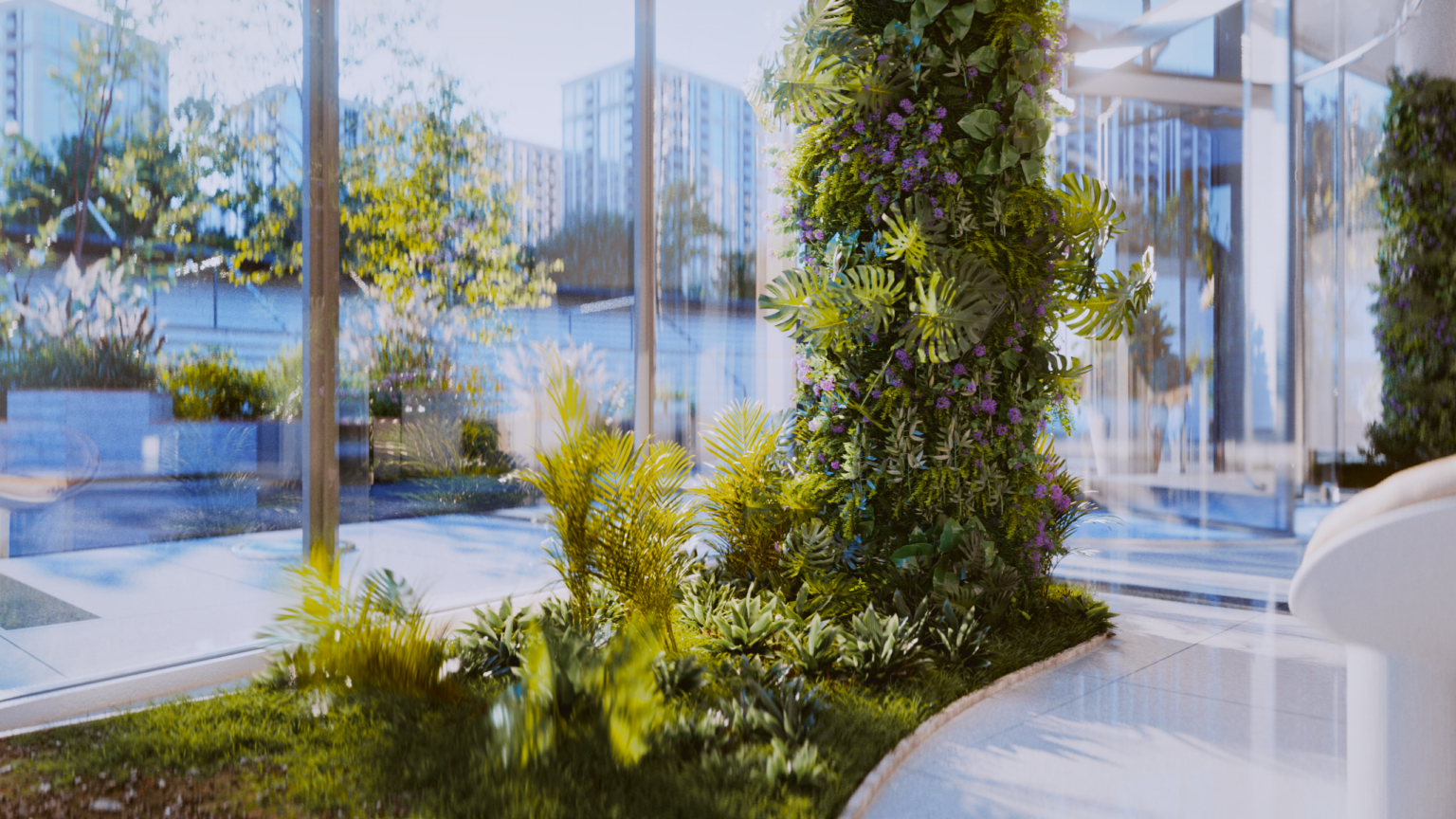
05Chaos Cosmos
Thousands of ready-made furniture pieces, plants and people, with smart search.
 06
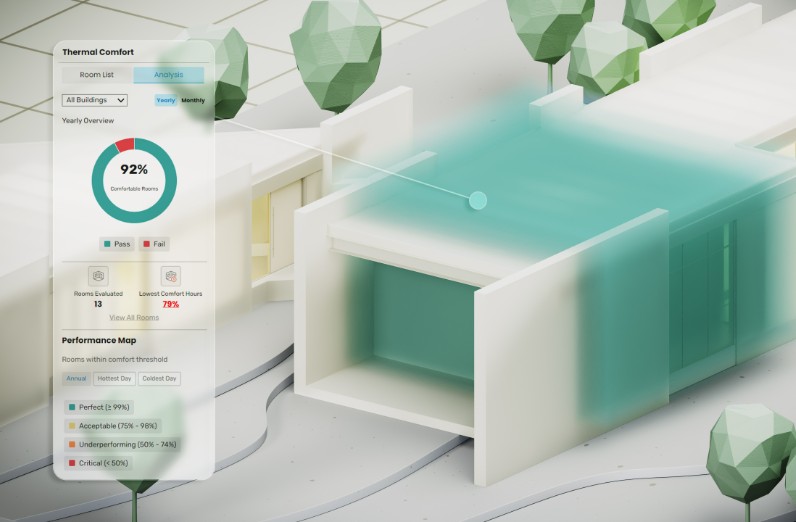
06Sharing
Share images, videos and walkthroughs with clients via Chaos Cloud.
What's new · Enscape
No limits.
More assets.
No 2 GB limitThe scene size limit has been removed.
New program versionsSupport for Revit 2027, SketchUp 2026, Archicad 29 and Vectorworks 2026.
2,500+ new assetsPlus natural-language search in Cosmos.
AI Upscaler2x and 4x image upscaling, and an improved AI Enhancer.
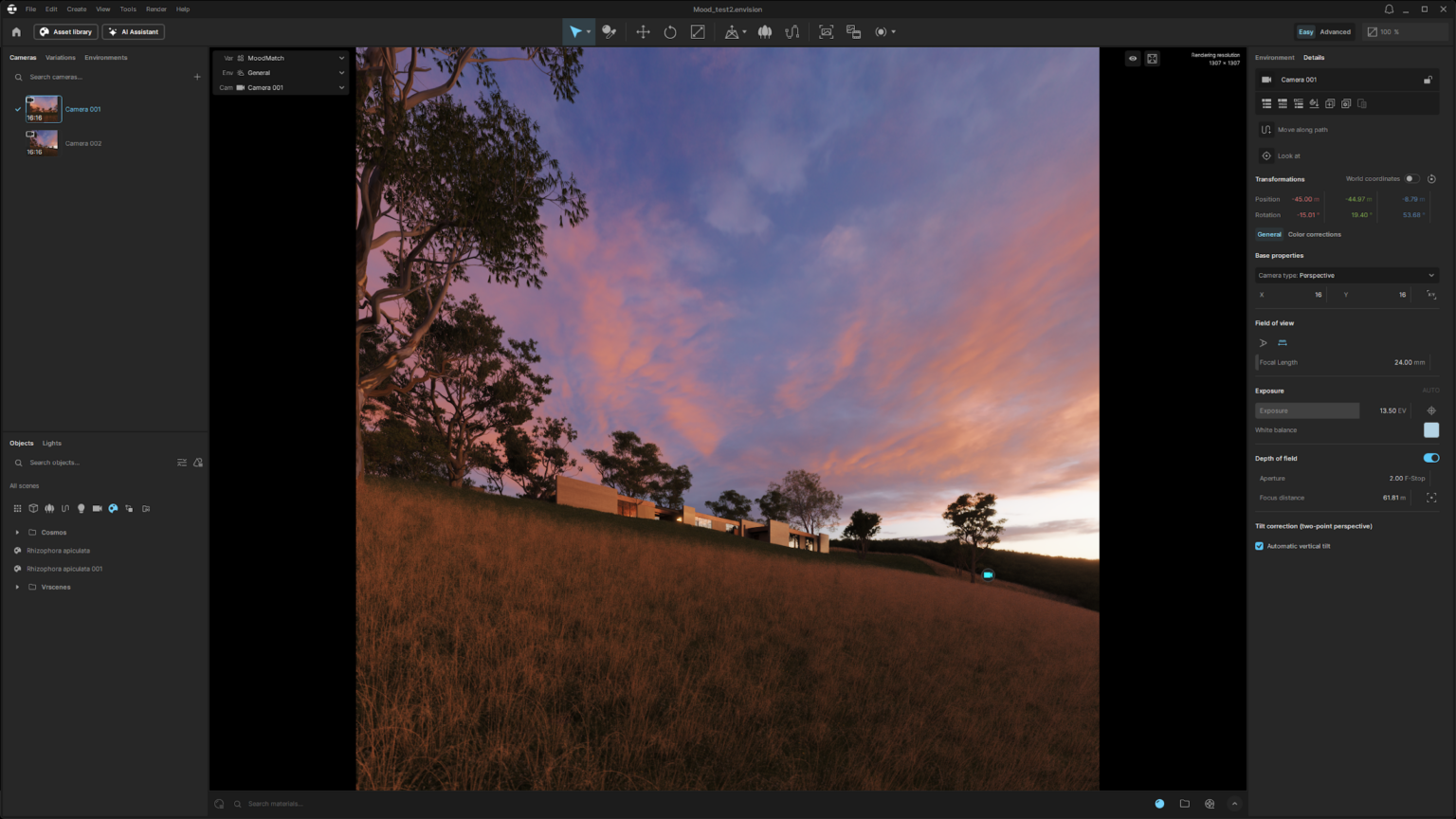
Envision Live LinkConnects to Enscape Envision for cinematic animations.
 Better Revit and SketchUp
More accurate Revit filters and the return of “Save as External Model” in SketchUp.
Compatibility
Inside the program
you already know.
Works with
System requirements
General
- Requirements vary depending on the design program (Revit, SketchUp, Rhino, Archicad or Vectorworks) and the rendering mode.
- For smooth work we recommend a workstation with a powerful graphics card. See the computers we recommend below.
Licenses
Choose the license
that suits you.
Official licenses with Greek invoicing. Prices excl. VAT.
A license on one computer at a time, with an annual or monthly subscription. Move it to another computer whenever you need.
Runs on any computer, as long as you don't exceed your seats. Annual subscription only.
Both types have exactly the same features. An educational license is also available.
Training
Learn it
at your own pace.
One-to-one private lessons, online or in person, with a certified instructor and a program tailored to you.

Workstation
We recommend
ARCHVIZ Pro.
The category ARCHVIZ Pro are the computers we've selected for photorealistic rendering with Enscape on real projects: 16 to 96 GB of memory and NVIDIA RTX and RTX PRO graphics cards with more graphics memory for heavy scenes. In the store you'll find them marked “Suitable for”, all with warranty and technical support.
Frequently asked questions
Before you buy.
Fixed seat or floating?
They have the same features. A fixed seat is tied to one computer at a time, while a floating license is shared across a team and is available annually only.
Does it change the way I design?
No. Enscape runs inside Revit, SketchUp, Rhino, Archicad and Vectorworks.
Can I move the license to a new computer?
Yes. Release it from the old one and activate it on the new one.
How do I receive the license?
The license is digital. Once your order is complete, you receive the activation details by email.
Do you issue invoices?
Yes. We issue an invoice or receipt with Greek VAT. Prices on this page exclude VAT.
Who is eligible for an educational license?
Students, educators and educational institutions, with the documentation required by the manufacturer.
Do I get the software with Teams courses?
Yes. In Teams courses, the software is provided for the full duration of the course.
And with E-Learning courses?
The software license is not included in E-Learning. For practice you use the manufacturer's trial version, in line with its policy. You get your license at the official price from the our store.
Do I need help with installation?
We help you with activation and installation. Contact us for technical support.
Tell us what you design.
We'll suggest the combination that gets the job done.