








 Chaos V-Ray
Chaos · Authorized Reseller
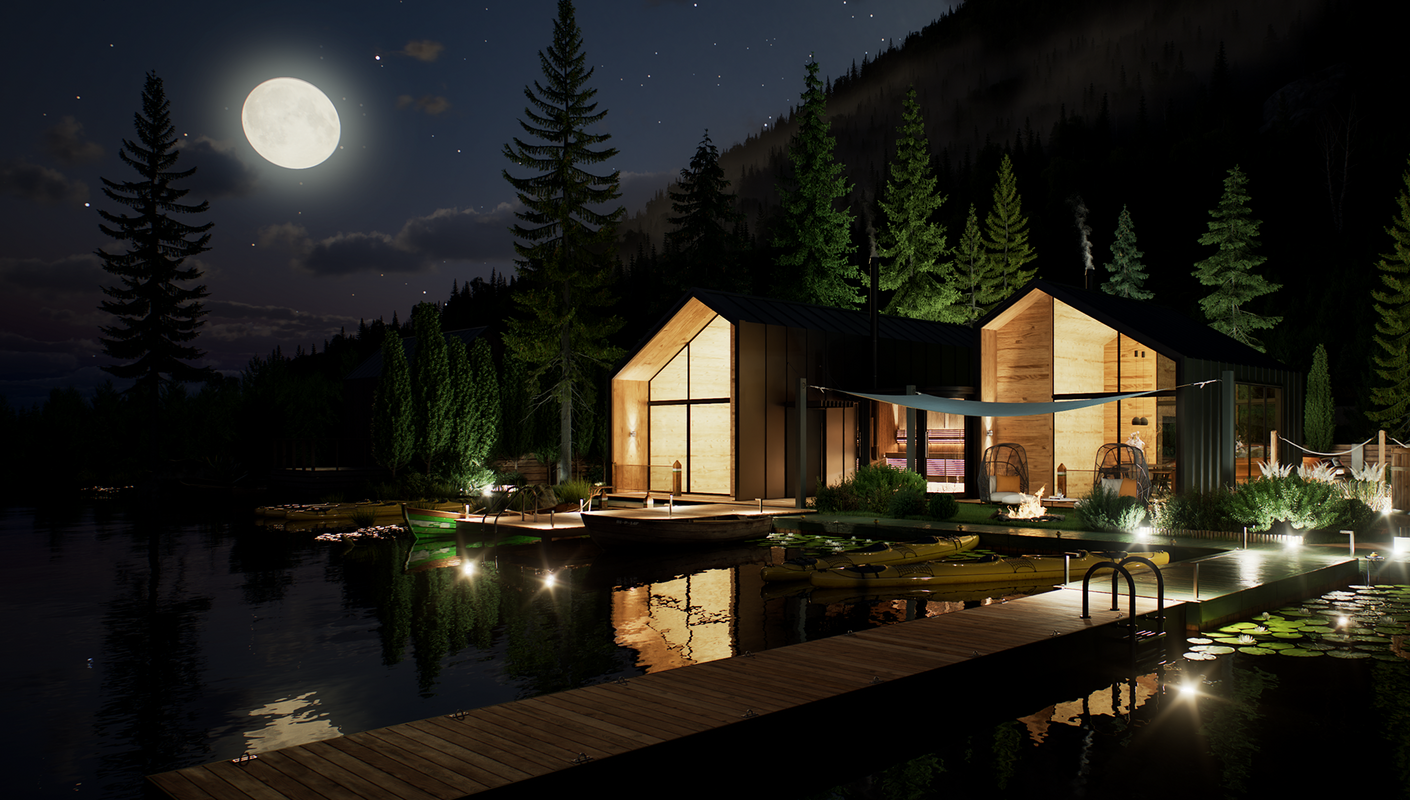
Photorealism
that convinces.
Photorealism that convinces, inside the program you already use. Render with CPU, GPU or both.
from 59,00 € + VAT · Invoice with Greek VAT
 © Chaos
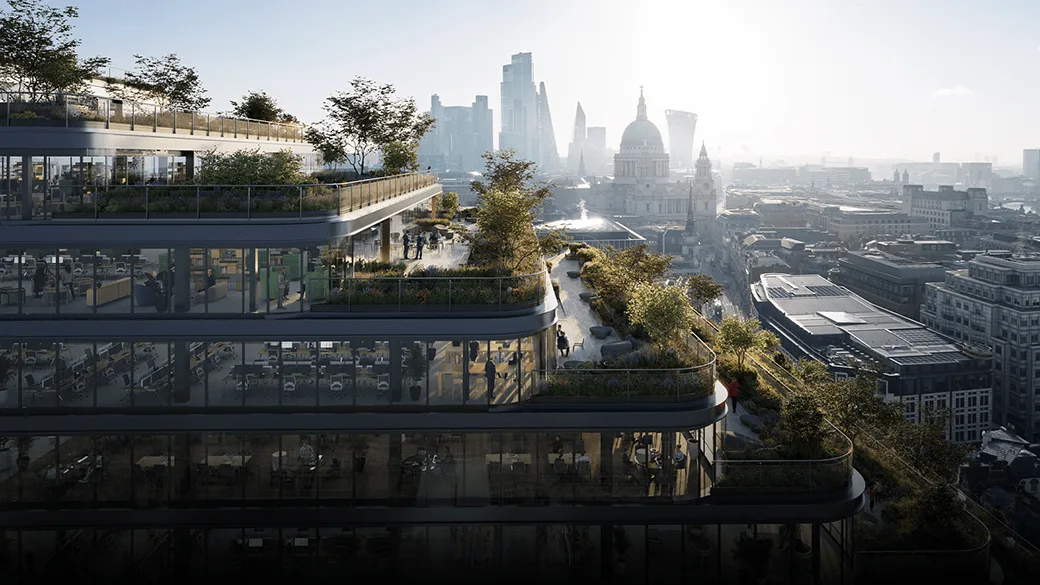
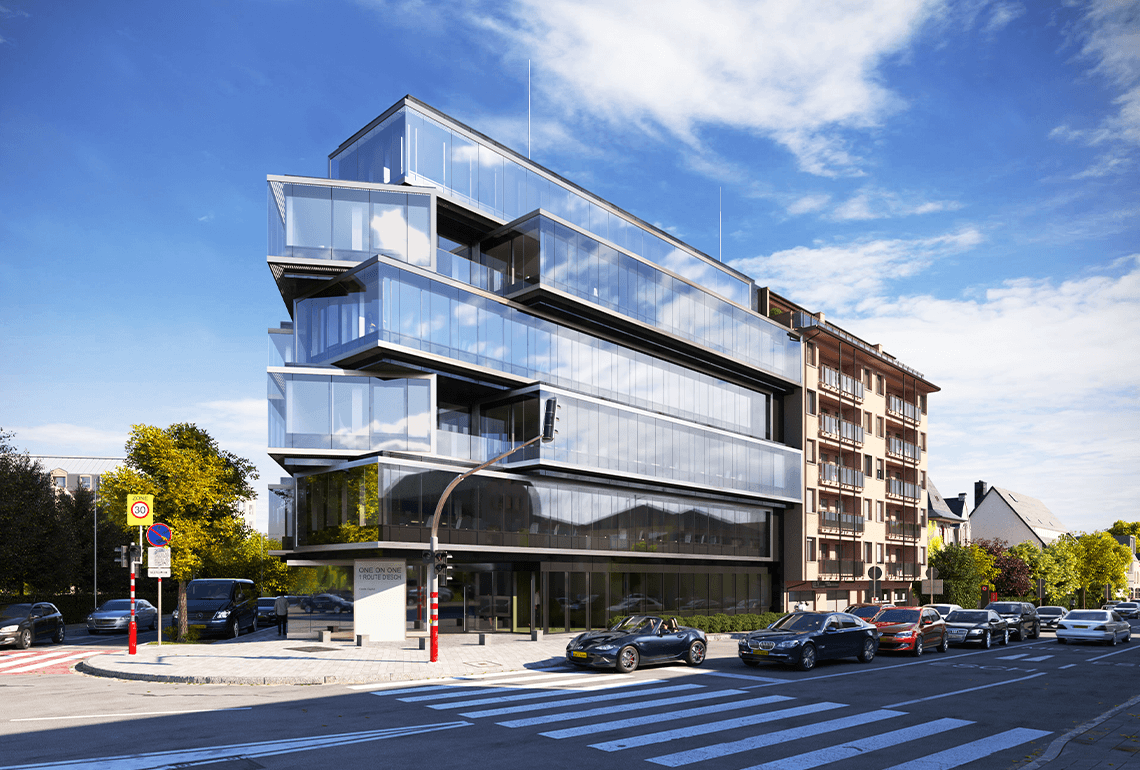
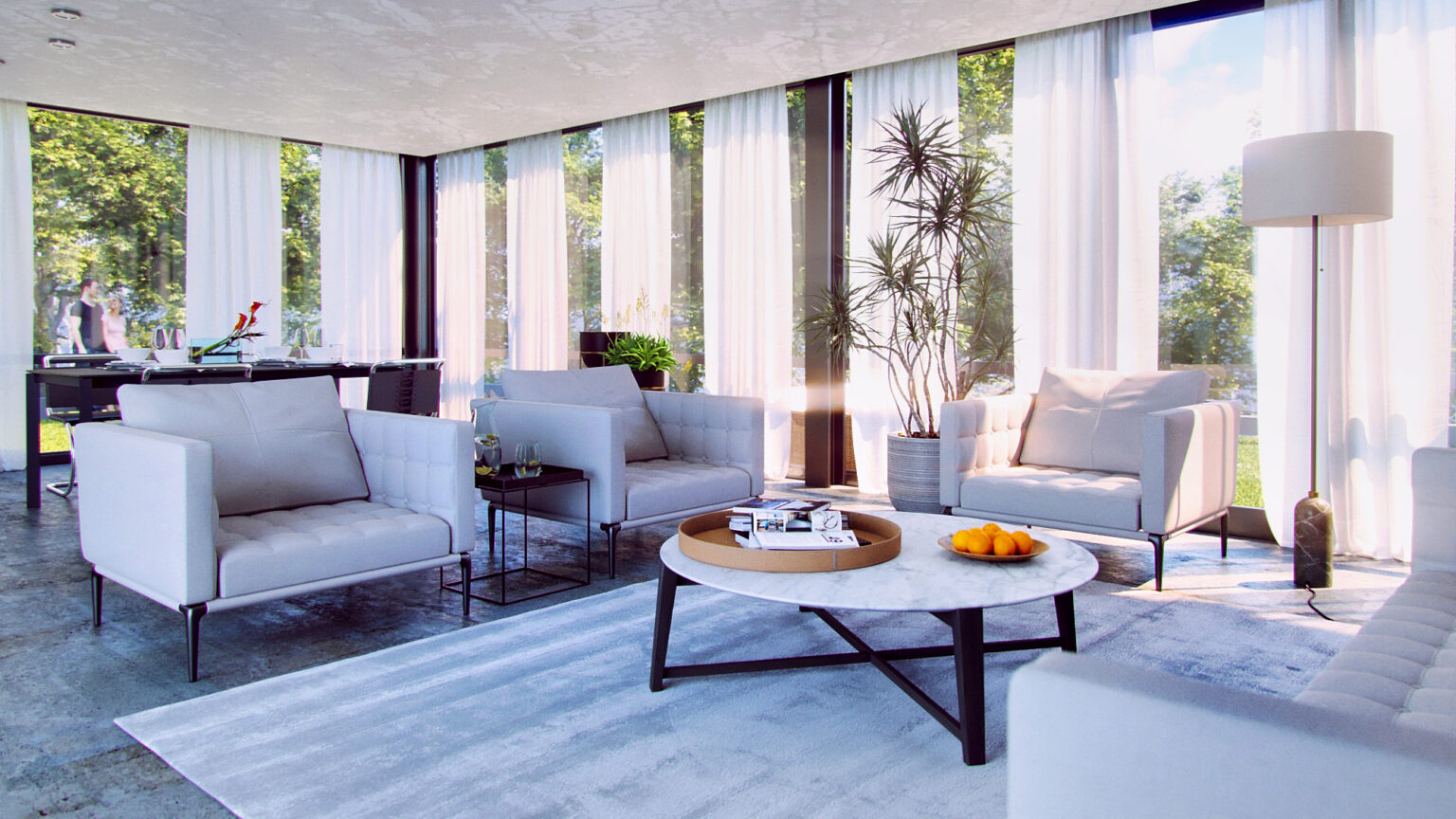
Photorealism
Images that look like
photographs.
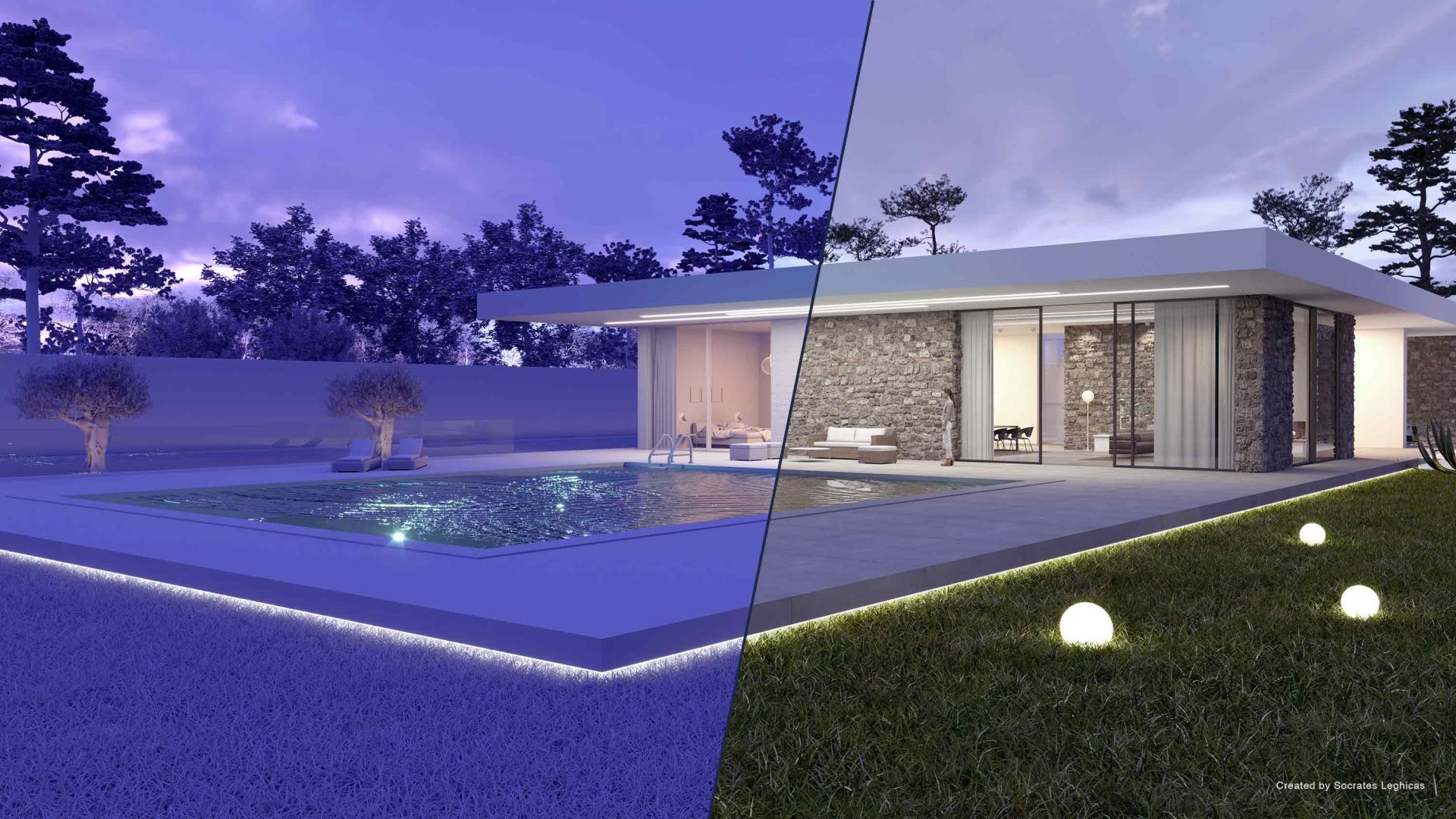
Realistic lights, cameras and materials, for interiors and exteriors that win over your client.
 © Chaos
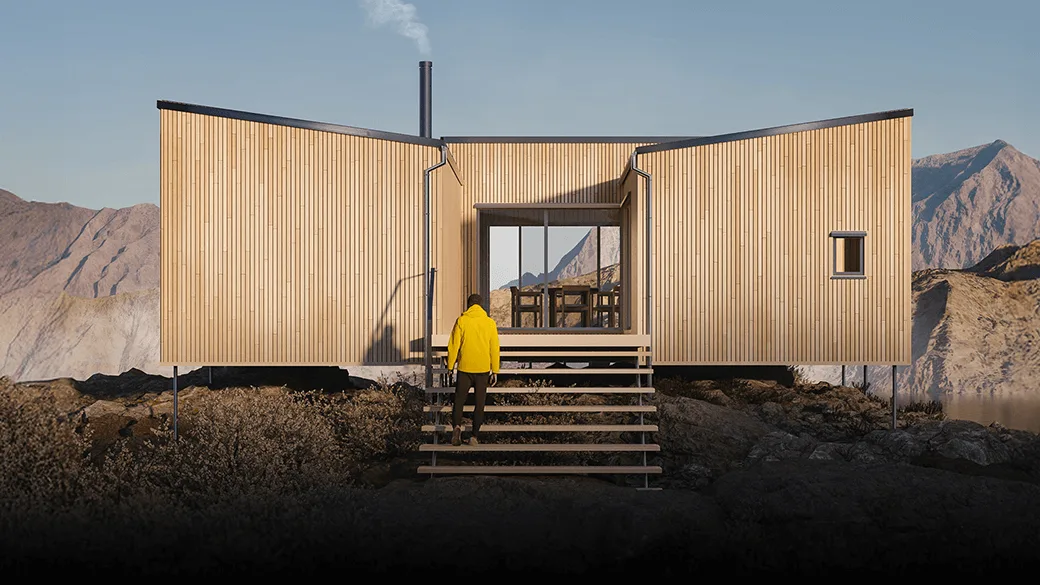
CPU, GPU or hybrid
Large projects,
without compromise.
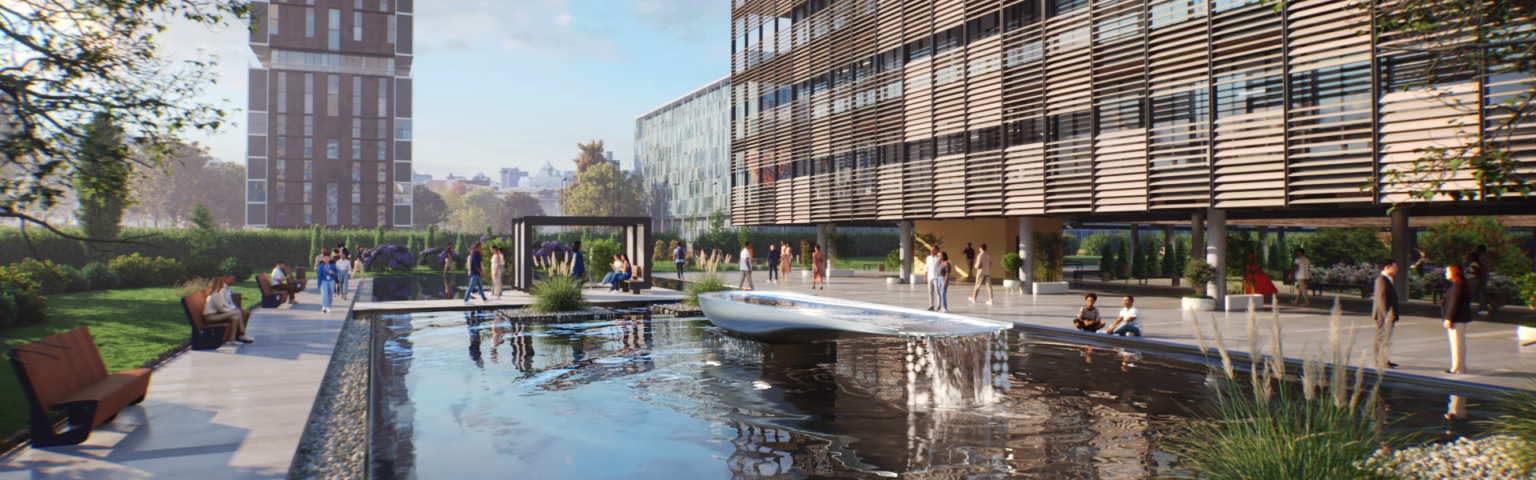
Renders with the processor, the graphics card or both, and handles very heavy scenes.
 © Chaos
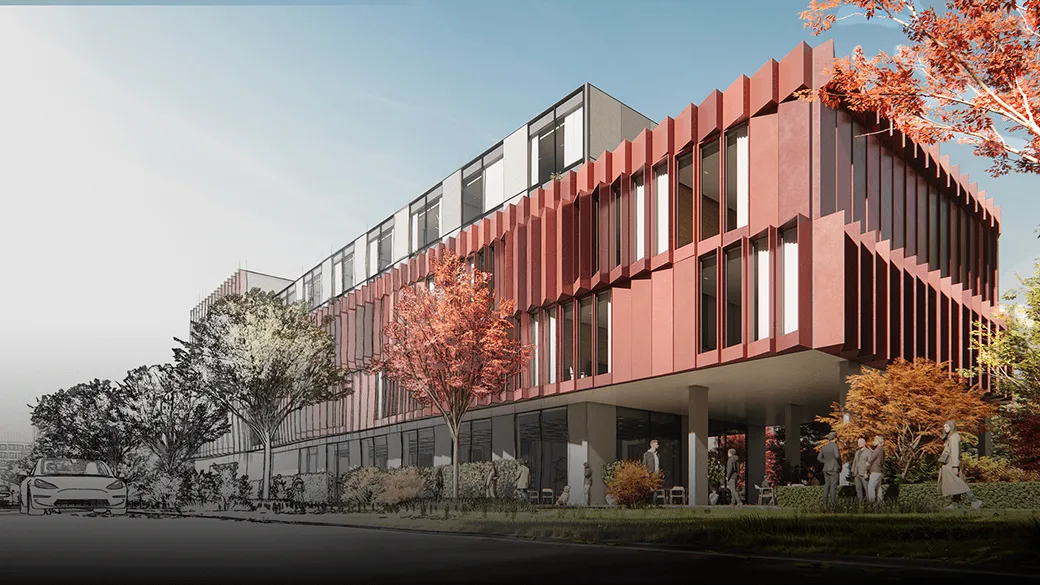
New in V-Ray 7 · Parallax Interiors
Living buildings,
without extra modeling.
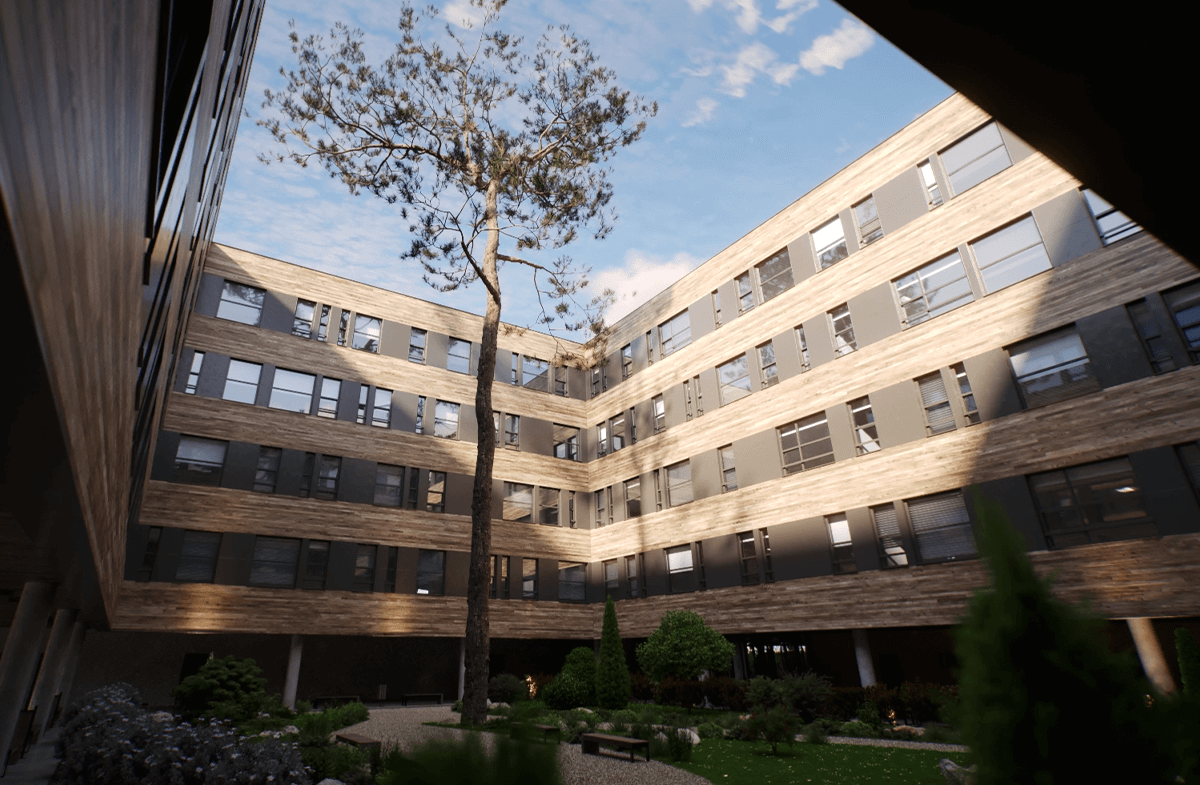
Interior depth through the windows, without modeling every floor.
 © Chaos
New in V-Ray 7 · AI Mood Match
The atmosphere
you have in mind.
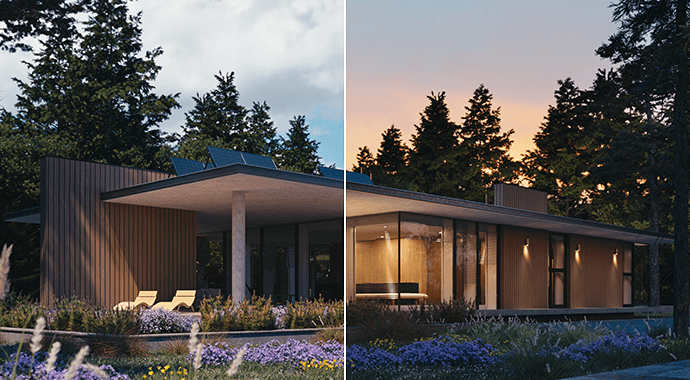
Matches the scene lighting to a reference photo.
 © Chaos
What is V-Ray
Rendering that looks
photographs.
V-Ray is Chaos’s photorealistic rendering engine, honored with an Oscar and an Emmy. It works inside the design software you already use, such as SketchUp, Rhino, Revit and 3ds Max, and renders on CPU, GPU or both together. It’s built for architects, visualization studios, interior designers and product designers.
Who it's for
V-Ray
From the model
in the final render.
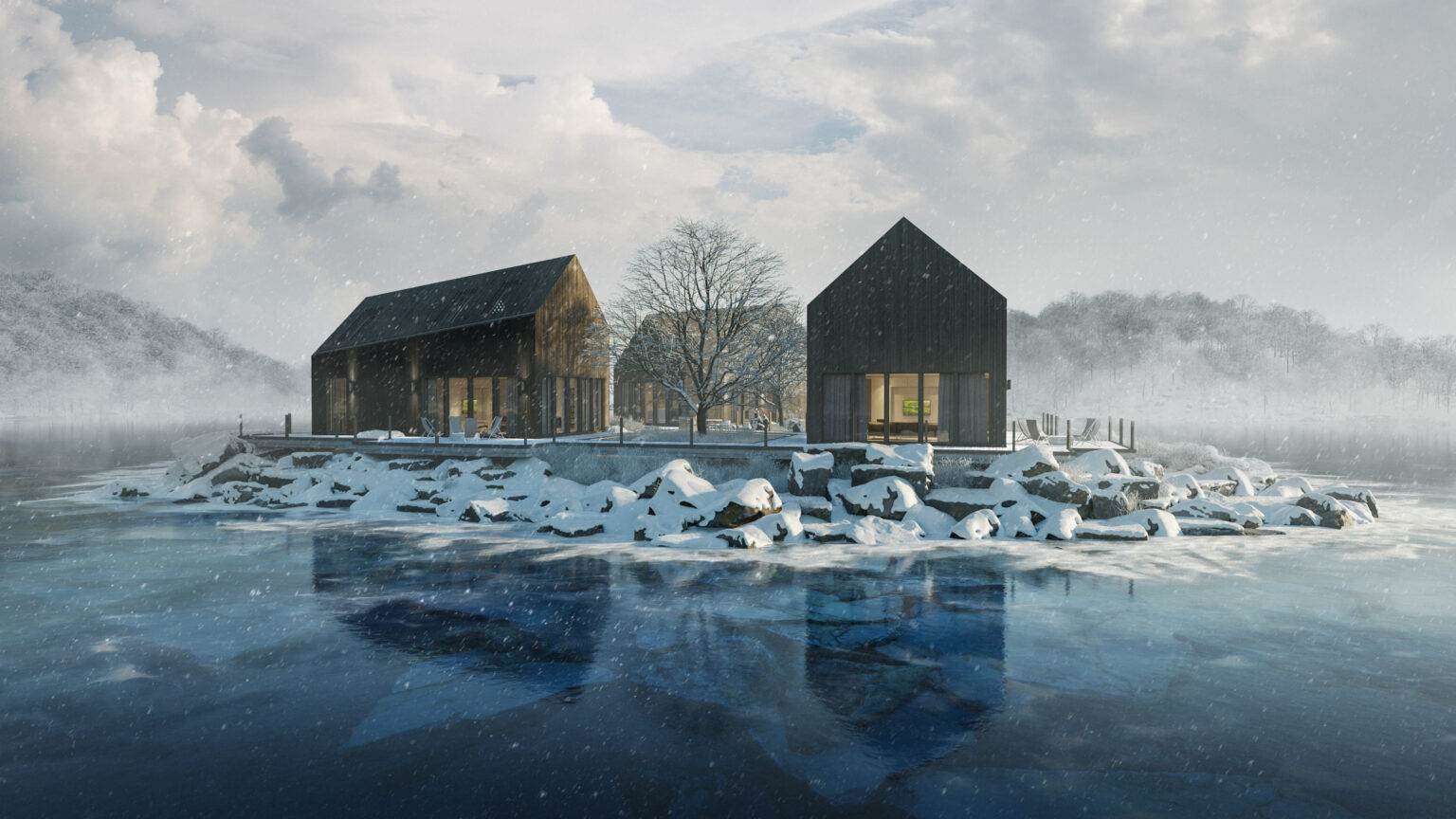
Architecture that convinces before it’s built.
Photorealism inside the software you already use: SketchUp, Rhino, Revit, 3ds Max and more.
How you work with V-Ray
From scene
to presentation.
 01
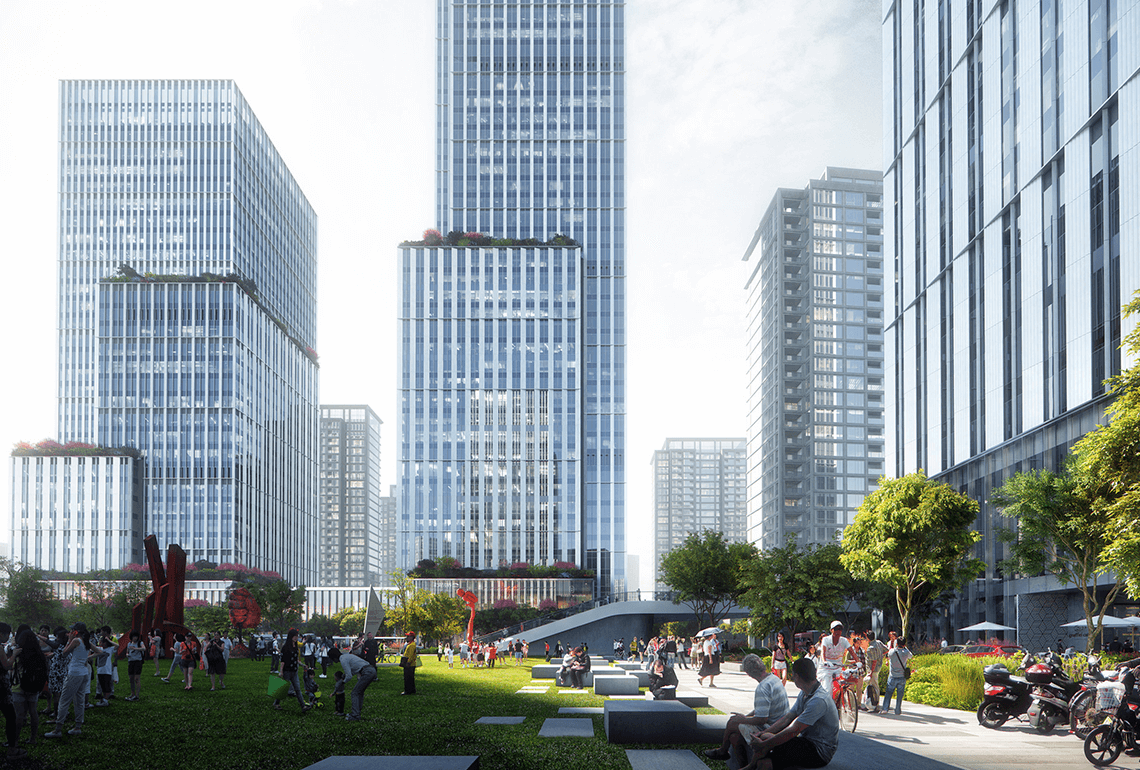
01Light and materials, just like reality.
Realistic lights, cameras and materials, for images that look like photographs.
 02
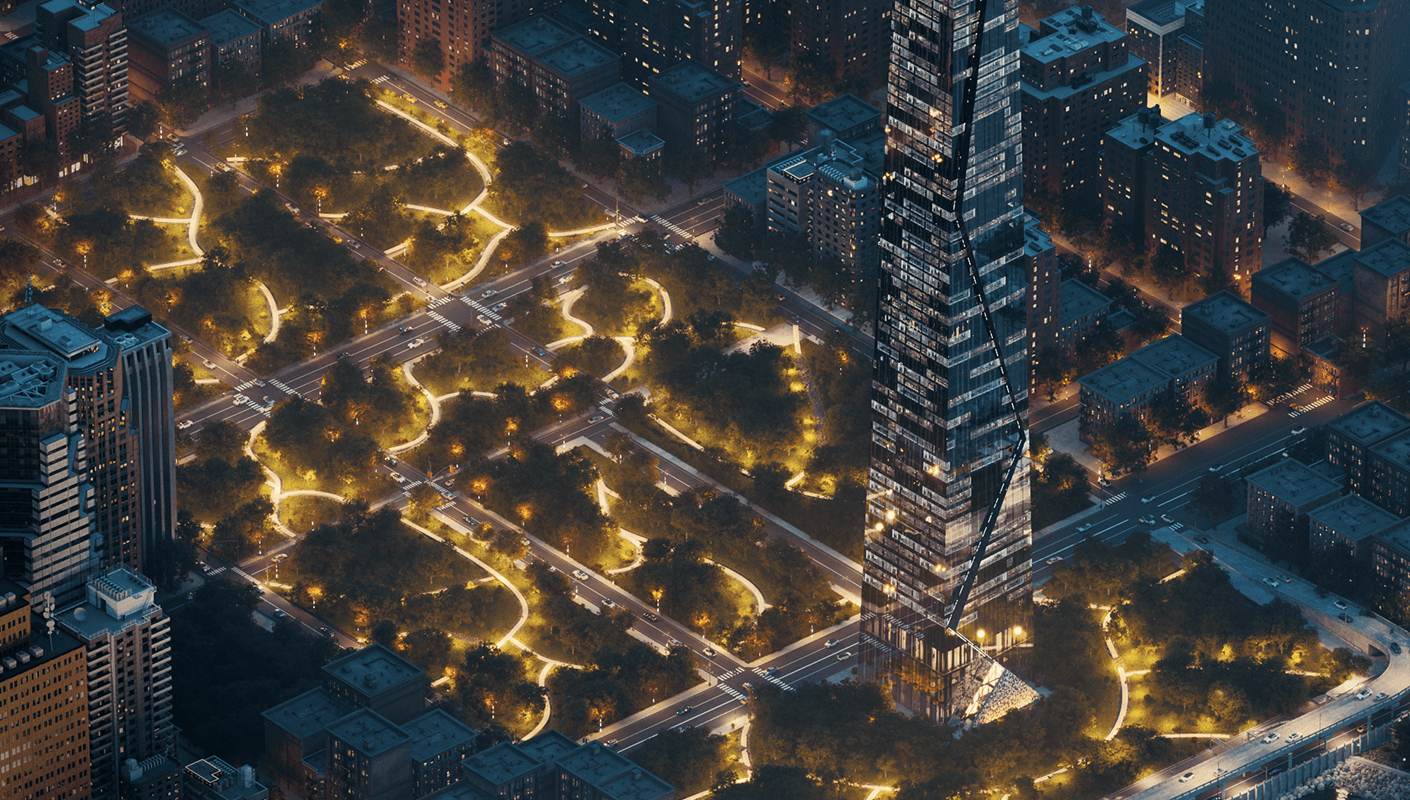
02Heavy scenes? No problem.
CPU, GPU or hybrid rendering, for entire buildings and urban developments.
 03
03See it in real time.
With Chaos Vantage you see your scene realistically in real time, straight from V-Ray.
 04
04Fill your scene in minutes.
Thousands of ready-made furniture, plants, people and materials from Chaos Cosmos, ready to render.
 05
05Fix it without re-rendering.
Light Mix and color corrections inside the V-Ray Frame Buffer.
Features
Everything you need
for the perfect render.
 01
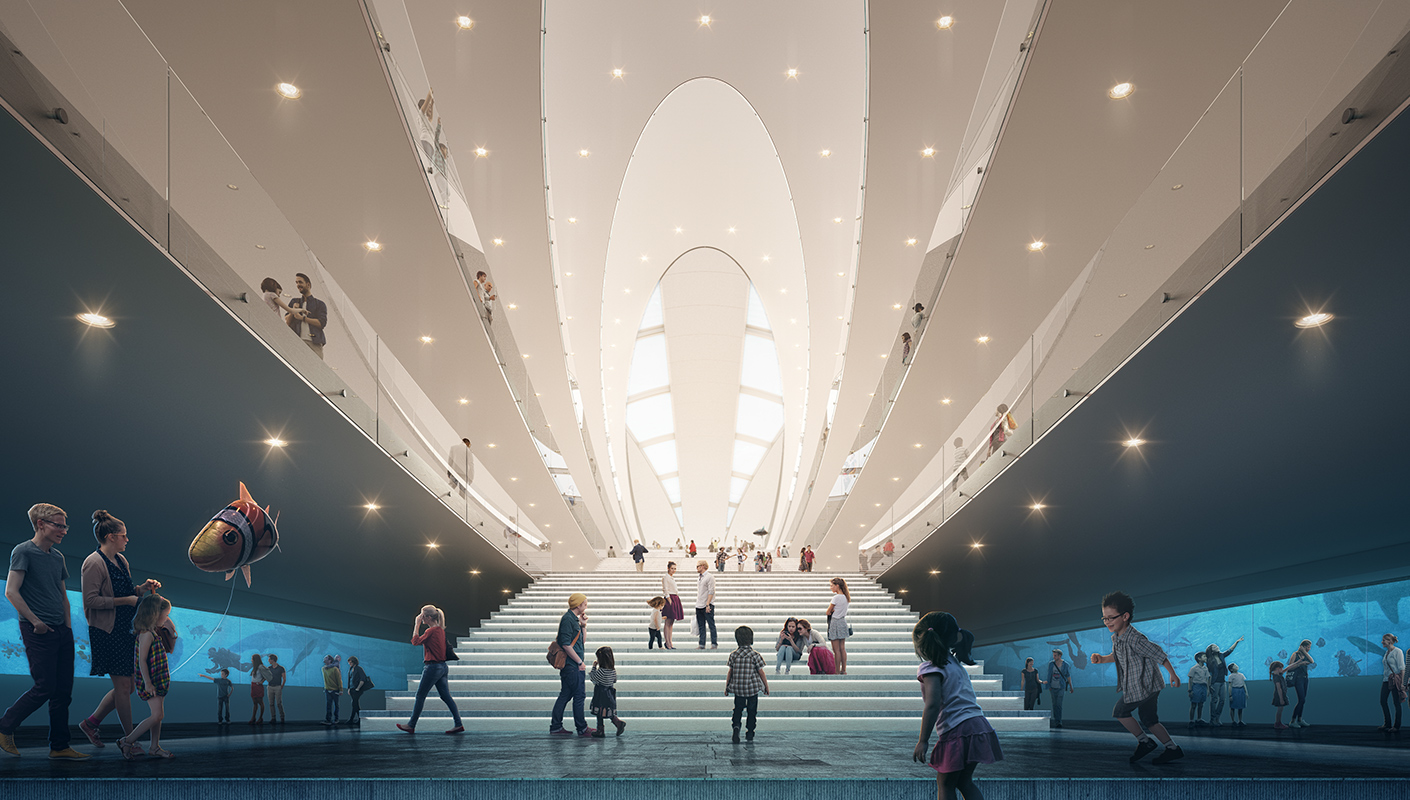
01Photorealism
Realistic lights, cameras and materials, for images that look like photographs.
 02
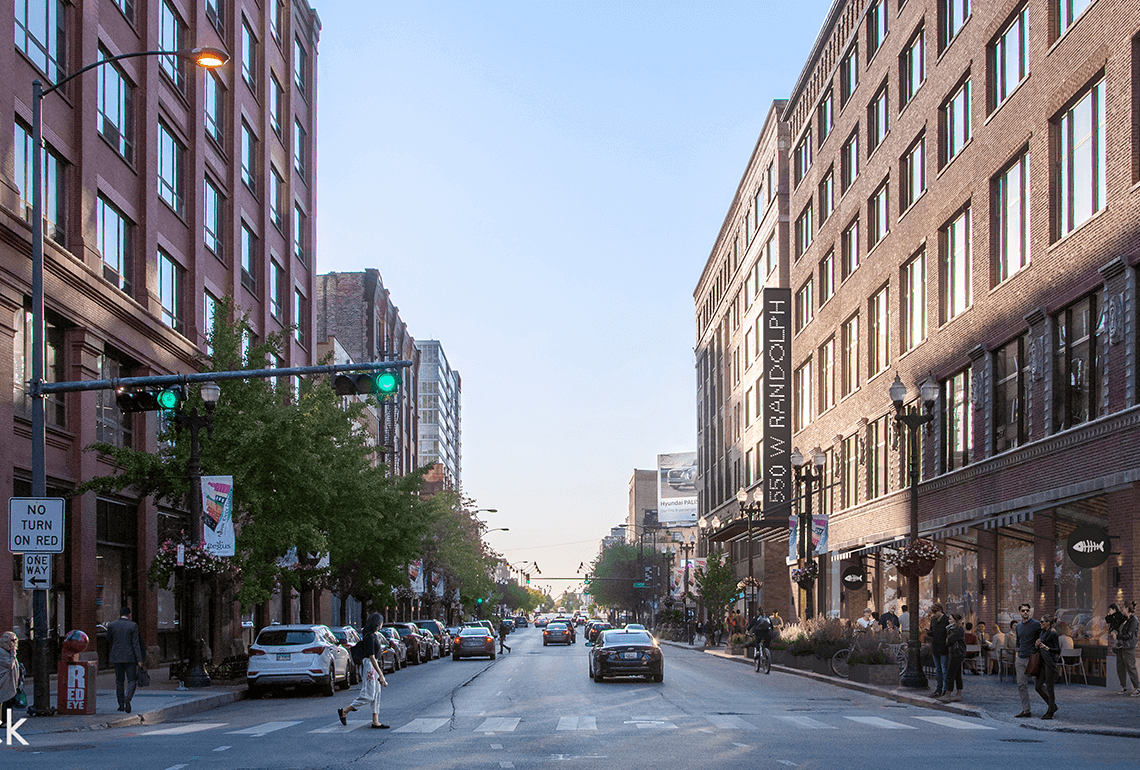
02CPU, GPU or hybrid
Renders with the processor, the graphics card or both, and handles very heavy scenes.
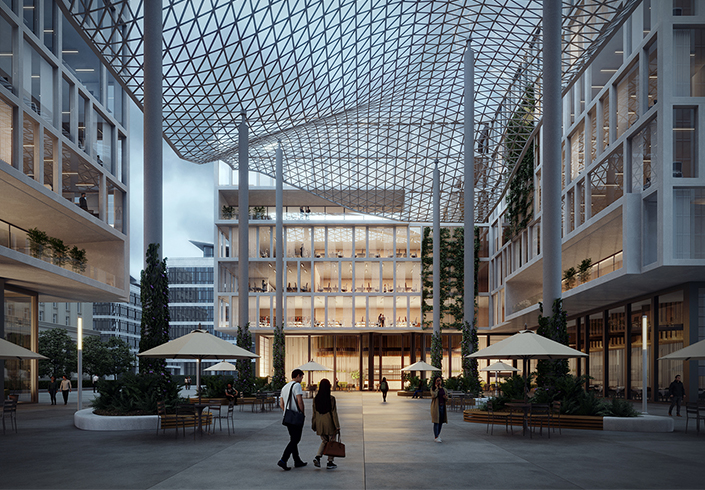 03
03Real-time with Chaos Vantage
Realistic real-time view of your scene, straight from V-Ray.
 04
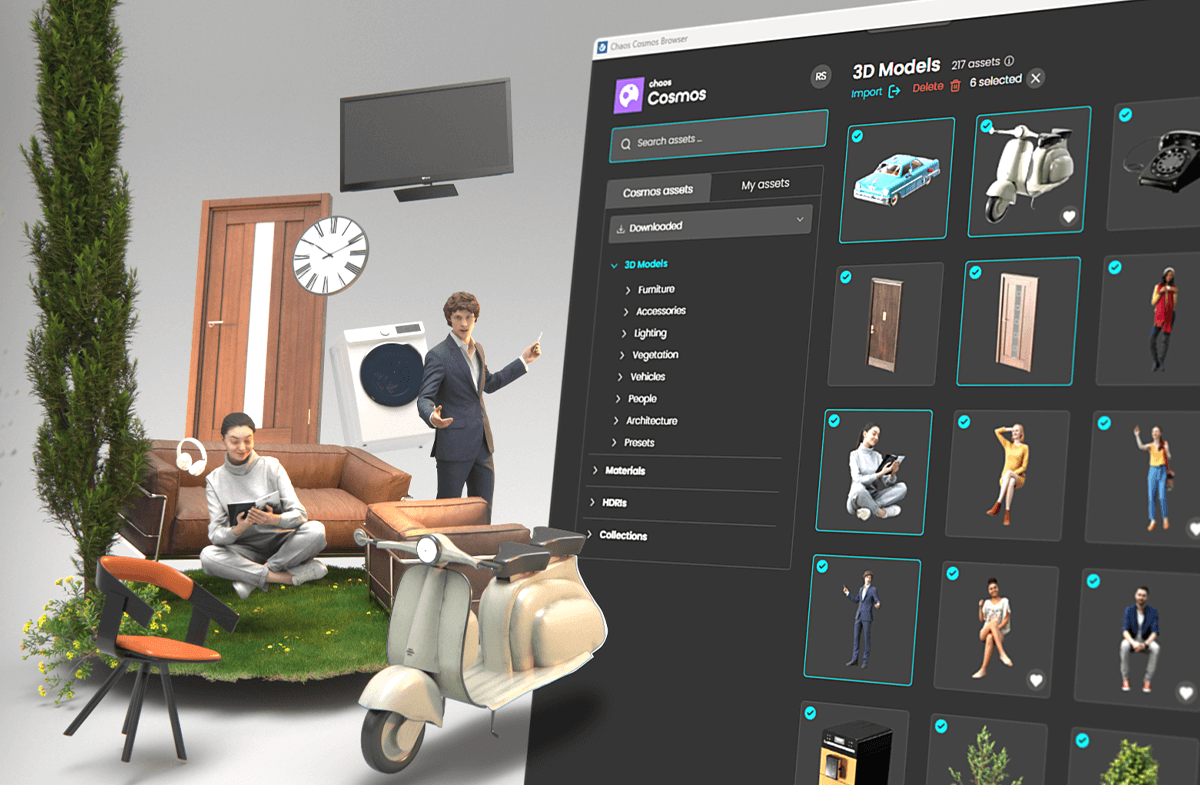
04Chaos Cosmos
Thousands of ready-made furniture, plants, people and materials, ready to render.
 05
05AI tools
Veras for ideas, AI Enhancer, AI Upscaler and AI Material Generator.
 06
06Post-render editing
Light Mix and color corrections inside the V-Ray Frame Buffer, without re-rendering.
What’s new · V-Ray 7
More tools.
Less waiting.
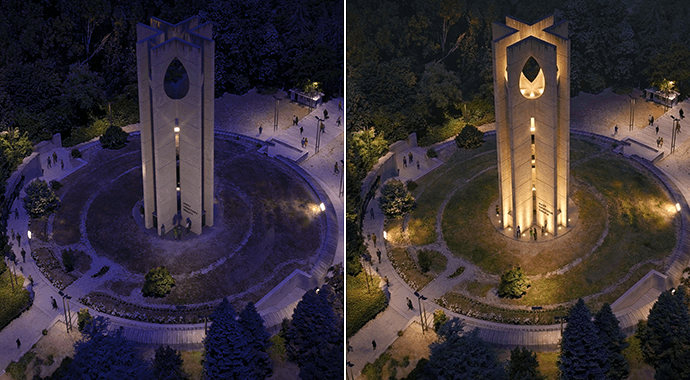 3D Gaussian Splats
Drop scanned environments straight into your scene.
 Virtual tours
Interactive tours with floor plans and points of interest, for client presentations.
 Faster on Mac
Up to 3x faster on MacBook, according to Chaos.
 Veras and Vantage inside V-Ray
AI ideas and a real-time viewport, without leaving your software.
Parallax InteriorsInterior depth through windows, without modeling it.
AI Mood MatchMatches the scene lighting to a reference photo.
Compatibility
Inside the program
you already know.
Works with
System requirements
General
- Requirements vary depending on the design software (SketchUp, Rhino, Revit, 3ds Max, etc.) and the rendering method.
- For smooth work we recommend a workstation with a powerful graphics card. See the computers we recommend below.
Licenses
Choose the license
that suits you.
Official licenses with Greek invoicing. Prices excl. VAT.
Personal license. Work on any computer you like with your Chaos account.
Shared license for teams, passed from user to user based on availability.
Everything in Premium, plus Chaos Vantage and more assets.
Training
Learn V-Ray
with certification.
Photorealistic rendering for architecture and interiors, for Rhino or SketchUp. Available as V-Ray for Rhino and V-Ray for SketchUp, from 225,00 €.
Workstation
We recommend
ARCHVIZ Pro.
The category ARCHVIZ Pro are the computers we’ve selected for photorealistic rendering with Chaos V-Ray on real projects: 16 to 96 GB of memory and NVIDIA RTX and RTX PRO graphics cards with more graphics memory for heavy scenes. In the store you’ll find them marked «Suitable for», all with warranty and technical support.
Frequently asked questions
Before you buy.
Do I need to leave my design software?
No. V-Ray works inside SketchUp, Rhino, Revit, 3ds Max and more.
Can the license be shared across a team?
Yes, with Premium and Collection. Solo is a personal license.
Is there a trial?
Yes, a full 30-day trial.
How do I receive the license?
The license is digital. Once your order is complete, you receive the activation details by email.
Do you issue invoices?
Yes. We issue an invoice or receipt with Greek VAT. Prices on this page exclude VAT.
Who is eligible for an educational license?
Students, educators and educational institutions, with the documentation required by the manufacturer.
Do I get the software with Teams courses?
Yes. In Teams courses, the software is provided for the full duration of the course.
And with E-Learning courses?
E-Learning does not include a software license. For practice, you use the manufacturer's V-Ray trial version: 30 days. You get your license at the official price from our store.
Do I need help with installation?
We help you with activation and installation. Contact us for technical support.
Tell us what you design.
We'll suggest the combination that gets the job done.