








 Chaos Corona
Chaos · Authorized Reseller
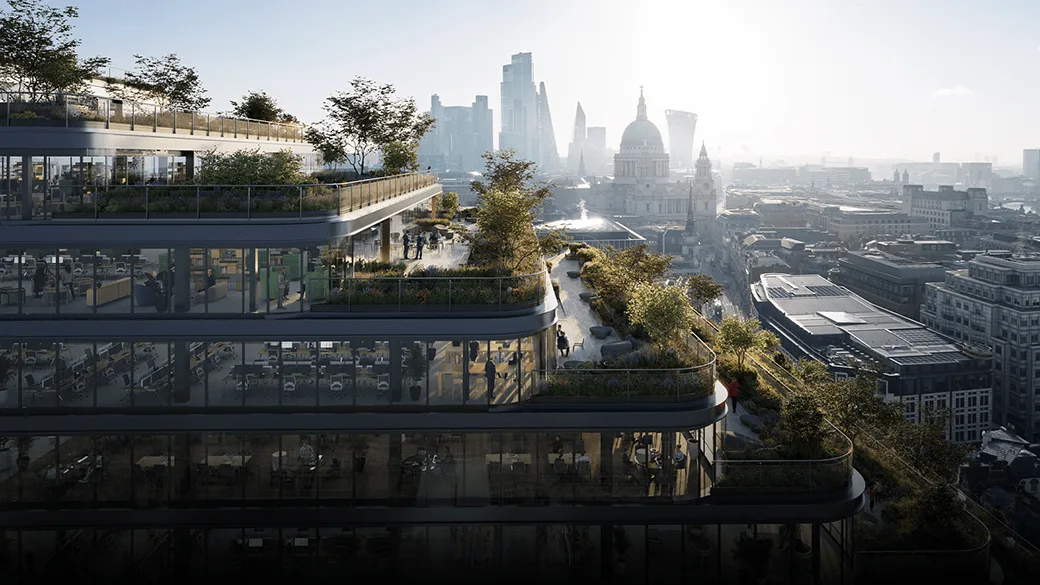
Photorealism
without the settings.
Photorealism without the settings, built for architectural visualization. For 3ds Max and Cinema 4D.
from 57,65 € + VAT · Invoice with Greek VAT
 © Chaos
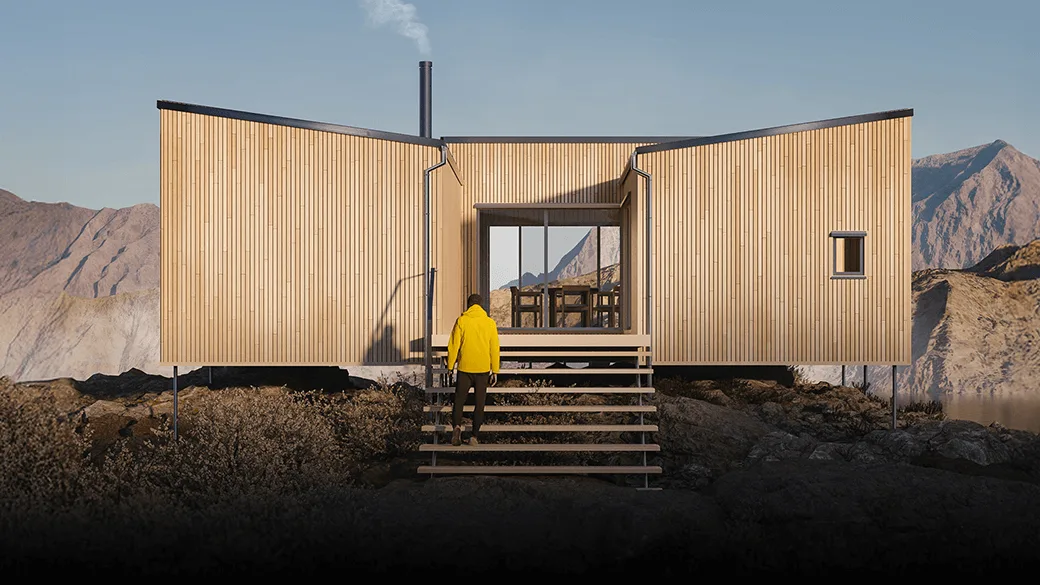
Photorealism
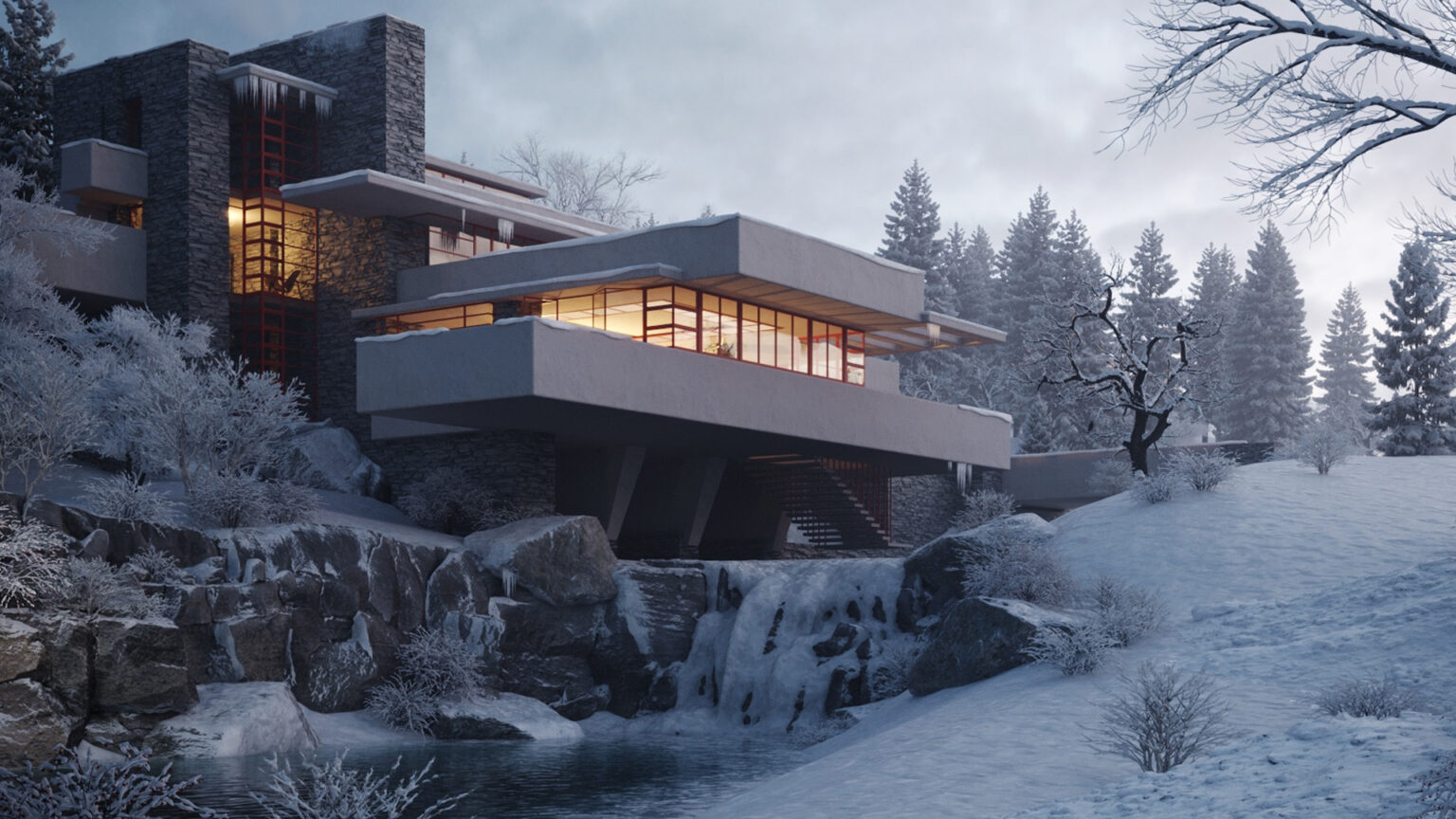
Realism
without the settings.
Realistic results for architectural visualization, with smart defaults.
 © Chaos
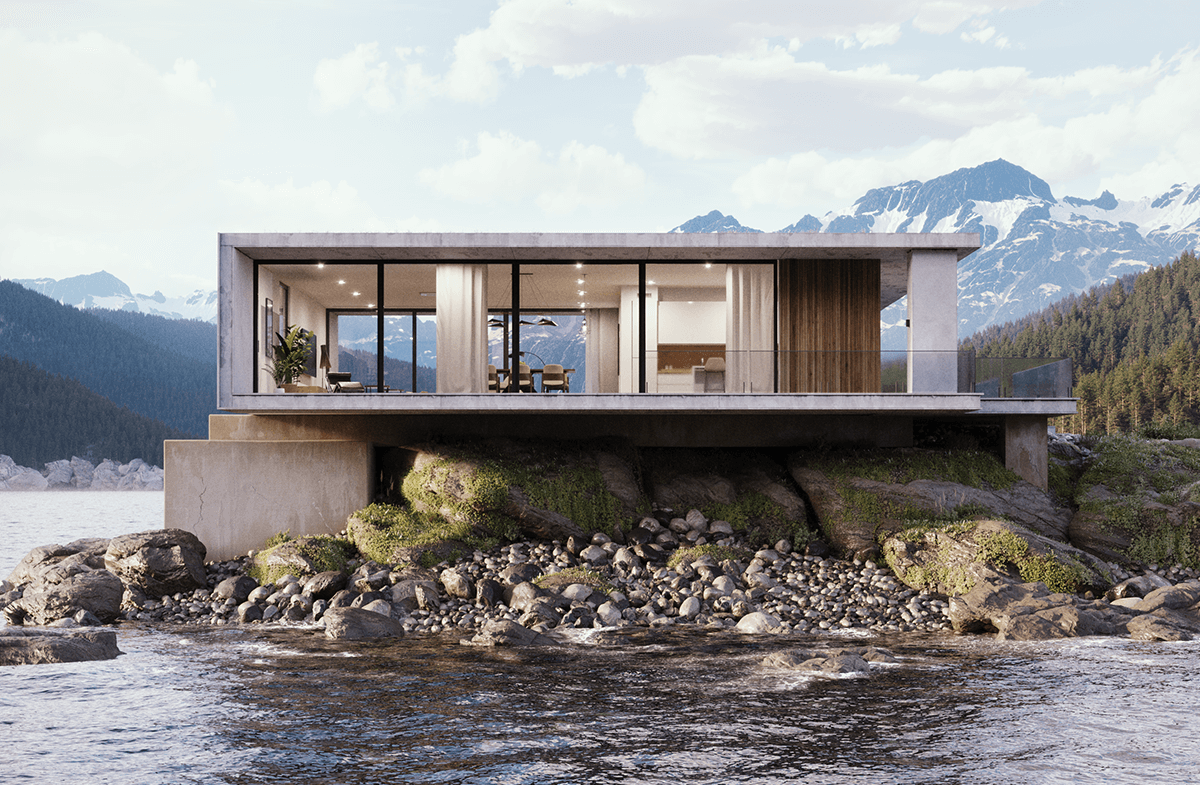
LightMix
Day or night?
Decide later.
Change the lighting and make corrections after rendering, without a new render.
 © Chaos
Chaos Scatter
Landscapes at scale,
effortlessly.
Grass, plants and objects at large scale, along with Tile Map and procedural clouds.
 © Chaos
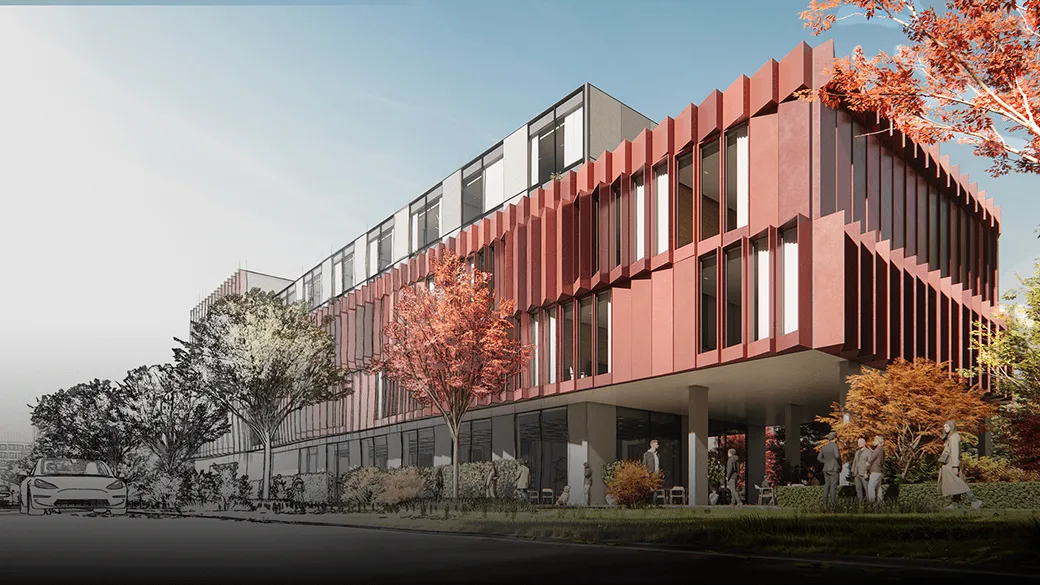
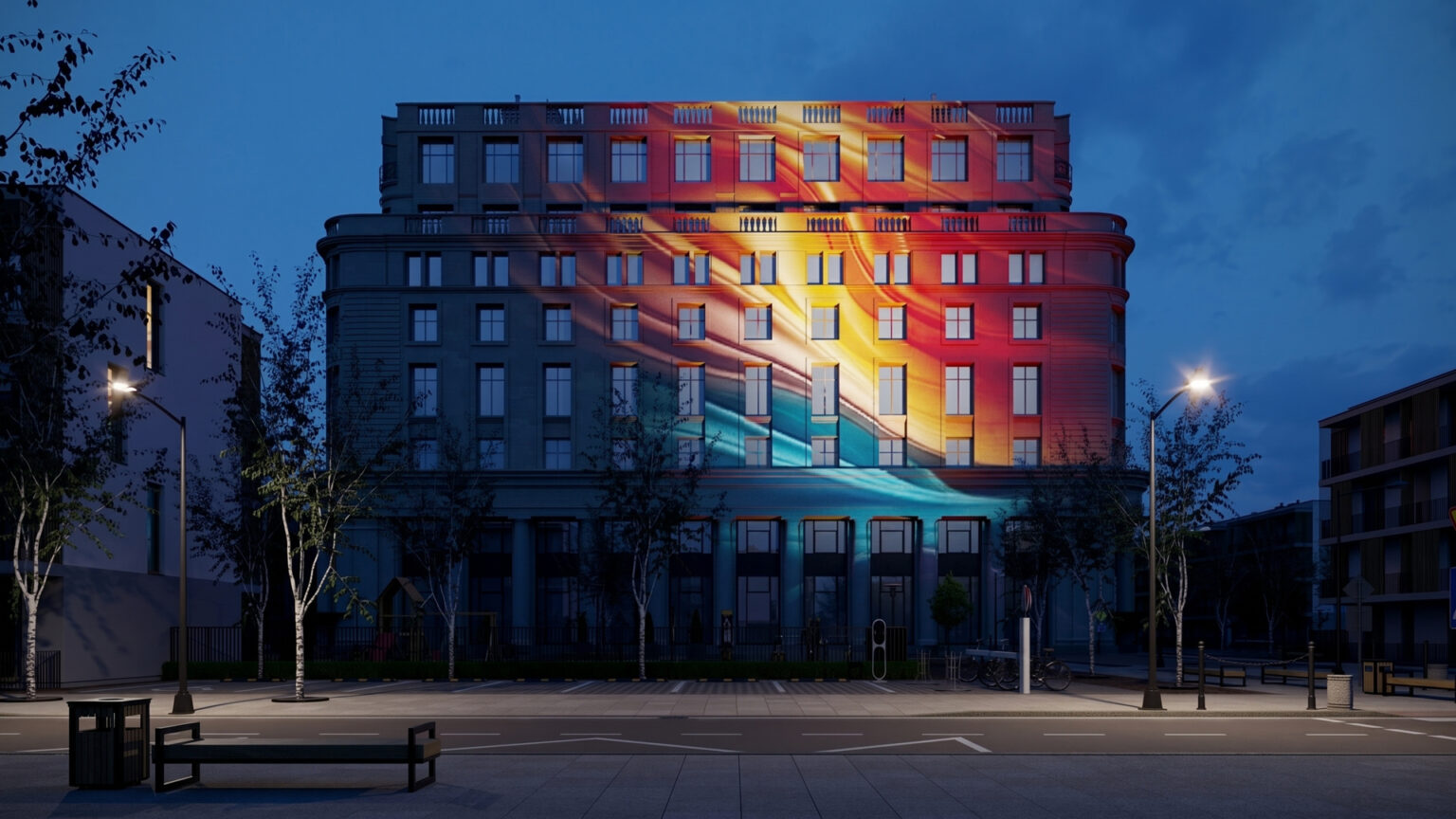
New in Corona 15 · Light Override
One material,
many looks.
A material changes its appearance under specific lights.
 © Chaos
What is Corona
Built for
architectural visualization.
Corona is Chaos's photorealistic rendering engine for 3ds Max and Cinema 4D, designed specifically for architectural visualization. With smart defaults and a friendly interface, you reach photorealistic results with minimal technical settings.
Who it's for
Corona
Light
makes the architecture.
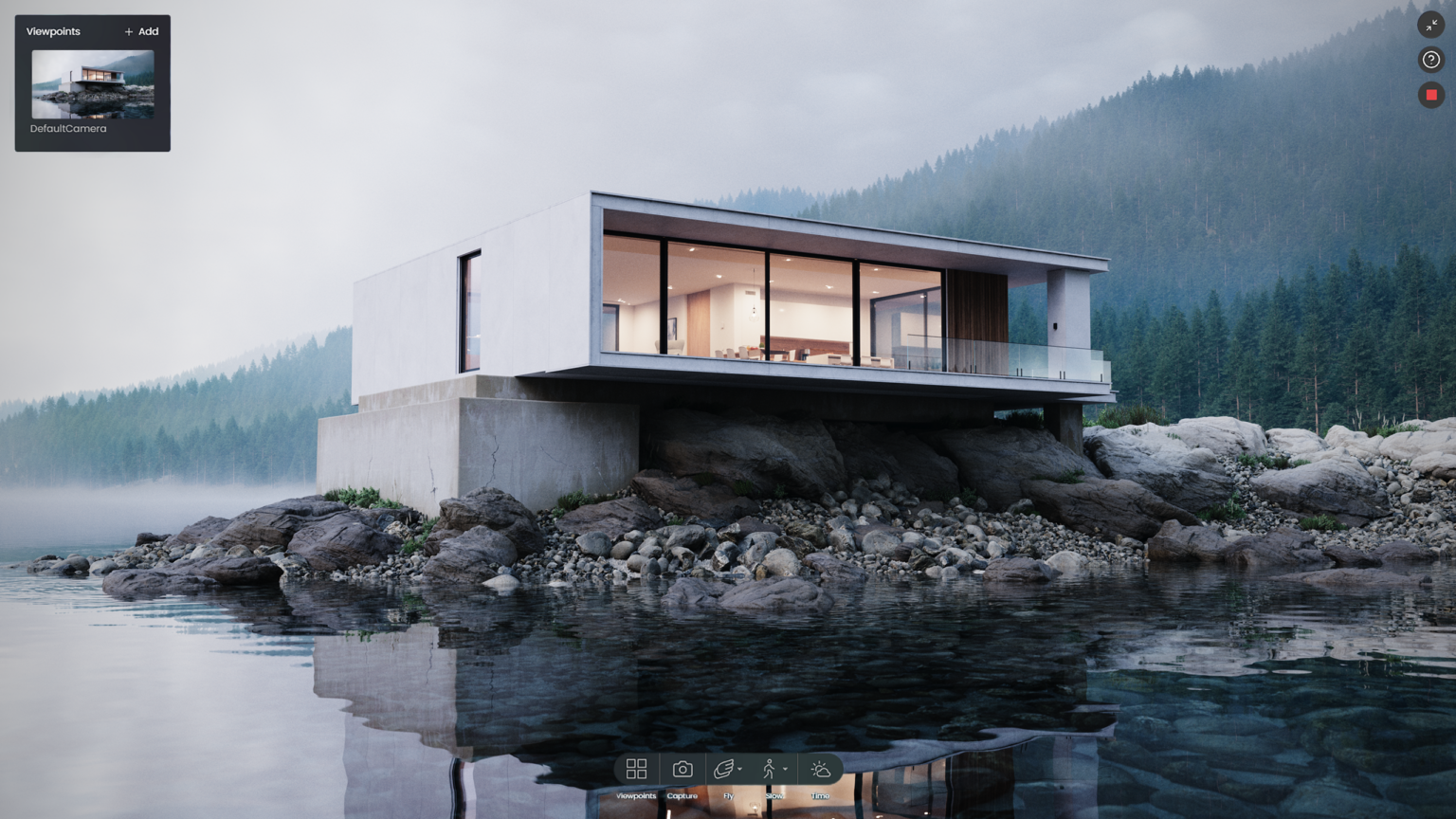
Images that sell the project.
Photorealism for 3ds Max and Cinema 4D, with few settings and predictable results.
How you work with Corona
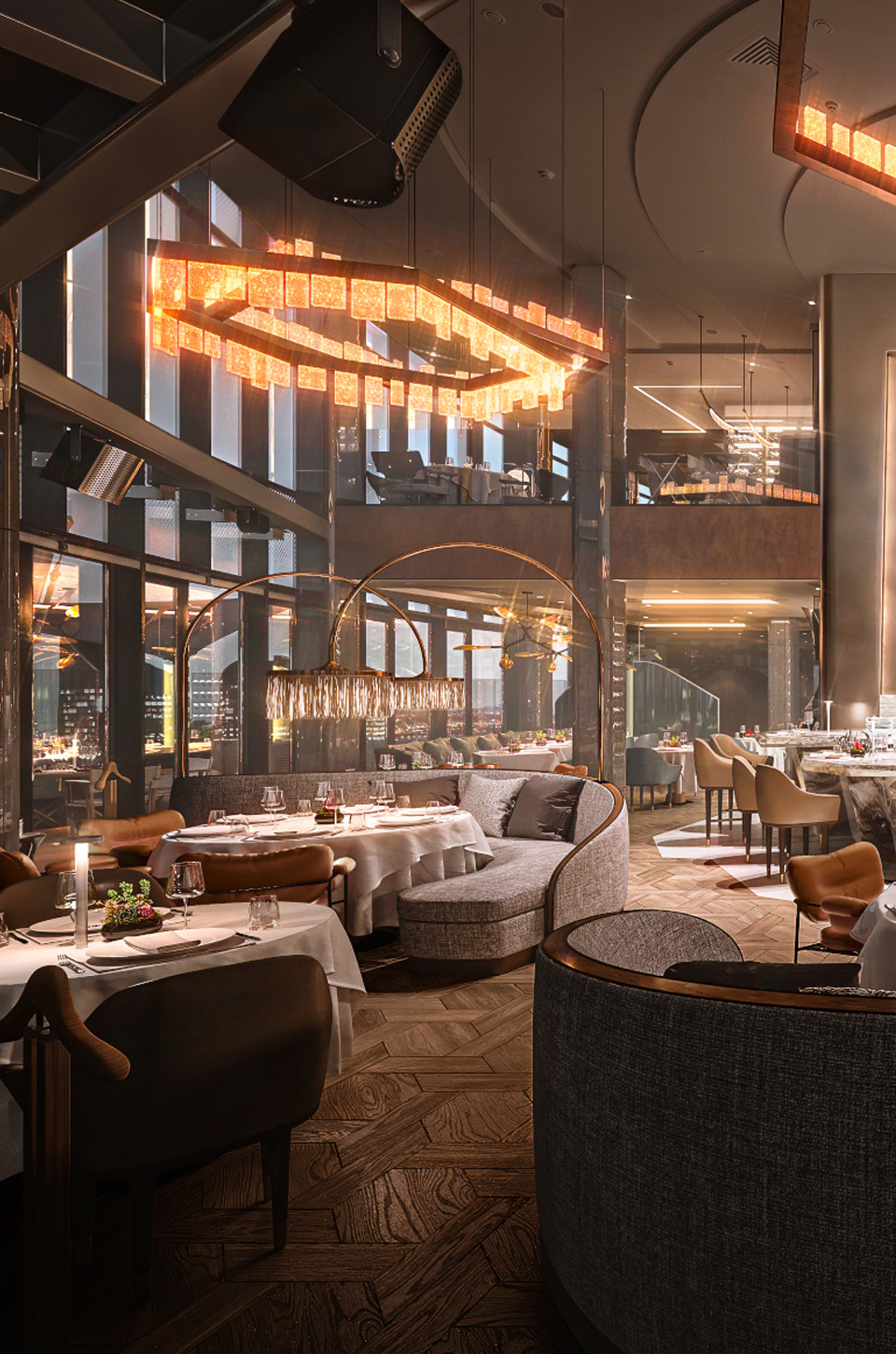
From the model
to the final image.
 01
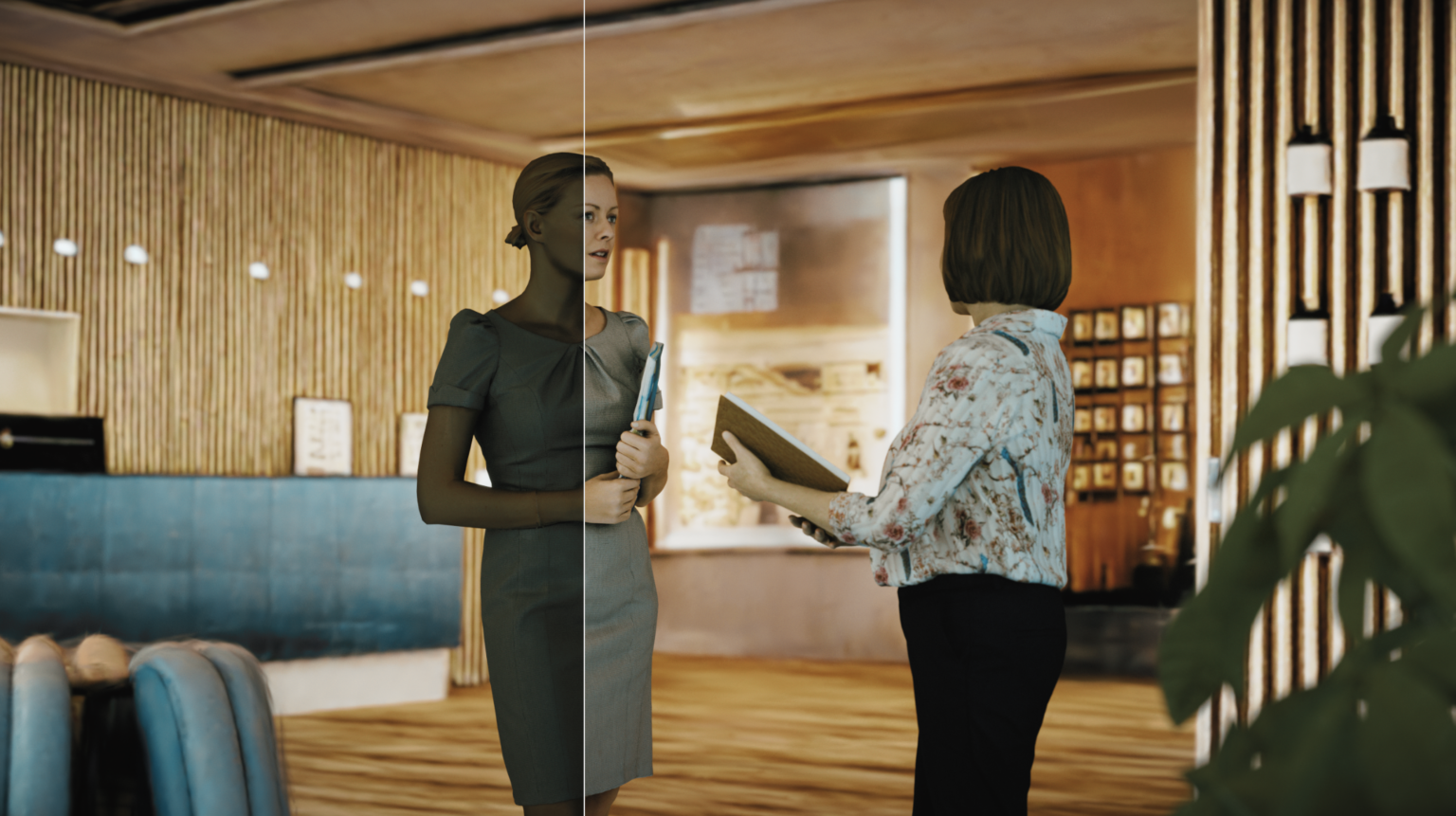
01Photorealism from the start.
Realistic results with smart defaults, without endless settings.
 02
02See it as you work.
Interactive rendering shows the result in real time as you set up the scene.
 03
03Detailed materials.
Corona Physical Material, Decals, Slicer and Clipper for every surface and section.
 04
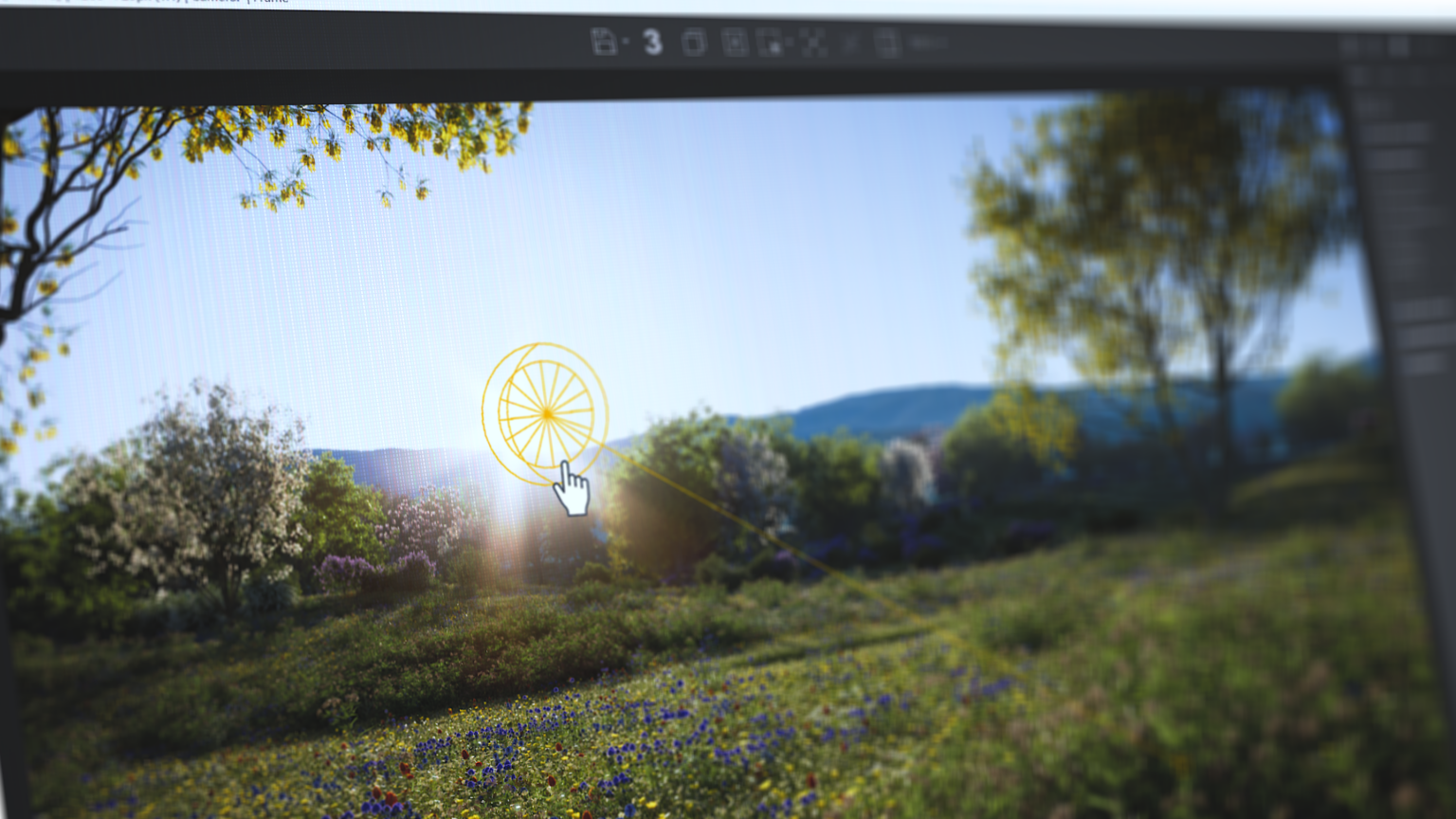
04Landscape and surroundings.
With Chaos Scatter you fill the surroundings with plants and grass at large scale.
 05
05Final touches.
LightMix and Image Editor for light and color after the render.
Features
Simple to use.
Stunning results.
 01
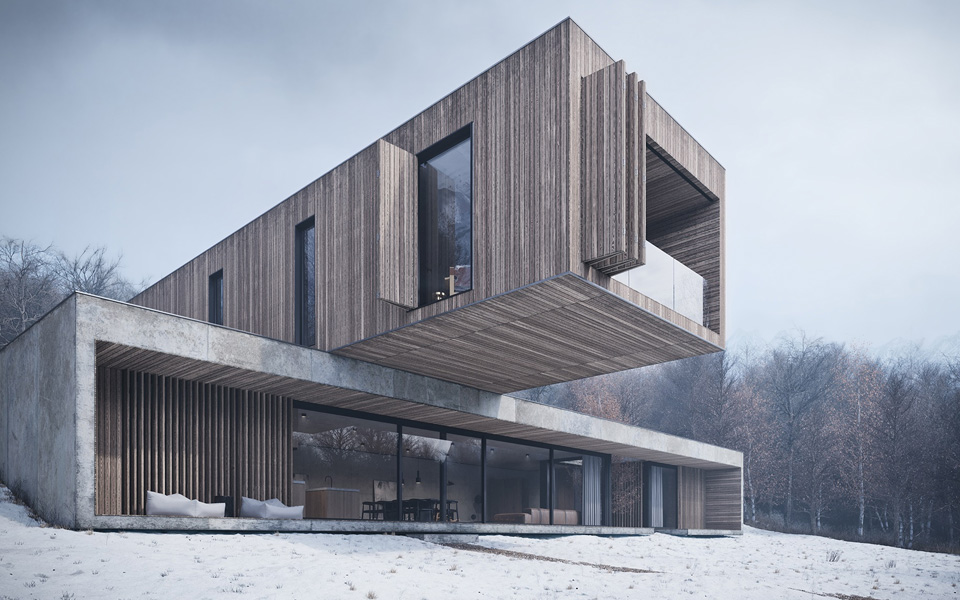
01Photorealism
Realistic results for architectural visualization, with smart defaults.
 02
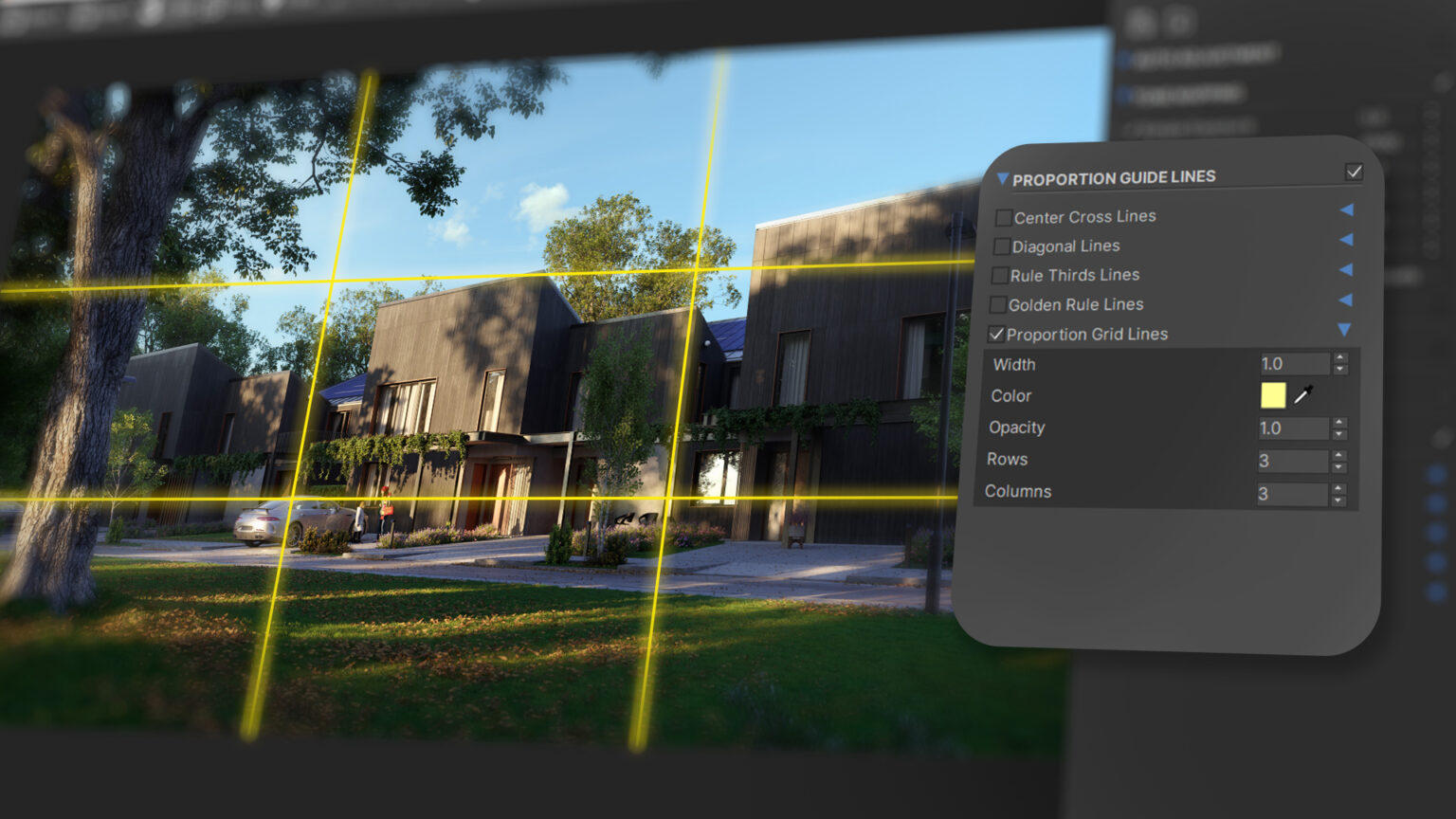
02Interactive rendering
See the result in real time as you work on the scene.
03LightMix and Image Editor
Change the lighting and make corrections after rendering, without a new render.
 04
04Materials and scene tools
Corona Physical Material, Decals, Slicer and Clipper.
 05
05Chaos Scatter
Grass, plants and objects at large scale, along with Tile Map and procedural clouds.
 06
06Chaos Cosmos
Thousands of ready-made furniture pieces, plants, people and materials.
What's new · Corona 15
More realistic.
Faster.
 Veras inside Corona
AI ideas for materials and mood, without leaving the program.
 Glints
Glints on metallic and textured surfaces.
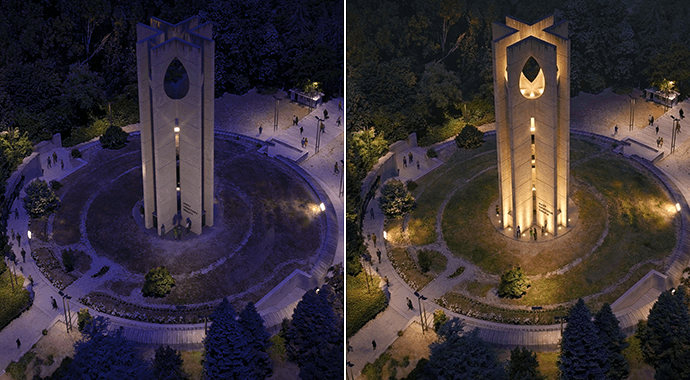 Gaussian Splats GI
Scanned environments that light your 3D models.
Light Override MaterialsA material changes its appearance under specific lights.
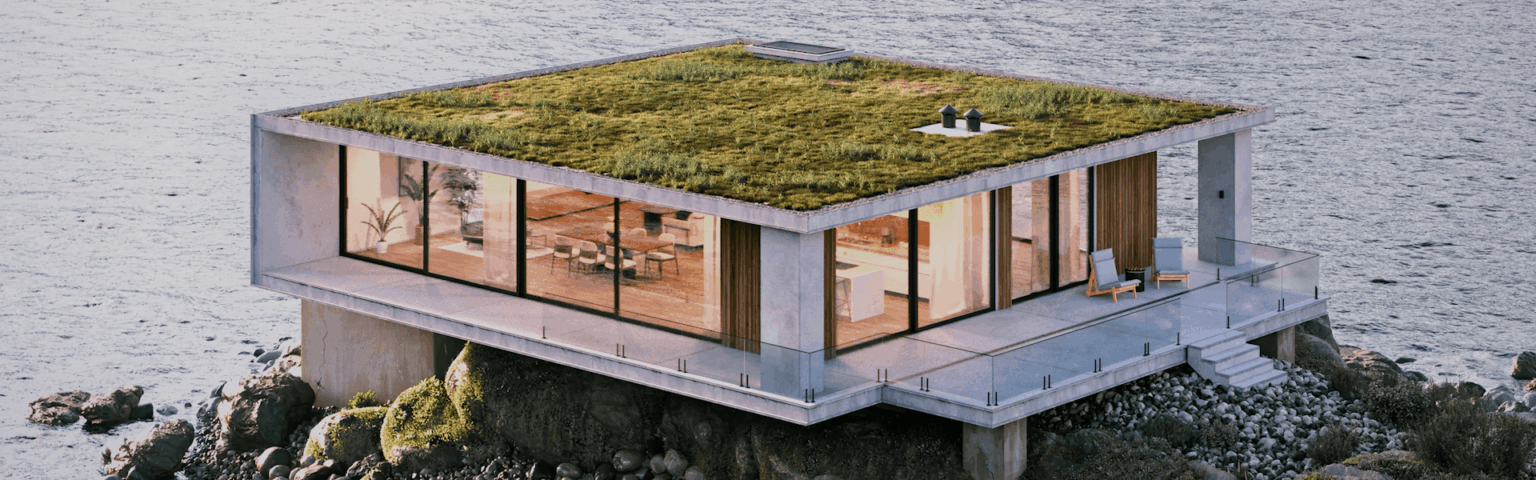 Faster animation
Only what changed from frame to frame is recalculated.
 Chaos Cloud Reviews
Image approval with the client and 3D streaming of walkthroughs.
Compatibility
Inside the program
you already know.
Works with
System requirements
General
- Requirements vary depending on the design program (3ds Max or Cinema 4D) and the rendering mode.
- For smooth work we recommend a workstation with a powerful graphics card. See the computers we recommend below.
Licenses
Choose the license
that suits you.
Official licenses with Greek invoicing. Prices excl. VAT.
Personal license for one user.
Shared license for teams.
Everything in Premium, plus Chaos Vantage and more assets.
Training
Learn it
at your own pace.
One-to-one private lessons, online or in person, with a certified instructor and a program tailored to you.

Workstation
We recommend
ARCHVIZ Pro.
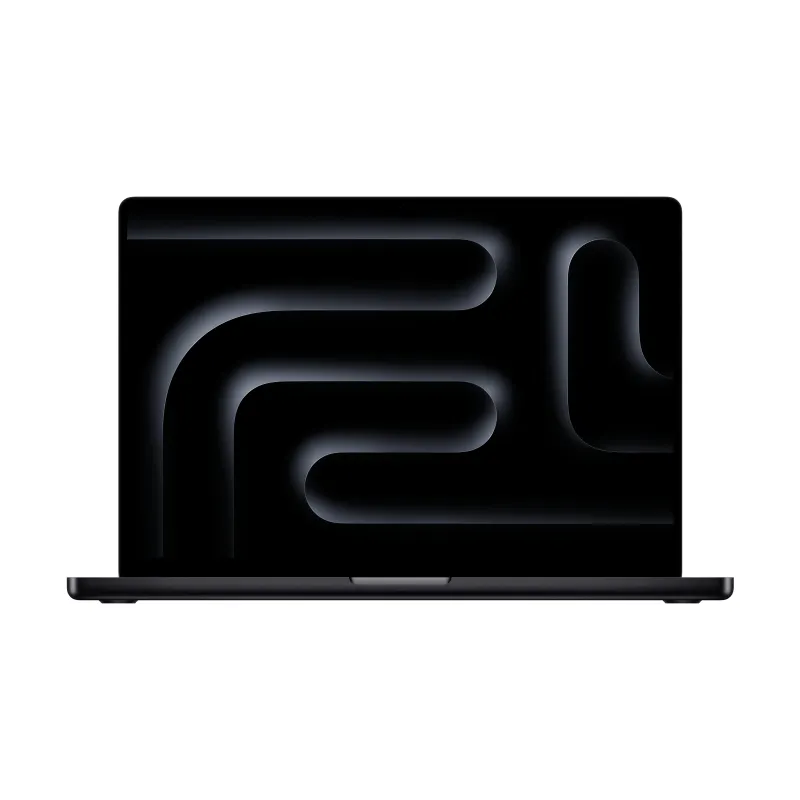
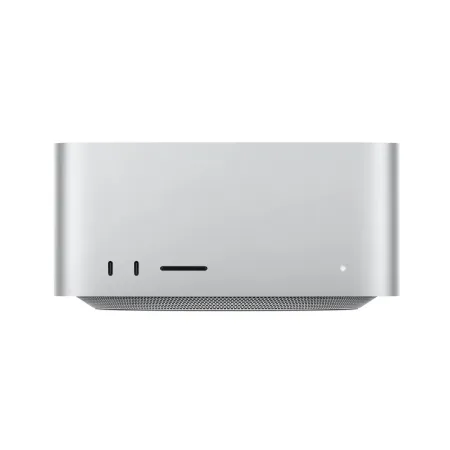
The category ARCHVIZ Pro are the computers we've selected for photorealistic rendering with Chaos Corona on real projects: 16 to 96 GB of memory and NVIDIA RTX and RTX PRO graphics cards with more graphics memory for heavy scenes. In the store you'll find them marked “Suitable for”, all with warranty and technical support.
Frequently asked questions
Before you buy.
Which programs does it work with?
With 3ds Max and Cinema 4D.
Is there a trial?
Yes, a free 30-day trial.
Can I explore the scene in real time?
Yes, through Chaos Vantage, which is included in the Collection.
How do I receive the license?
The license is digital. Once your order is complete, you receive the activation details by email.
Do you issue invoices?
Yes. We issue an invoice or receipt with Greek VAT. Prices on this page exclude VAT.
Who is eligible for an educational license?
Students, educators and educational institutions, with the documentation required by the manufacturer.
Do I get the software with Teams courses?
Yes. In Teams courses, the software is provided for the full duration of the course.
And with E-Learning courses?
The software license is not included in E-Learning. For practice you use the manufacturer's trial version, in line with its policy. You get your license at the official price from the our store.
Do I need help with installation?
We help you with activation and installation. Contact us for technical support.
Tell us what you design.
We'll suggest the combination that gets the job done.