








Asuni · Authorized Reseller
Landscape architecture
inside Rhino.
BIM landscape design on Rhino 8: terrain, planting and documentation for projects of every scale.
from 130,00 € + VAT · Invoice with Greek VAT
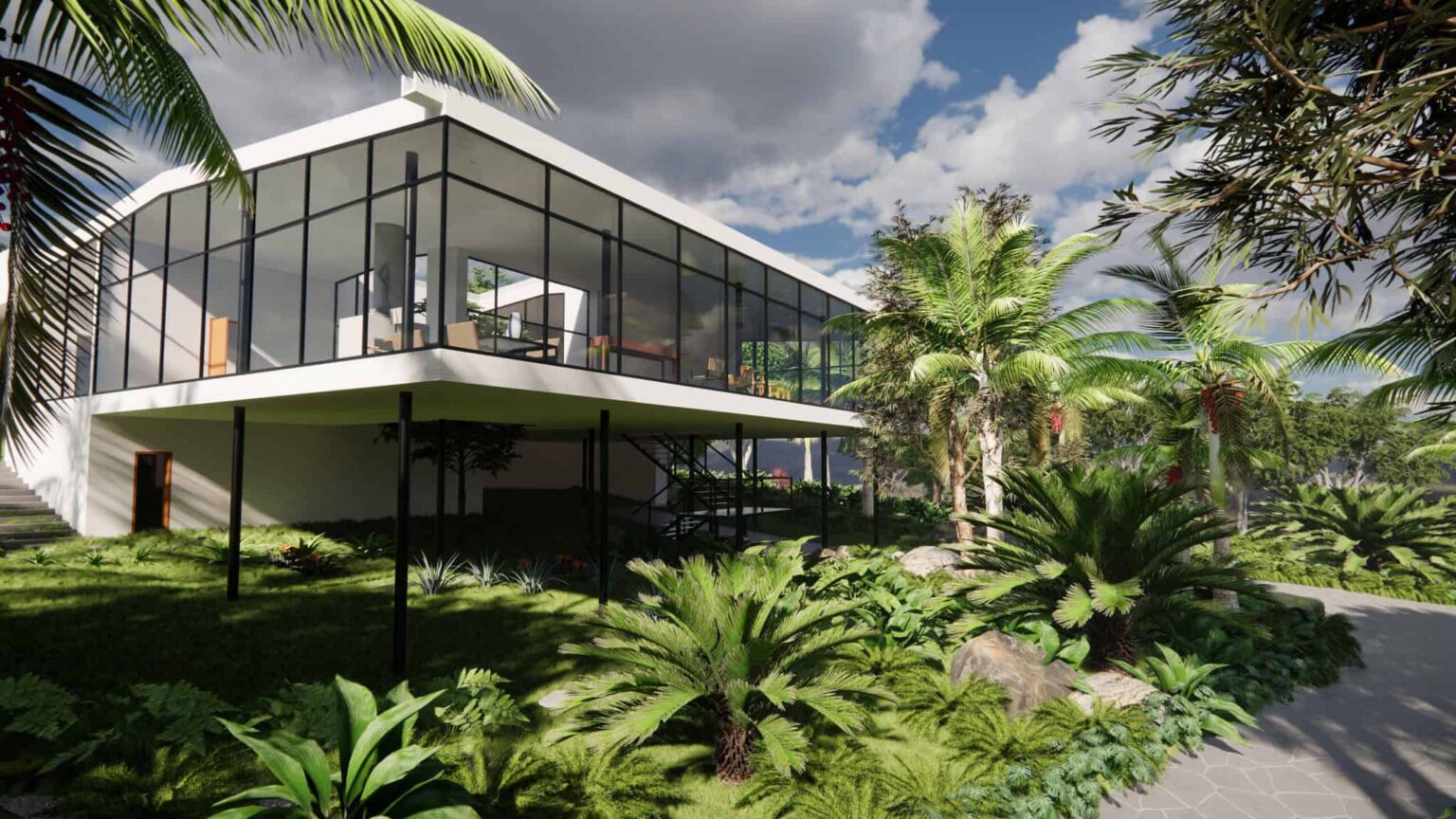 Image: Asuni / RhinoLands
Terrain and grading
The terrain
becomes a drawing.
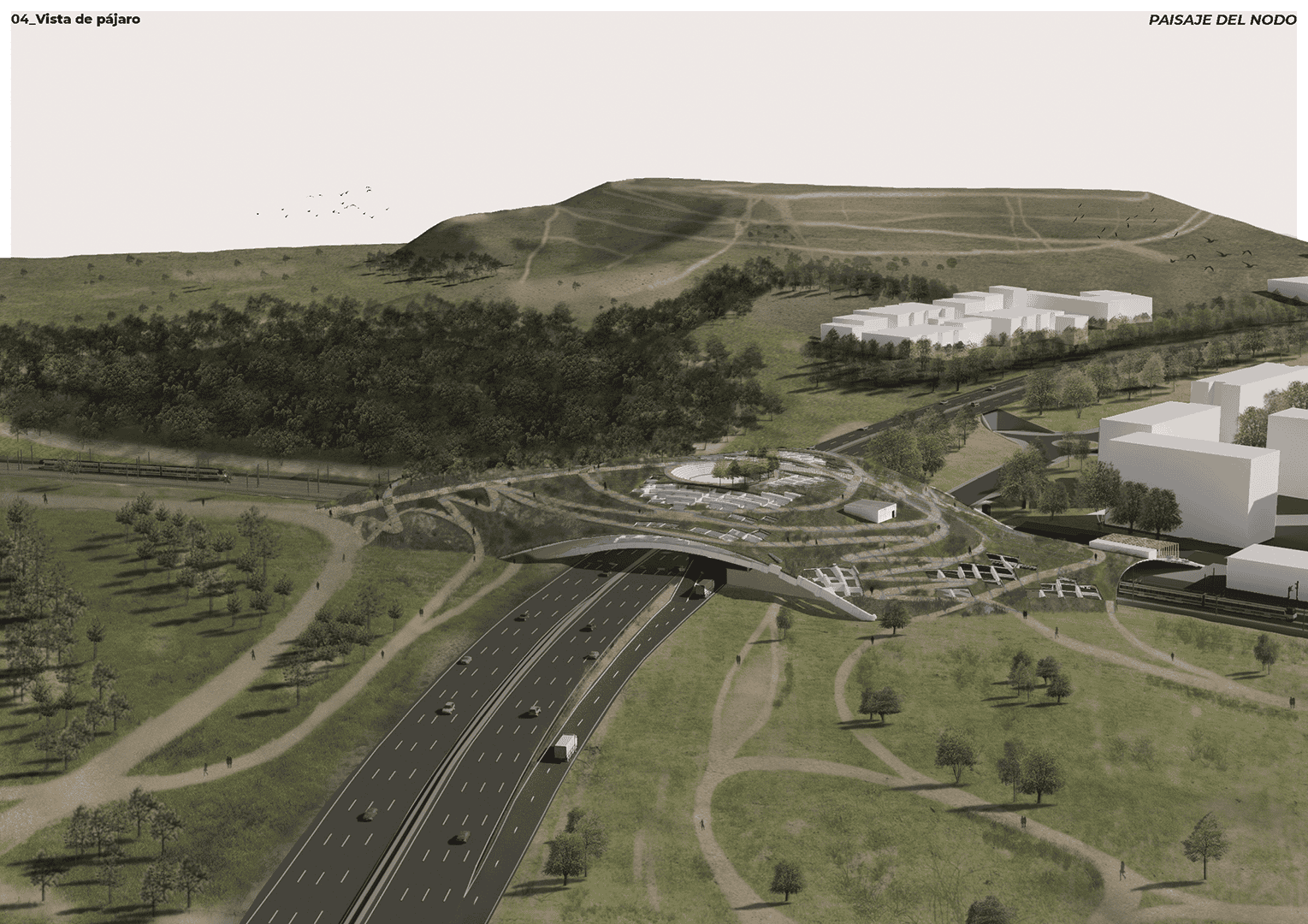
3D terrain, grading, and cut-and-fill volume calculation.
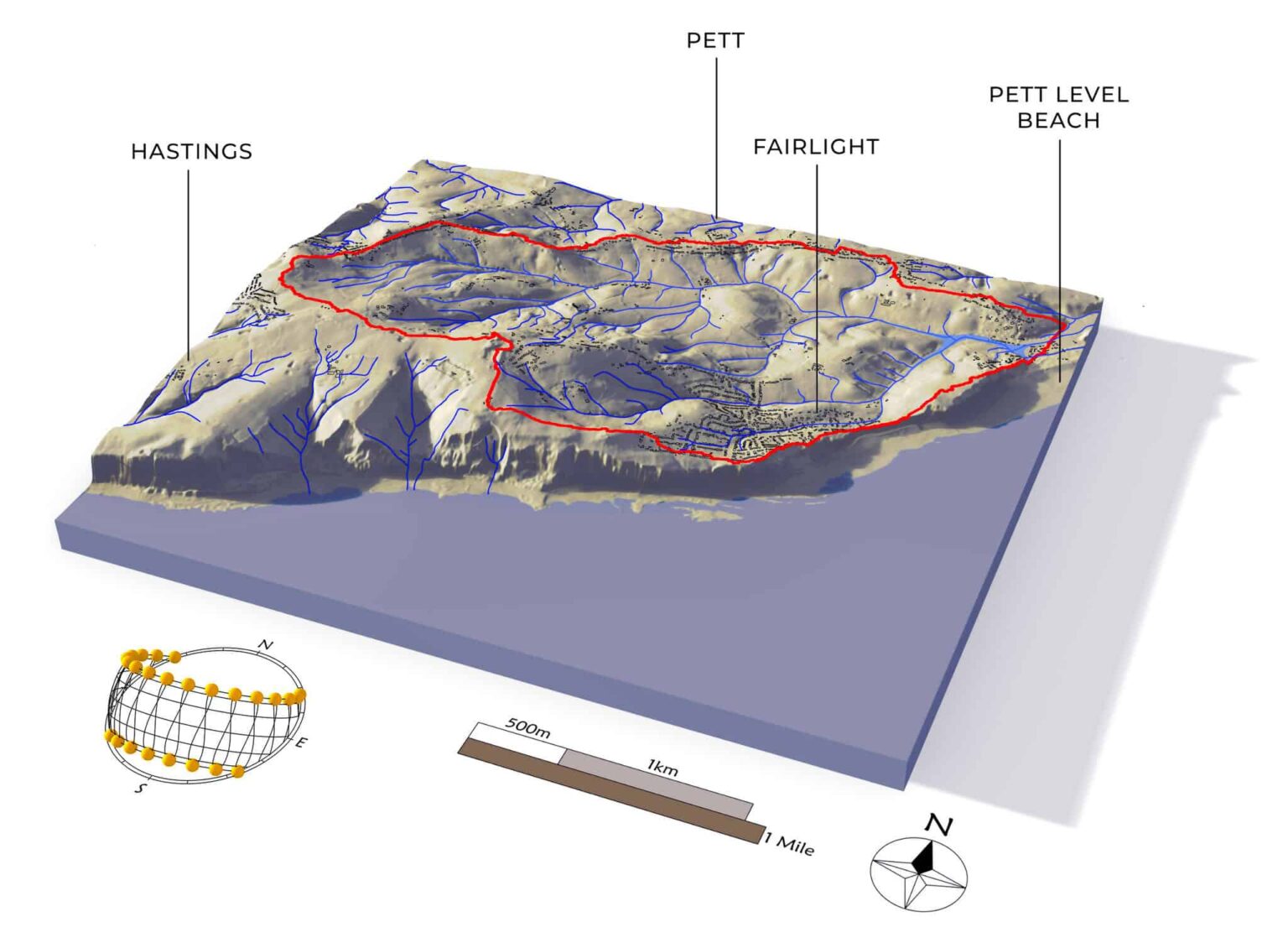 Image: Asuni / RhinoLands
Plant database
8,000+ plant species
that grow.
2D and 3D representation, with growth simulation over time.
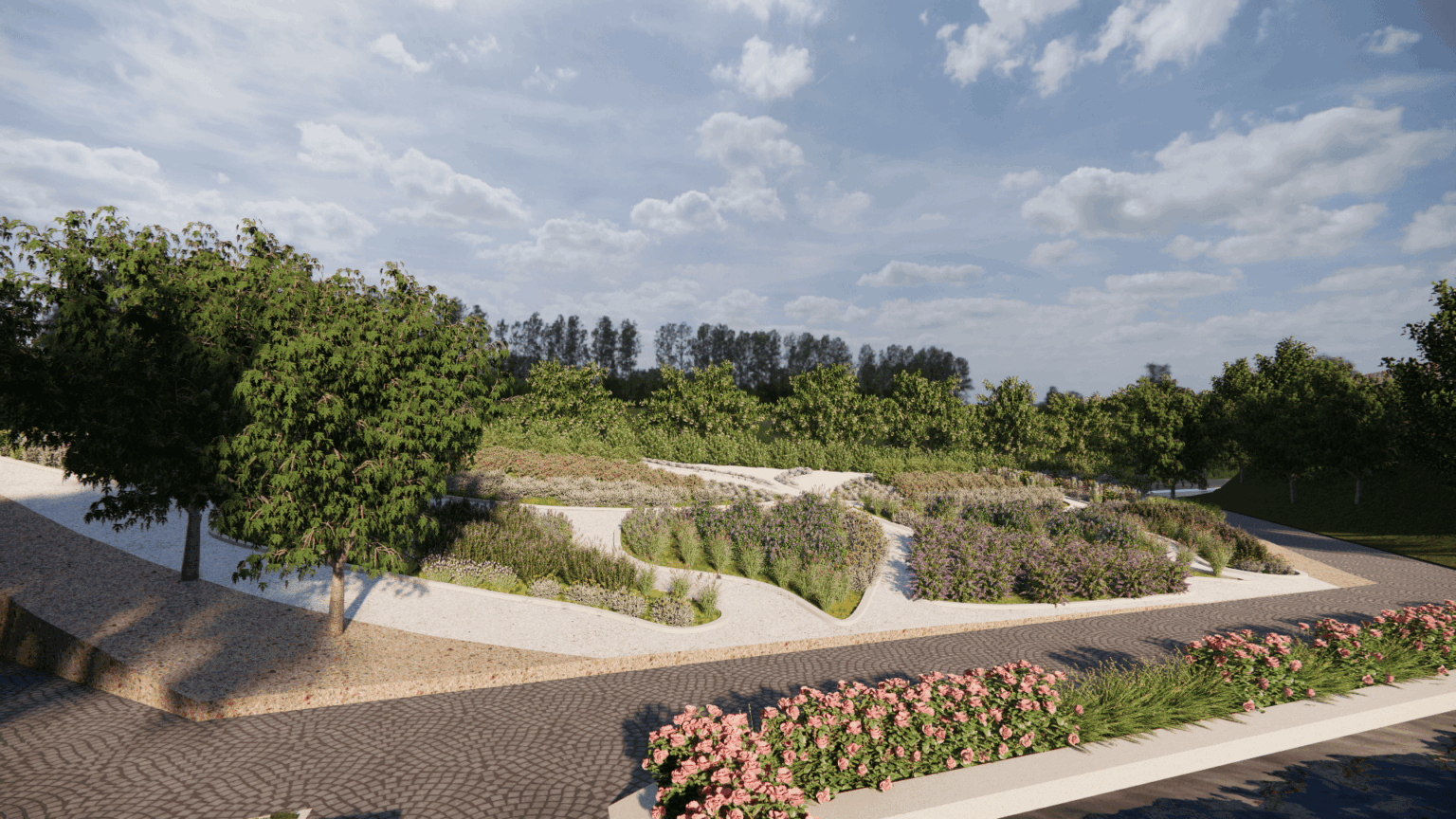 Image: Asuni / RhinoLands
Visualization
The landscape,
as it will be.
Works with Enscape, Lumion, V-Ray and Twinmotion.
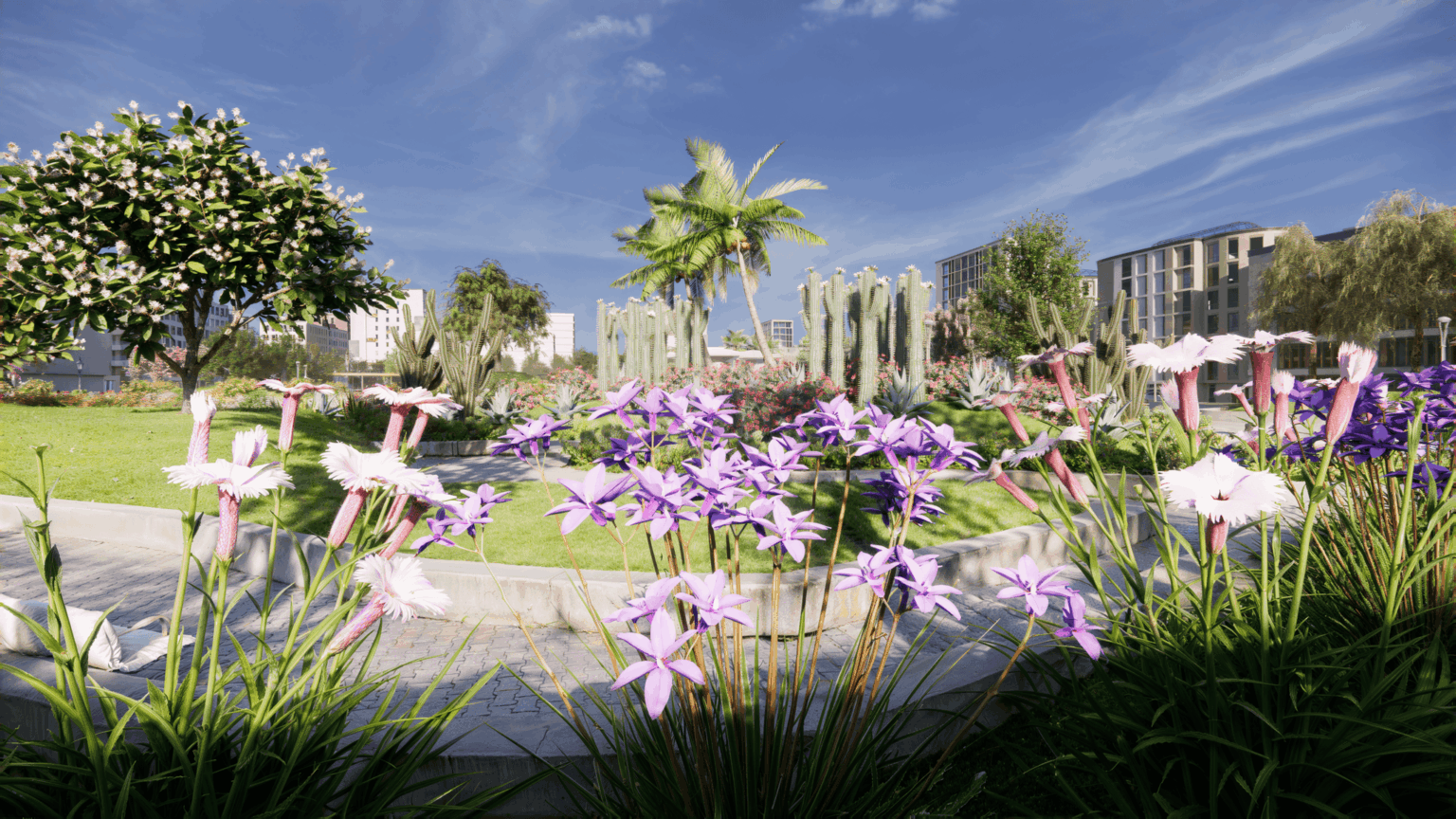 Image: Asuni / RhinoLands
New in RhinoLands 6 · Parametric ramps
Ramps and paths,
parametrically.
Ramps with automatic landings, and automatic schedules for walls, paths and fences.
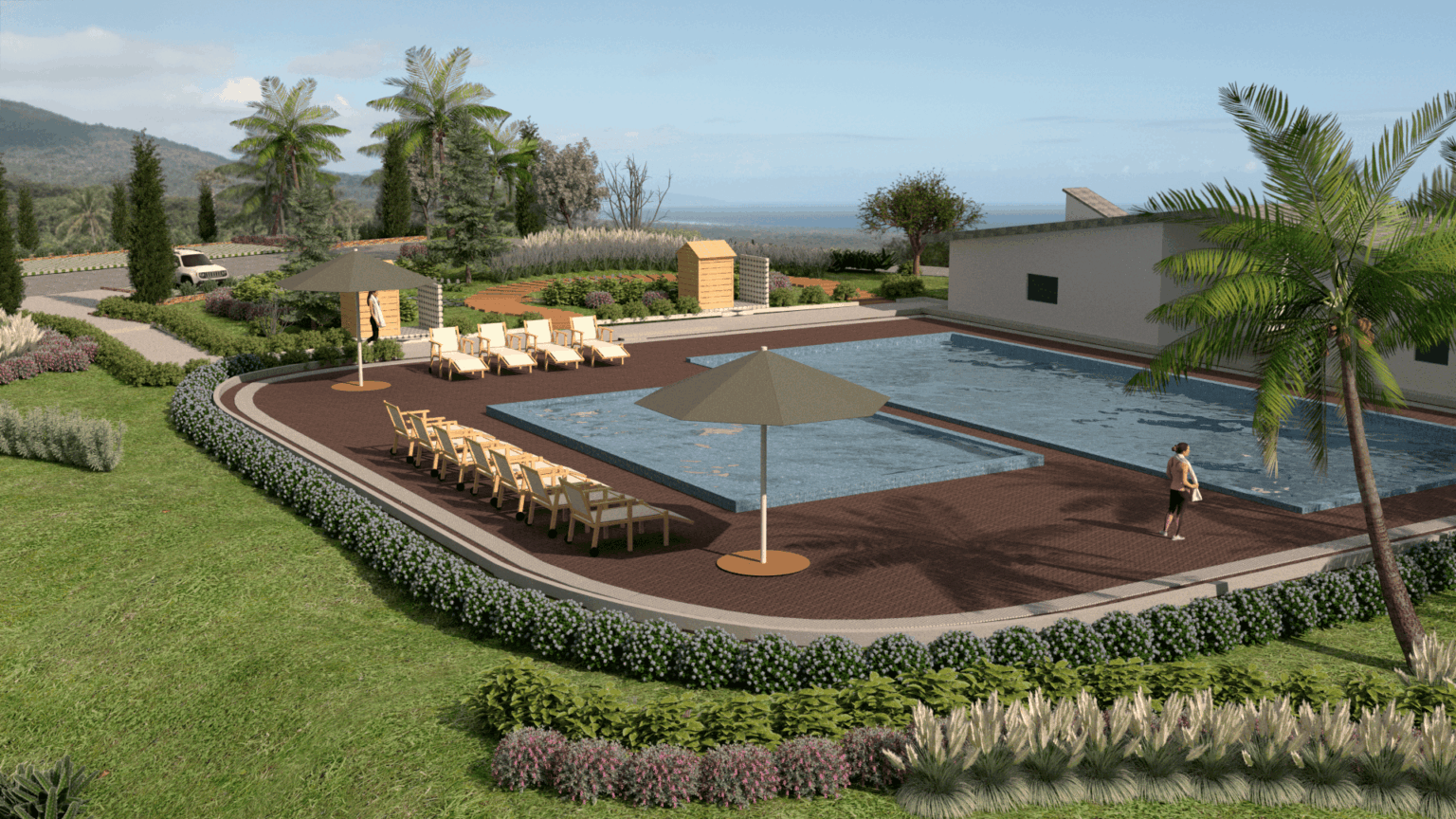 Image: Asuni / RhinoLands
What is RhinoLands
The landscape,
from concept to construction.
RhinoLands is a standalone BIM program for landscape design by Asuni, built on Rhino 8. It includes all the tools of Lands Design in a simplified interface and produces 2D technical drawings, 3D models and documentation for landscape projects of every scale.
Who it's for
RhinoLands
Landscape architecture
at every scale.
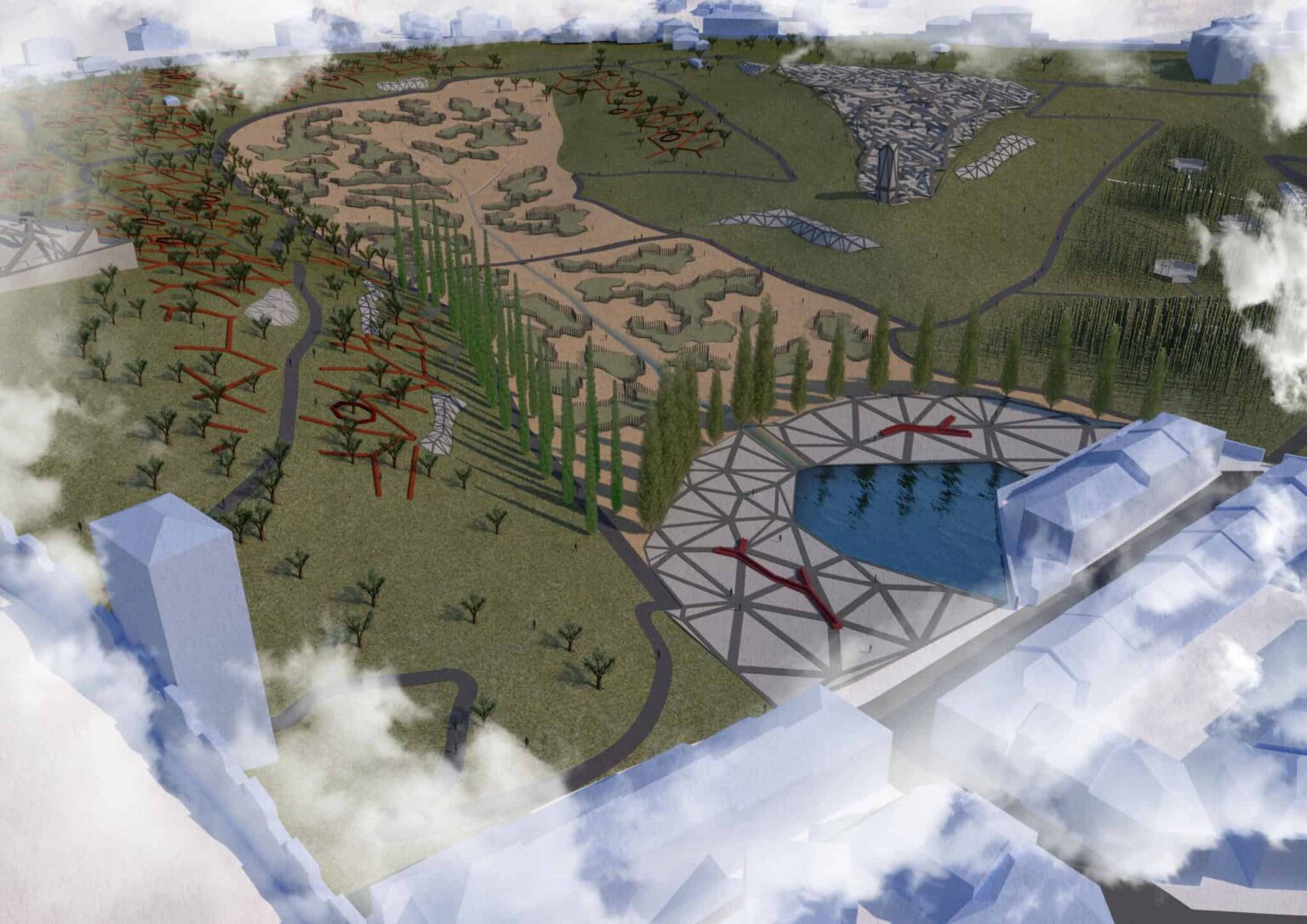
From the garden to the park.
Terrain, planting and BIM documentation, on Rhino 8.
How you work with RhinoLands
From the site
to the planting.
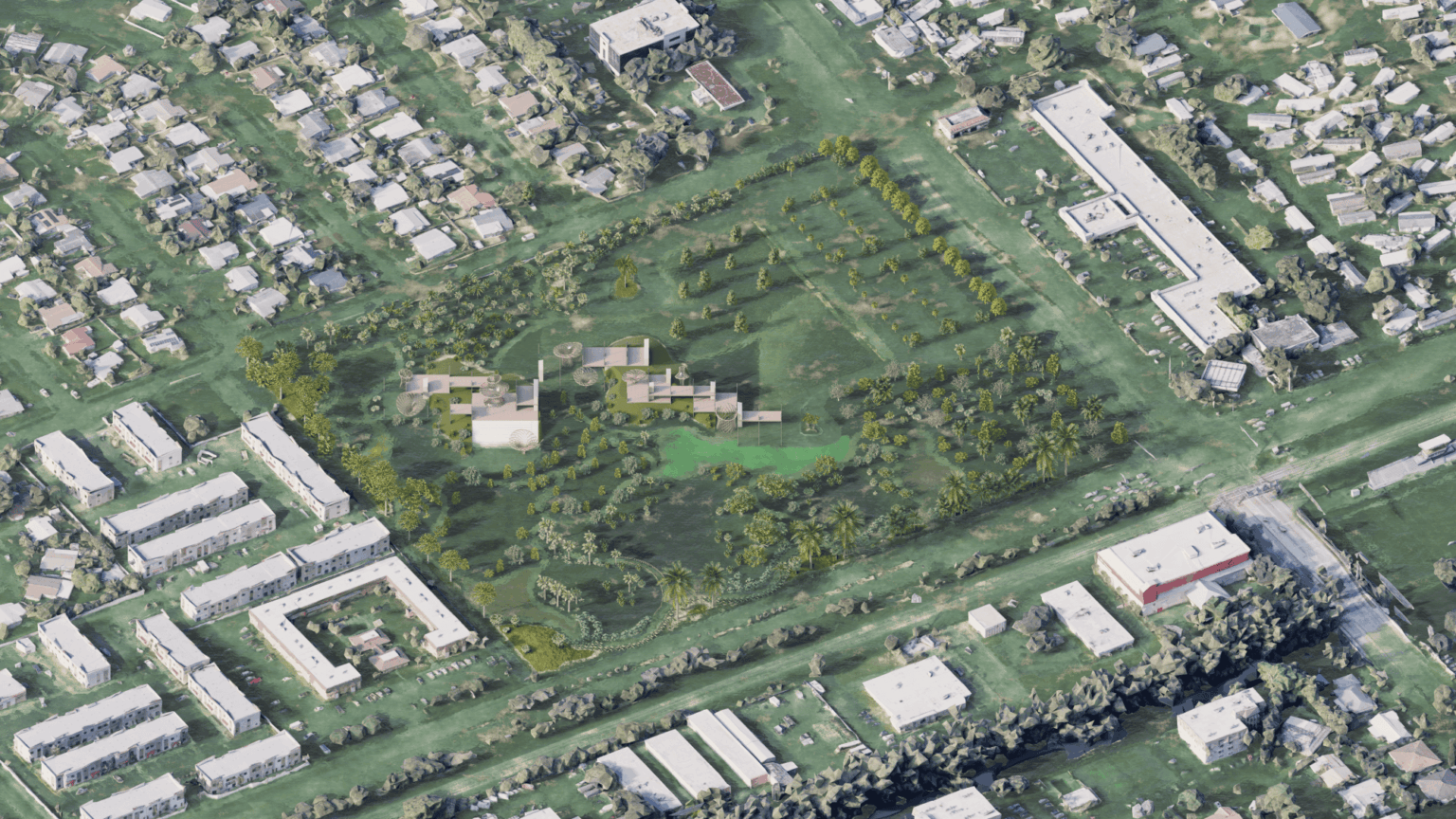 01
01Shape the terrain.
3D terrain from any mesh, and cut-and-fill volume calculation.
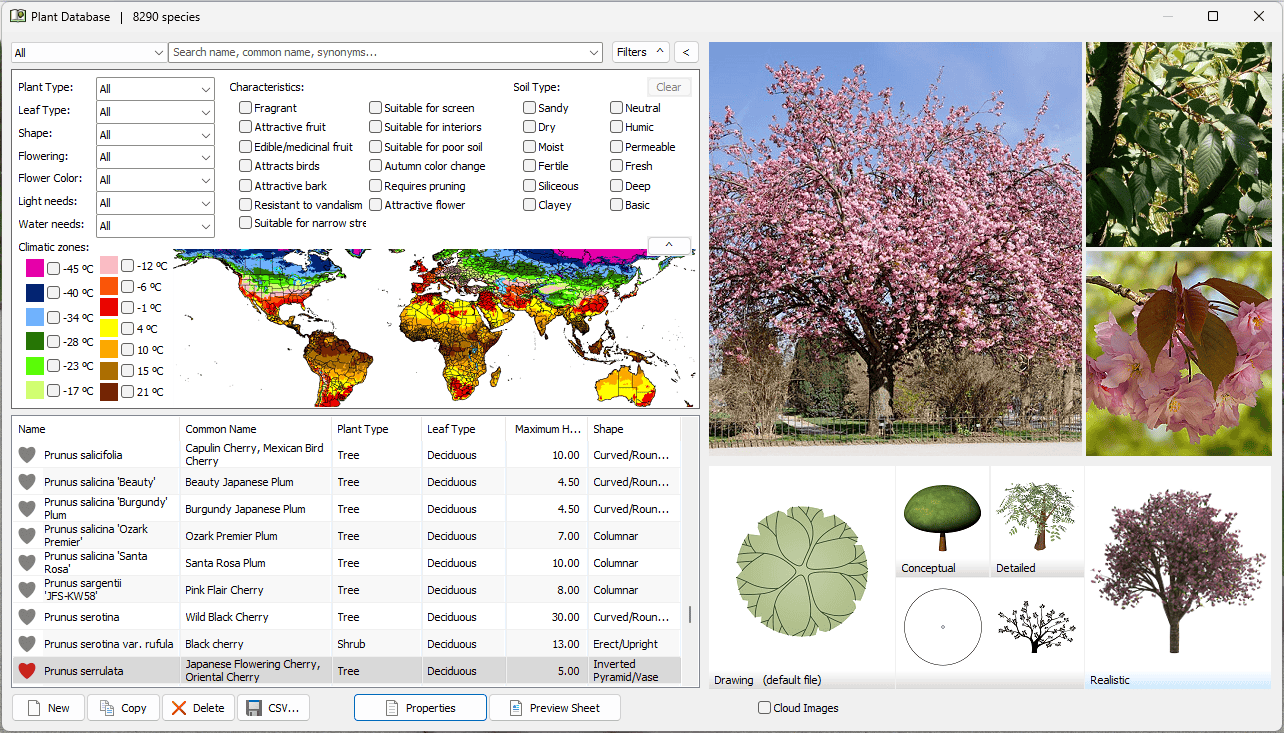 02
02Choose the plants.
Over 8,000 species, with growth simulation over time.
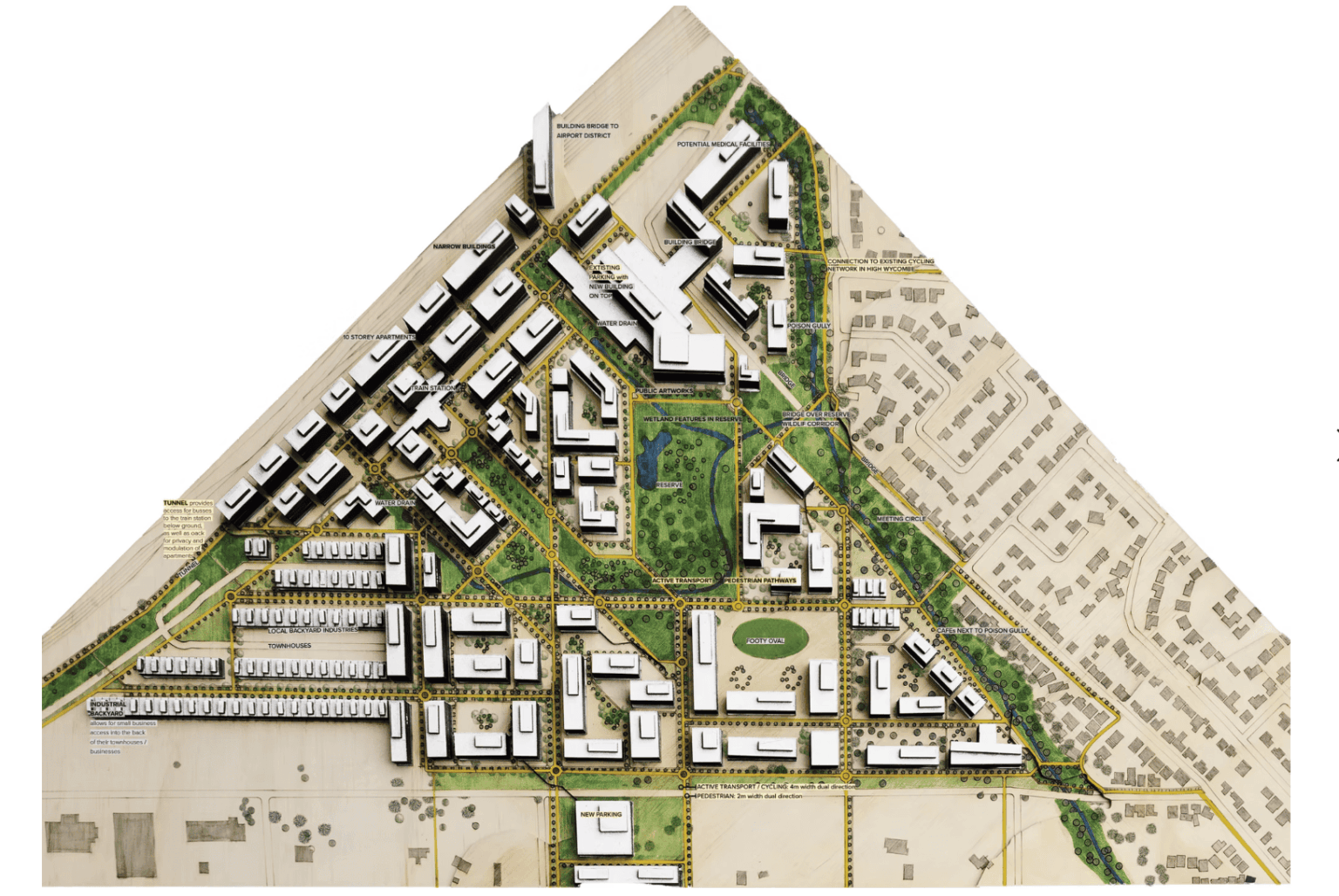 03
03Design parametrically.
Parametric landscape design through Grasshopper.
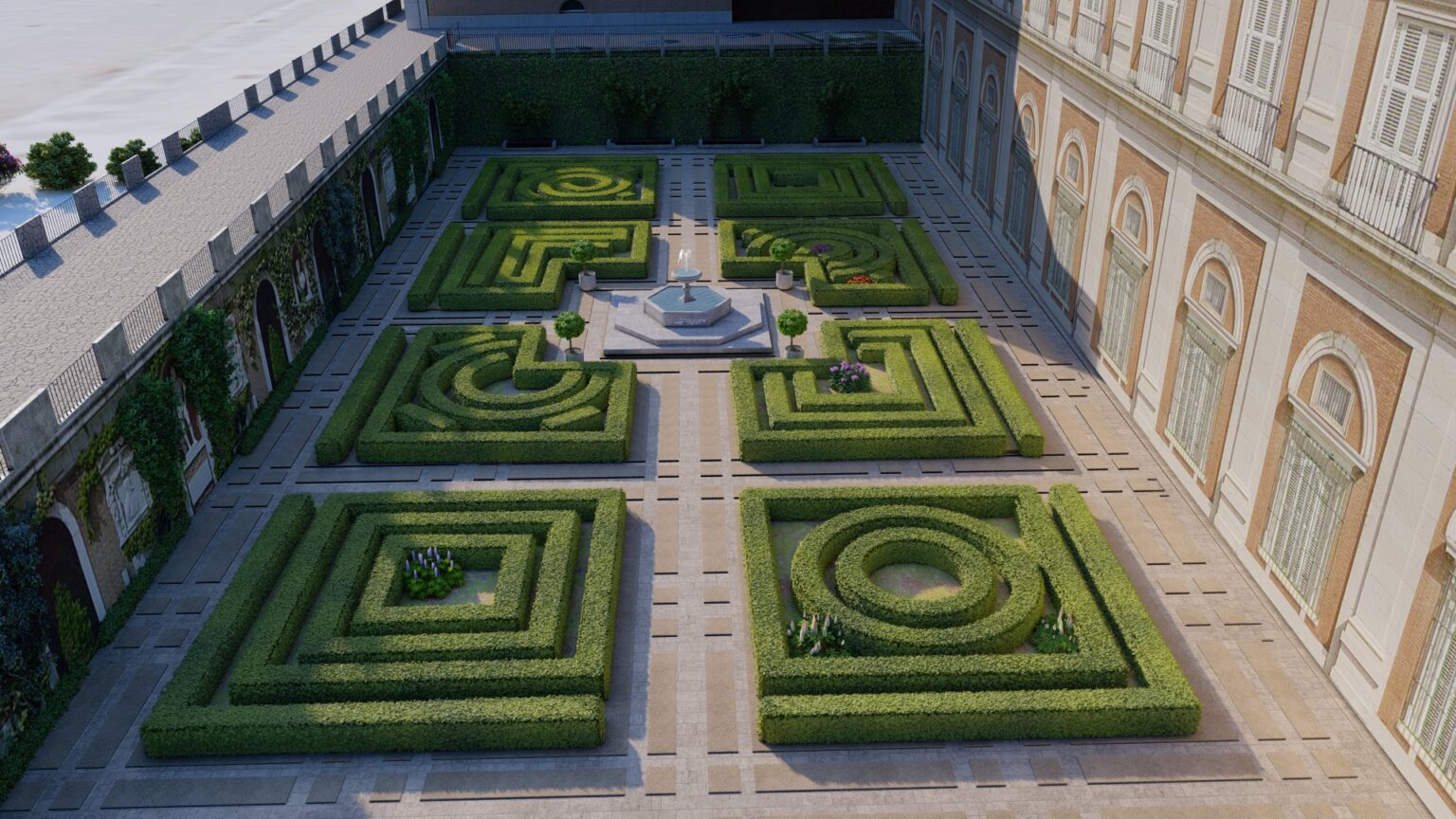 04
04Produce drawings and schedules.
Technical drawings and planting schedules linked to the 3D model.
 05
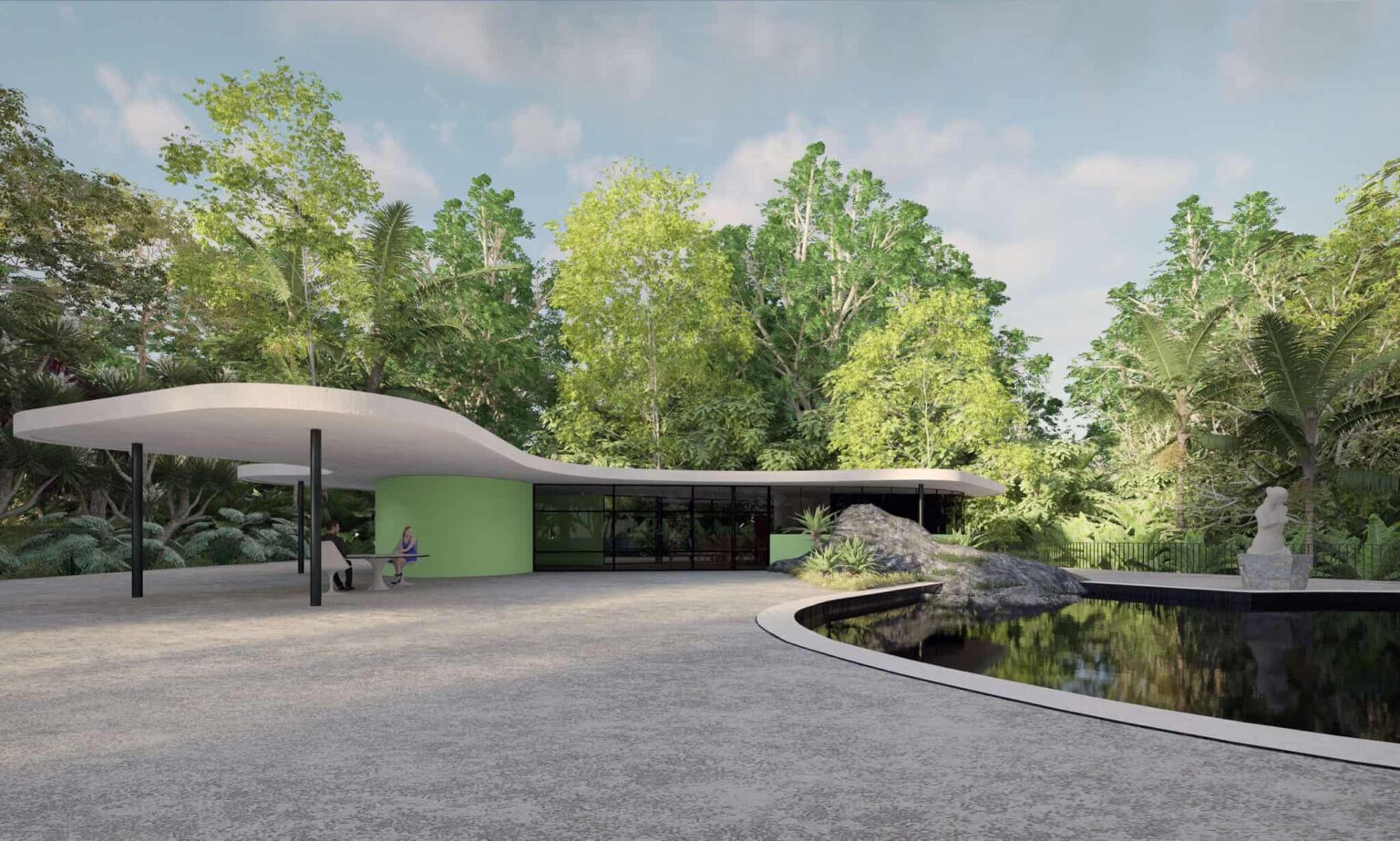
05Show it to your client.
Renders with Enscape, Lumion, V-Ray or Twinmotion.
Features
All the tools
a landscape architect needs.
01Terrain and grading
3D terrain, grading, and cut-and-fill volume calculation.
02Plant database
Over 8,000 species, with 2D and 3D representation and growth simulation over time.
 03
03BIM documentation
Technical drawings and planting schedules linked to the 3D model.
04Grasshopper
Parametric landscape design through Grasshopper.
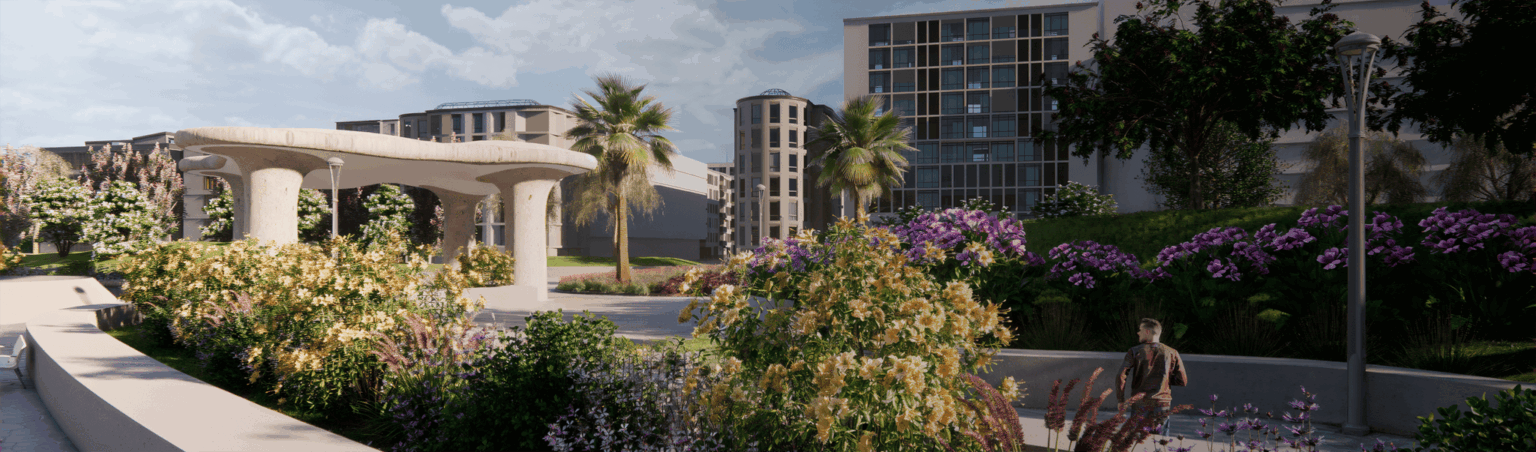
05Visualization
Works with Enscape, Lumion, V-Ray and Twinmotion.
 06
06File exchange
DWG and IFC import and export, SHP import from GIS, export for VR and 3D printing.
What’s new · RhinoLands 6
Simpler.
Faster to work with.
 Simplified interface
A new ribbon with the tools you need, with the option to switch back to Rhino’s classic interface.
Tree canopiesGradient hatches and automatic merging for plants of the same species.
Terrain from any meshCreate terrain from any mesh, including ones with interior holes.
Parametric rampsRamps with automatic landings.
 Automatic schedules
Walls, paths and fences sorted by type and material.
100+ improvementsIncluding 52 new plant species in the database.
From our projects
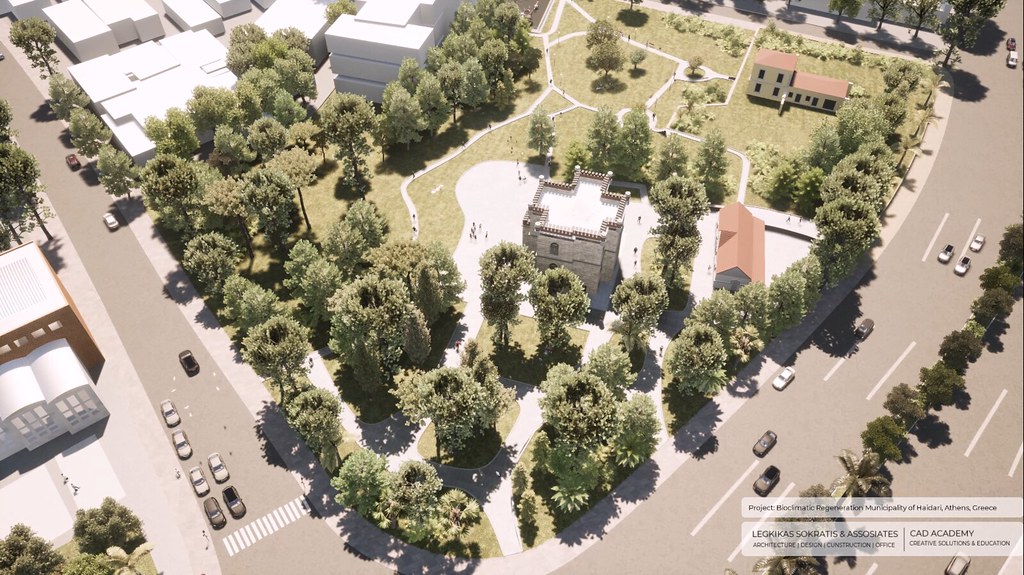
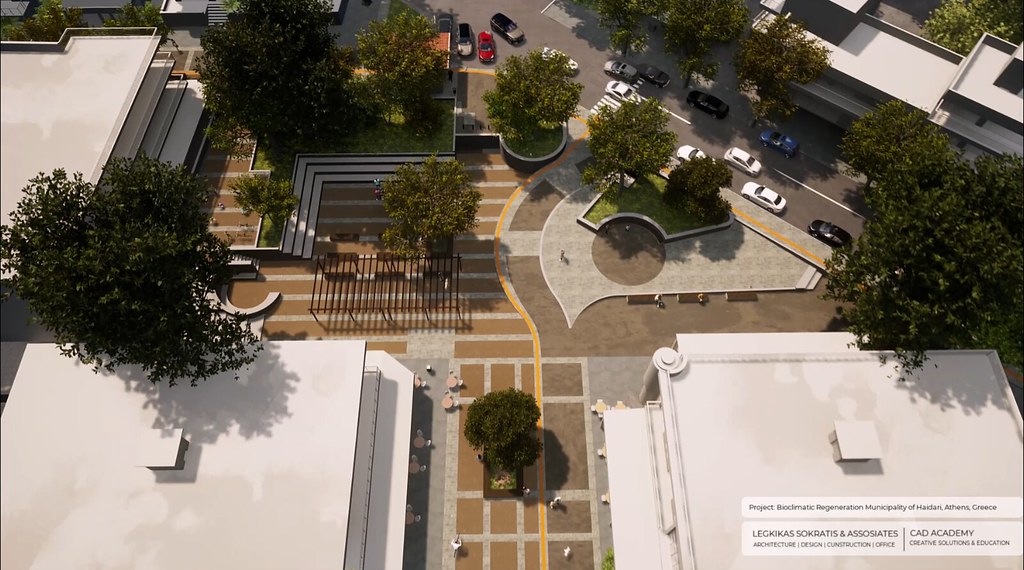
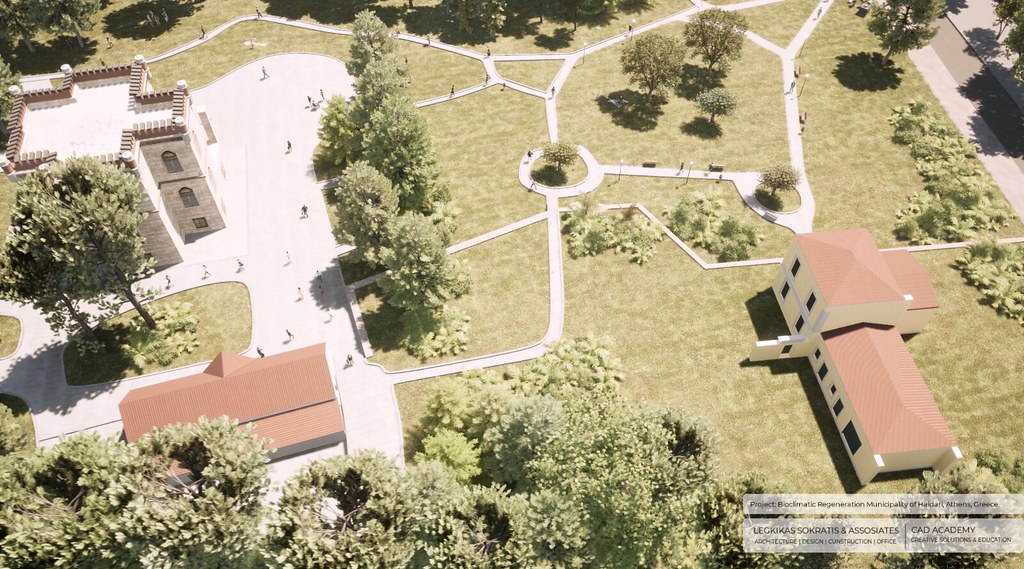
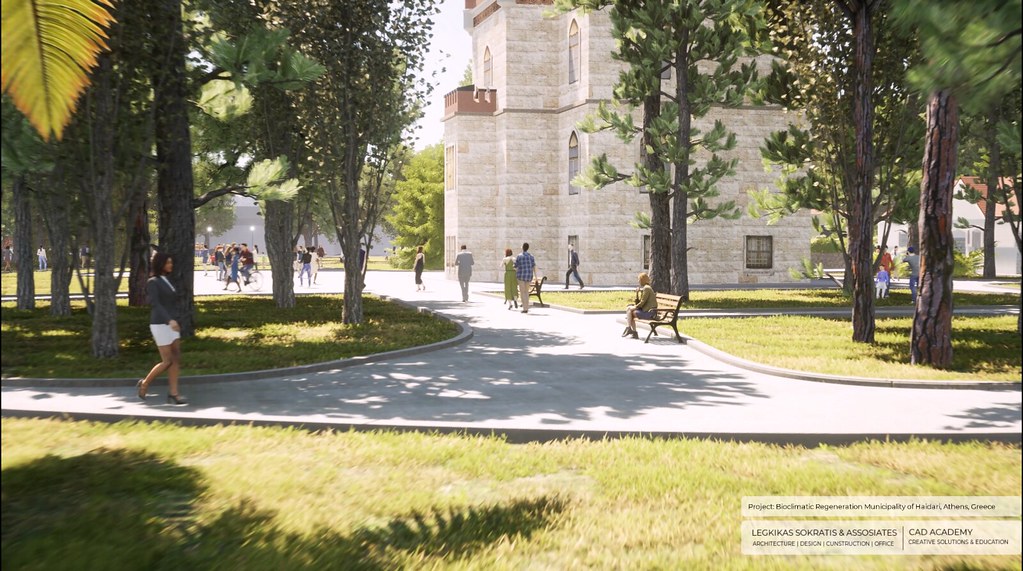
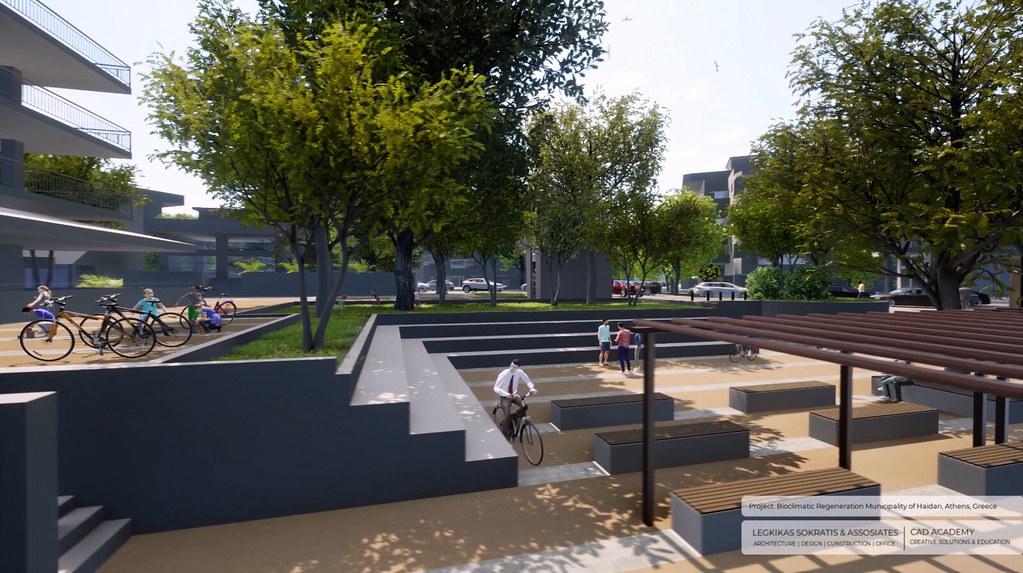
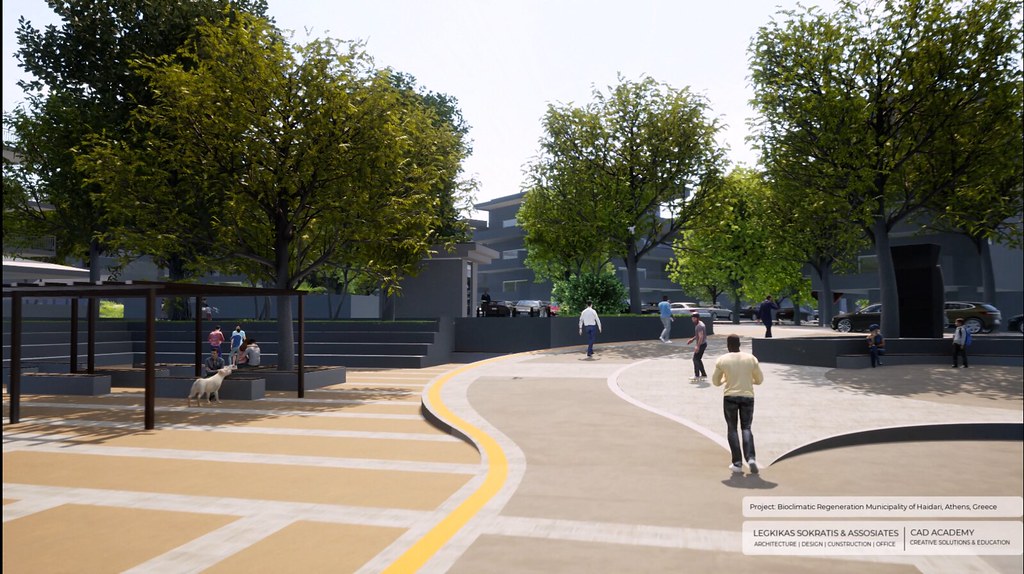
Bioclimatic redevelopment
in Chaidari.
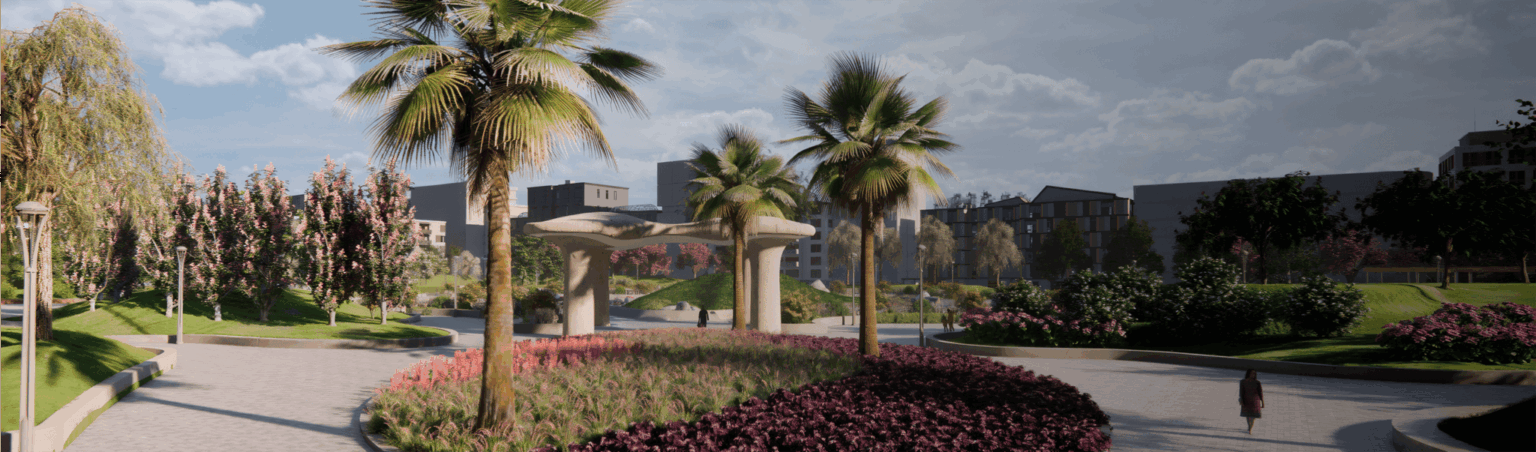
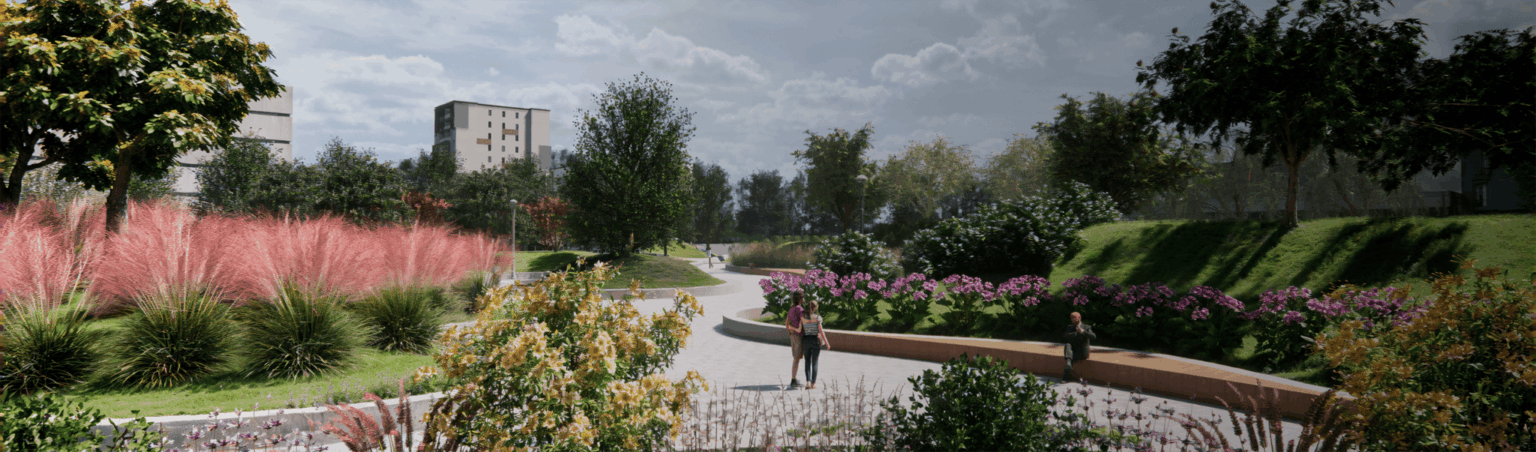
Urban design at the scale of the entire Municipality of Chaidari (2023): a green-space regeneration adapted to the local climate and ecosystem, designed with RhinoLands. The project was featured on RhinoLands’ official page.
Compatibility
On Rhino 8,
open to everyone.
Works with
Windows only. If you already have Rhino, you can get just the Lands Design plugin.
System requirements
Windows
- Windows 10 or 11, 64-bit (Intel or AMD, not ARM)
- 8 GB RAM, 32 GB recommended
- 5 GB disk space, 10 GB on SSD recommended
- OpenGL 4.1 graphics card with 4 GB, 8 GB recommended
An internet connection is required for activation. Requirements at Asuni ›
Licenses
Choose the license
that suits you.
Official licenses with Greek invoicing. Prices excl. VAT.
RhinoLands, with Rhino 8 included, is available as a perpetual license or a monthly or annual subscription.
Perpetual license for students and educators, valid even after graduation.
License for up to 30 computers for schools.
Training
Learn it
at your own pace.
One-to-one private lessons, online or in person, with a certified instructor and a program tailored to you.

Workstation
We recommend
CAD Essential.
The category CAD Essential are the computers we’ve selected for 2D/3D design and modeling with RhinoLands: 16 to 32 GB of memory and an NVIDIA RTX graphics card, so your model moves smoothly on screen. In the store you’ll find them marked «Suitable for», all with warranty and technical support.
Frequently asked questions
Before you buy.
Do I also need to buy Rhino?
No. RhinoLands includes Rhino 8. If you already have Rhino, you can get just the Lands Design plugin.
Is there a subscription?
Yes, monthly or annual, in addition to the perpetual license.
Does it work on Mac?
No. It runs on Windows 10 and 11 only.
How do I receive the license?
The license is digital. Once your order is complete, you receive the activation details by email.
Do you issue invoices?
Yes. We issue an invoice or receipt with Greek VAT. Prices on this page exclude VAT.
Who is eligible for an educational license?
Students, educators and educational institutions, with the documentation required by the manufacturer.
Do I get the software with Teams courses?
Yes. In Teams courses, the software is provided for the full duration of the course.
And with E-Learning courses?
The software license is not included in E-Learning. For practice you use the manufacturer's trial version, in line with its policy. You get your license at the official price from the our store.
Do I need help with installation?
We help you with activation and installation. Contact us for technical support.
Tell us what you design.
We'll suggest the combination that gets the job done.