







V-Ray · Chaos · V-Ray for SketchUp
Download and install V-Ray.
This page provides information on downloading, activating and using the free V-Ray Premium trial.
Overview
Activating the free V-Ray Premium trial consists of the following steps:
- Sign in or create an account at www.chaos.com.
- Start your V-Ray trial on the page Free Trials.
- Download the trial version.
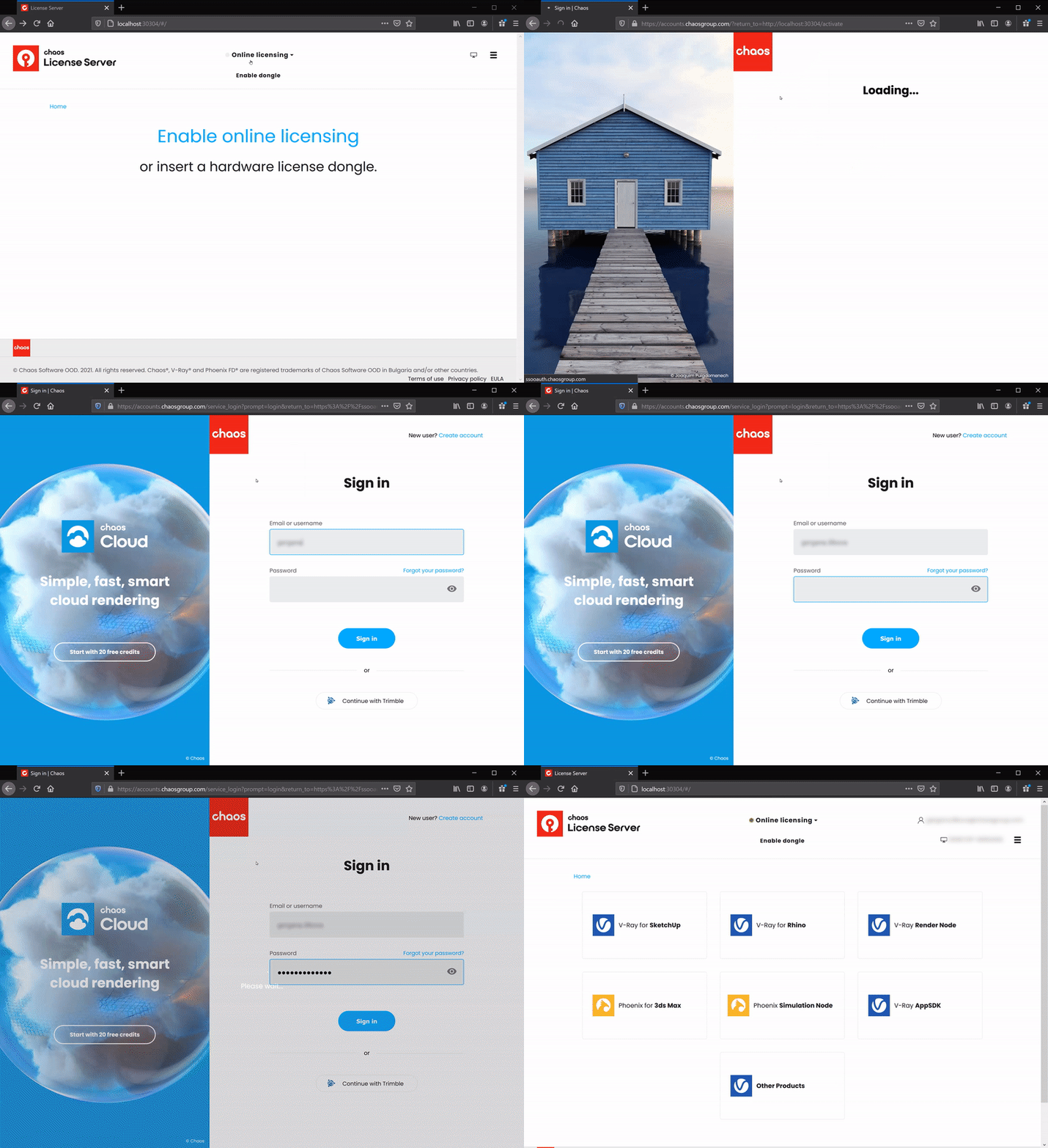
- Activate the server License Server.
If you have already purchased a commercial license, you are not eligible for the free trial.
The free V-Ray Premium trial gives you access to the following products:
- V-Ray for 3ds Max
- V-Ray for Maya
- V-Ray for Sketchup
- V-Ray for Rhino
- V-Ray for Revit
- V-Ray for Cinema 4D
- V-Ray for Houdini
- V-Ray for Nuke
- Phoenix for 3ds Max
- Phoenix for Maya
- Chaos Cosmos
- Chaos Scans
- Chaos Player
1. Sign in or create an account
Sign in to your account at Chaos or create a new one.
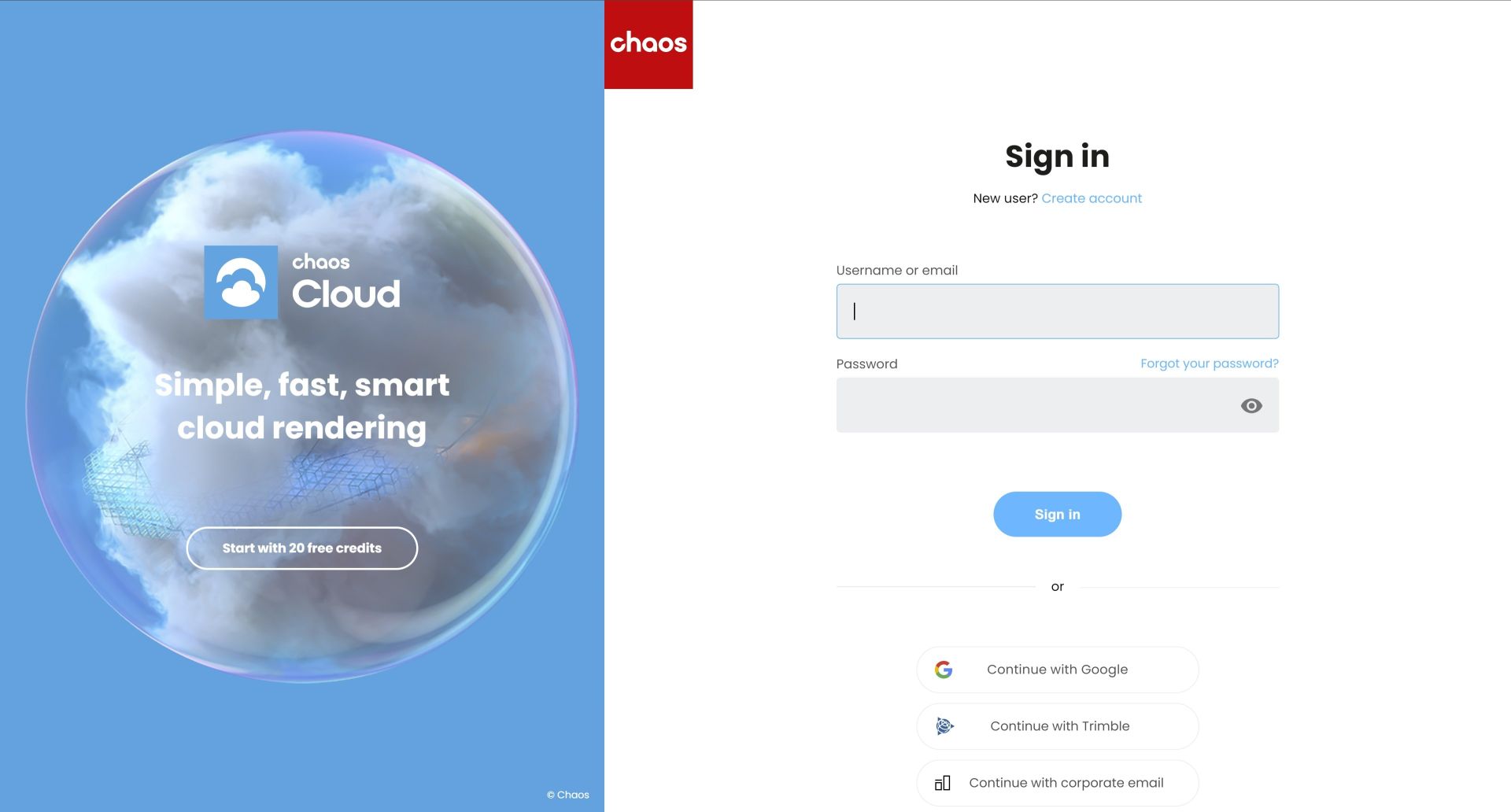
2. Start the trial version
Sign in to your account at Chaos or create a new one.
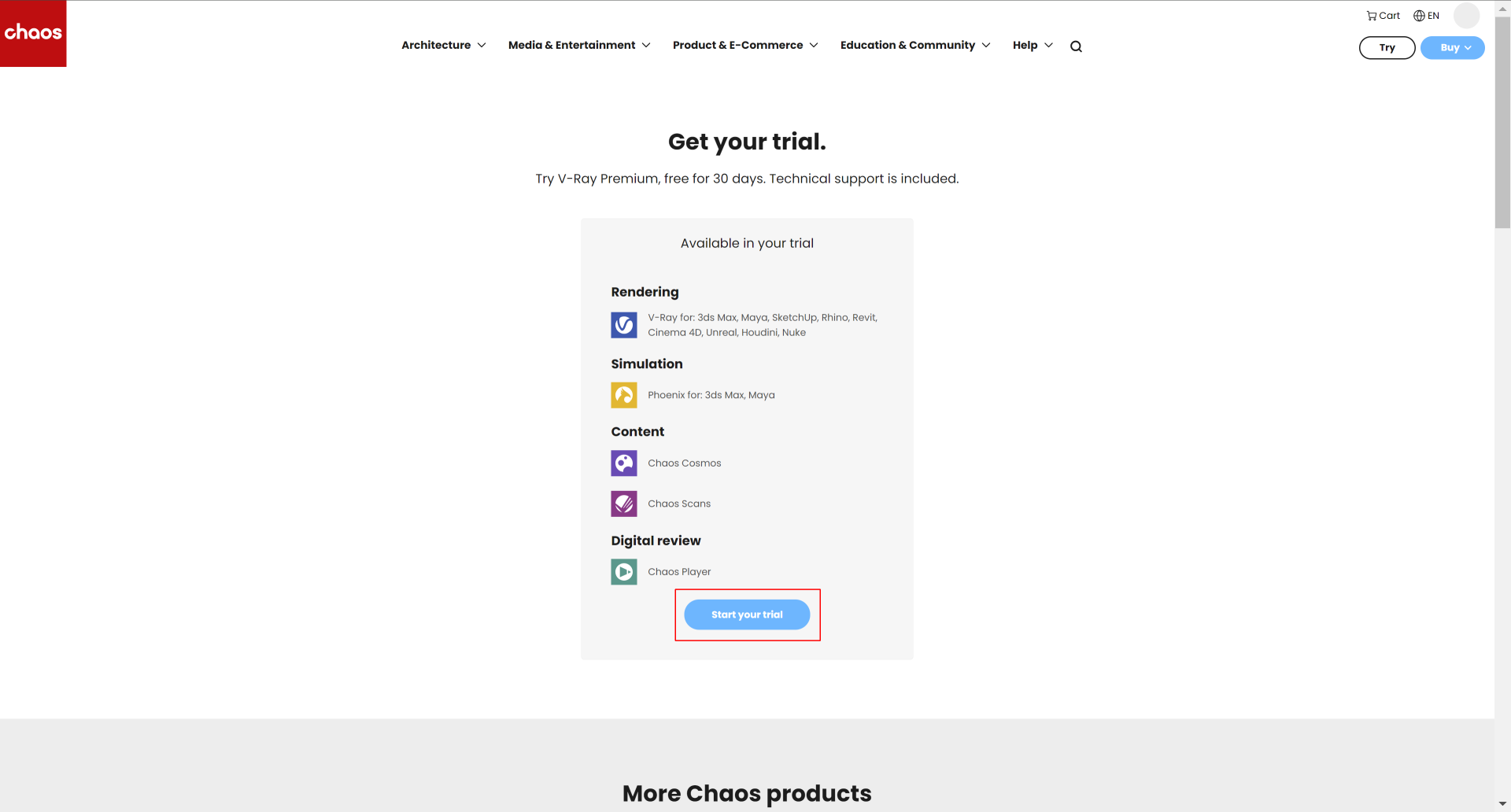
- Go to the page Free trials page or click the button Try on the main page of Chaos.
- Click the button Start your trial.
- Confirm your email.
3. Choose a product
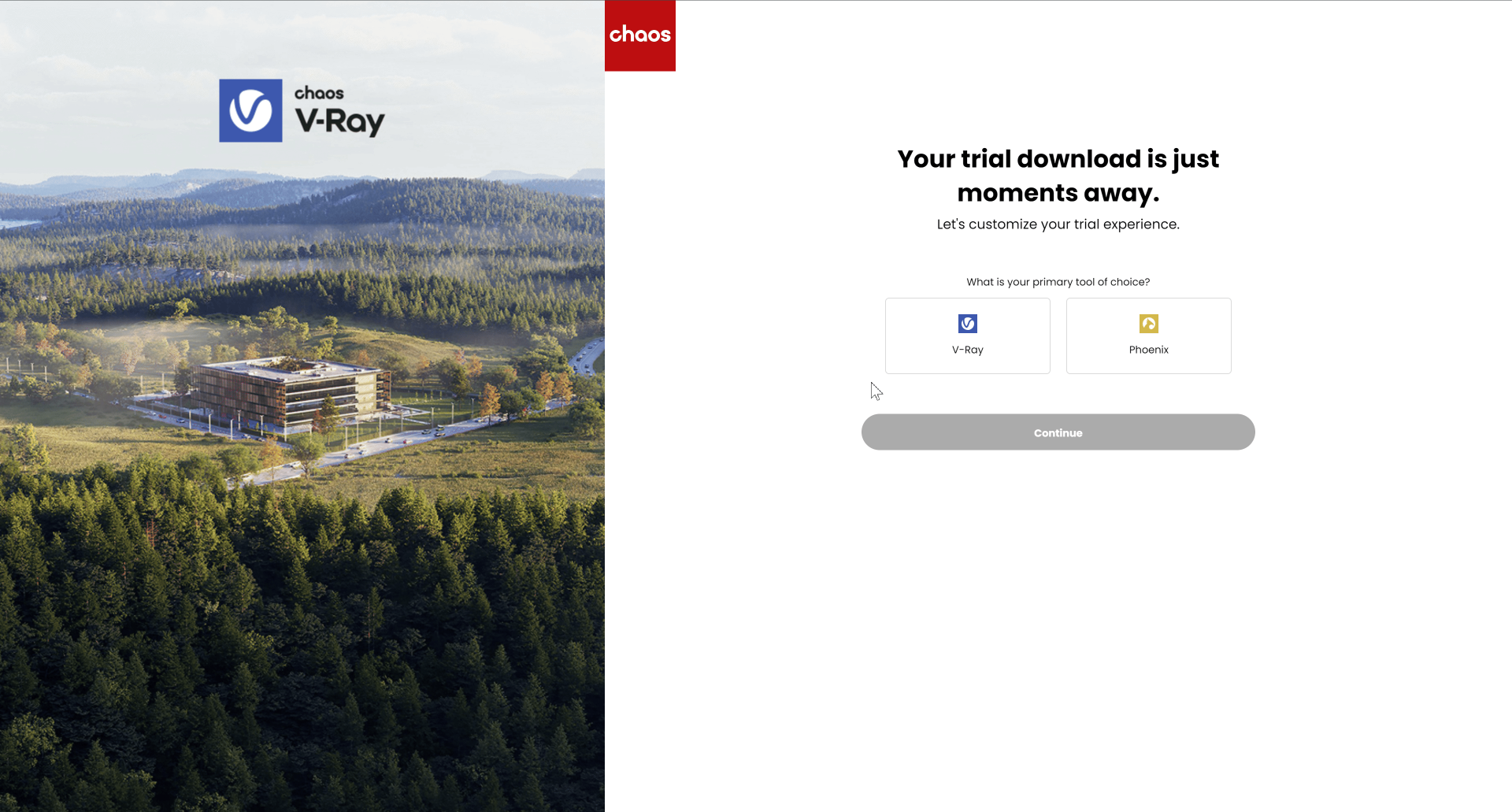
- Choose the product you want to try.
- Complete the short survey.
- Now you can explore everything included in the 30-day free trial.
4. Download trial products
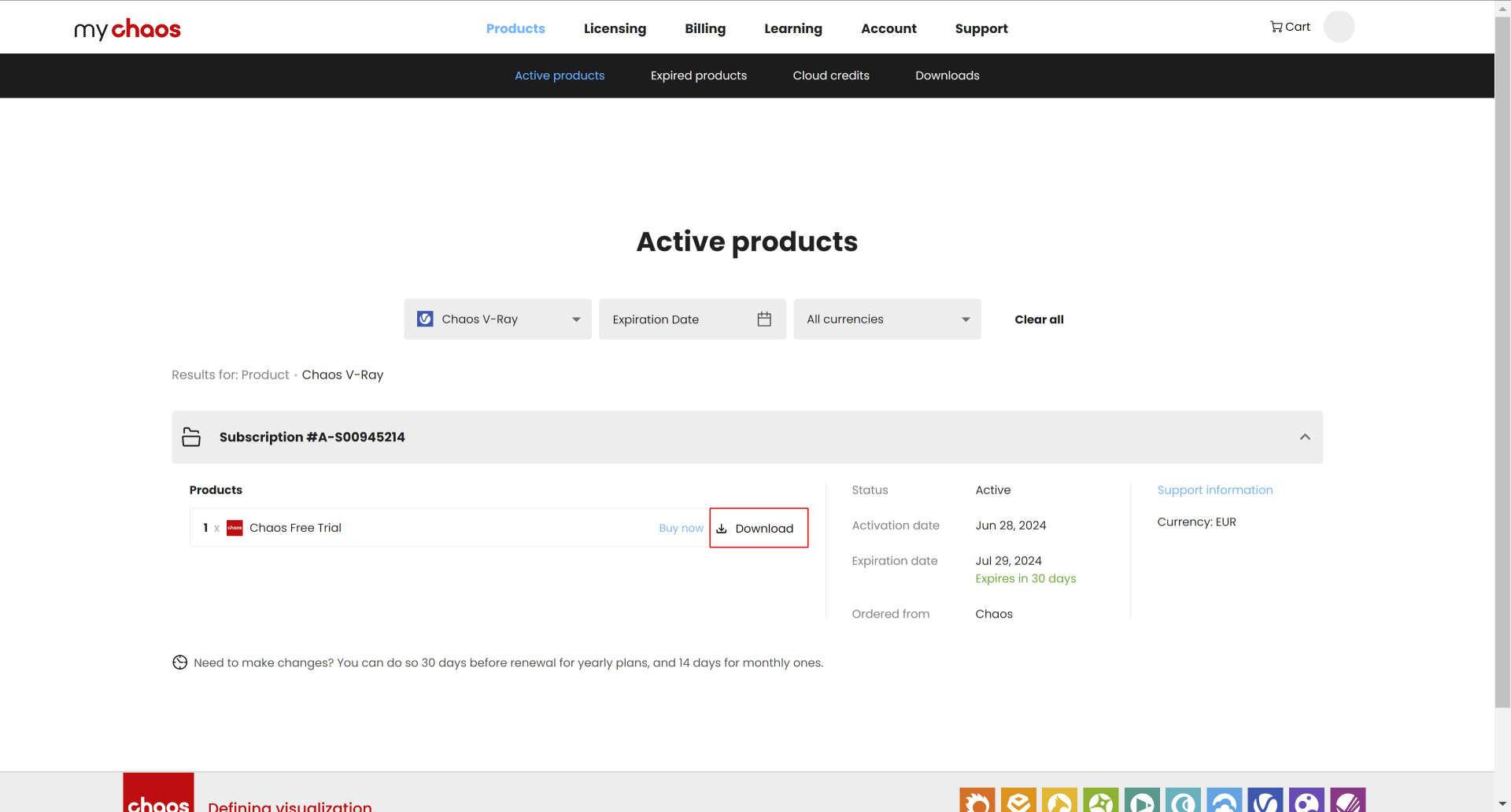
You're now redirected to the product page My Chaos Download. Download all the products you want to try here.
Once the file has downloaded, run the installer on your computer.
You can always download more products during the 30-day trial period from the My Chaos portal. Go to Products > Active Products > V-Ray Premium Free Trial > Download to download more products from this trial bundle.
My Chaos Active Products
5. Activate the License Server
- To run your product, you need to activate the license.
- After installation, the License Server web page opens automatically. You can also access it at localhost:30304 in a browser.
- Sign in with your Chaos credentials.
- You're now ready to use your Chaos product.